Publish a DLP ruleset
Publish a ruleset to activate draft rules and policies. Publishing creates a new immutable version of the ruleset, immediately synchronised with workers.
Permissions
This action requires the following DLP (Data Loss Prevention) role:
- rule_publisher
Publishing is irreversible. A published version cannot be modified. To revert to a previous version, use rollback.
- Console
- API
Console
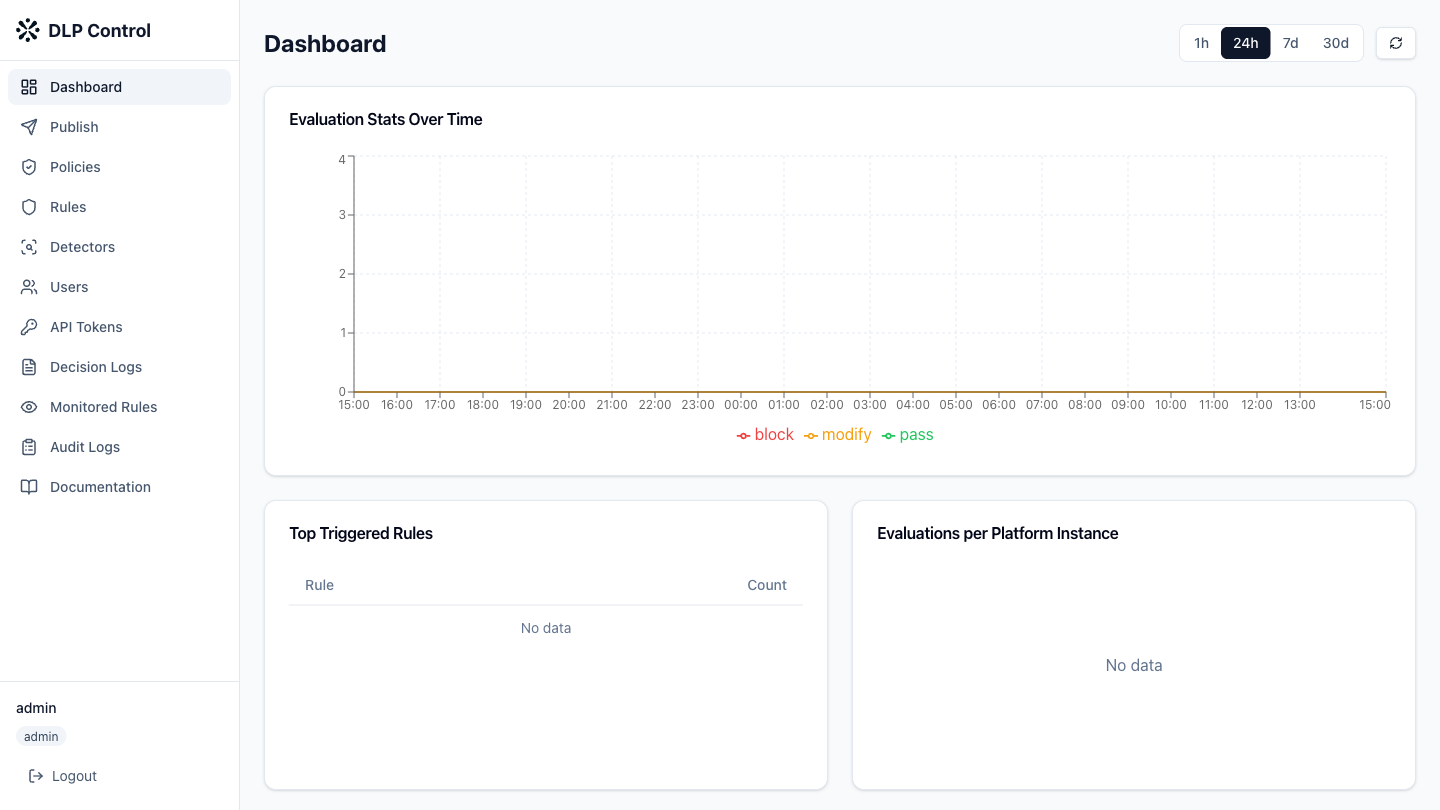
- In the DLP console, click Publish in the sidebar.
Reviewing changes
The publishing page displays:
- the currently published version;
- the number of draft rules;
- the number of draft policies;
- the detailed list of changes compared to the current version.
Review the changes before publishing.
Publishing
- Enter a description for the new version — for example,
Added AWS key blocking rule; - Click Publish to publish the new version;
- A confirmation message appears indicating that the ruleset is published and workers are synchronising.
Workers retrieve the new version within 30 seconds.
Rollback
To restore a previous version:
- On the Publish page, view the version history;
- Click Rollback next to the version to restore;
- Confirm the rollback.
Rollback creates a new version (N+1) identical to the selected version.
Publish a ruleset
The POST /api/v1/rulesets/publish request publishes a new version of the ruleset.
Request example
{
  "description": "Added AWS key blocking rule"
}
Response example
{
  "version": 3,
  "description": "Added AWS key blocking rule",
  "rules": [
    {
      "id": "rule-550e8400",
      "name": "block-aws-keys",
      "condition": "tool_arguments matches_detector @preset:aws_access_key_id",
      "action": { "type": "block", "message": "AWS key detected" }
    }
  ],
  "policies": [
    {
      "id": "policy-9f8e7d6c",
      "name": "mistral-prod-policy",
      "rule_ids": ["rule-550e8400"],
      "default_action": "block"
    }
  ],
  "custom_detectors": [],
  "schema_version": "1.0",
  "published_by": "admin",
  "published_at": "2026-08-27T10:30:00Z"
}
Performing a rollback
The POST /api/v1/rulesets/rollback request restores a previous version.
Request example
{
  "version": 2
}
Rollback creates a new version (N+1) identical to version 2.