Delete a DLP policy
Permanently delete a DLP policy. This action is irreversible. Only draft policies can be deleted.
Permissions
info
This action requires the following DLP (Data Loss Prevention) role:
- rule_editor
warning
Deletion is permanent. Policies already published in a ruleset are not affected — only draft policies are deleted.
- Console
- API
Console
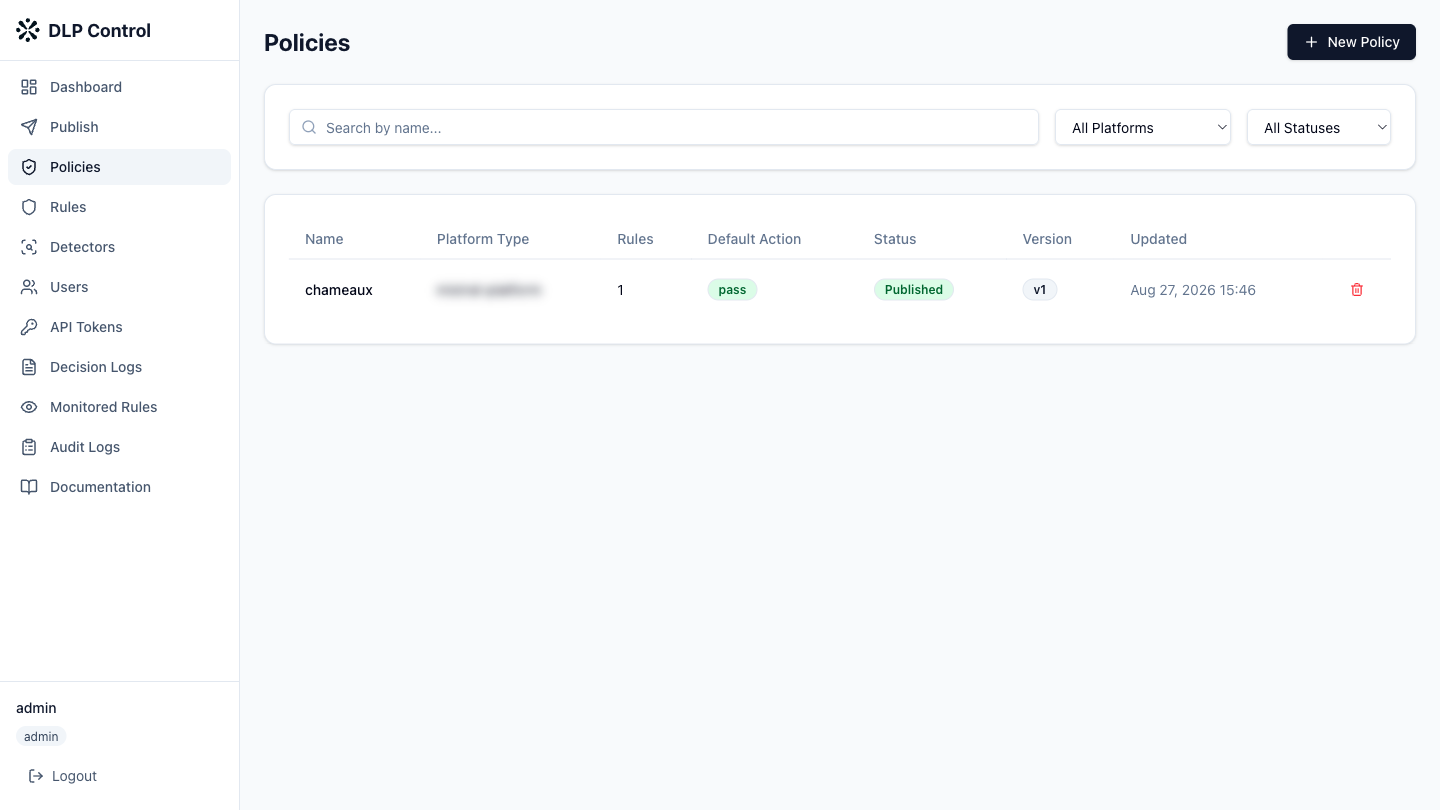
- In the DLP console, click Policies in the sidebar.
- Click the delete icon (trash) on the row of the policy to delete.
- Confirm the deletion in the dialog box.
The DELETE /api/v1/policies/{id} request deletes a DLP policy.
Response example
HTTP/1.1 204 No Content