Access the DLP console
Introduction
The DLP (Data Loss Prevention) service has its own standalone web console, independent of the Numspot console. This console is accessible via a dedicated URL, provided when the service is deployed.
Getting the console URL
The DLP console URL is defined by the TLS_HOSTNAME parameter configured during service deployment. To obtain this URL:
- Log in to the Numspot console;
- Access the details of the deployed DLP instance;
- Note the access URL displayed in the instance information.
Logging in
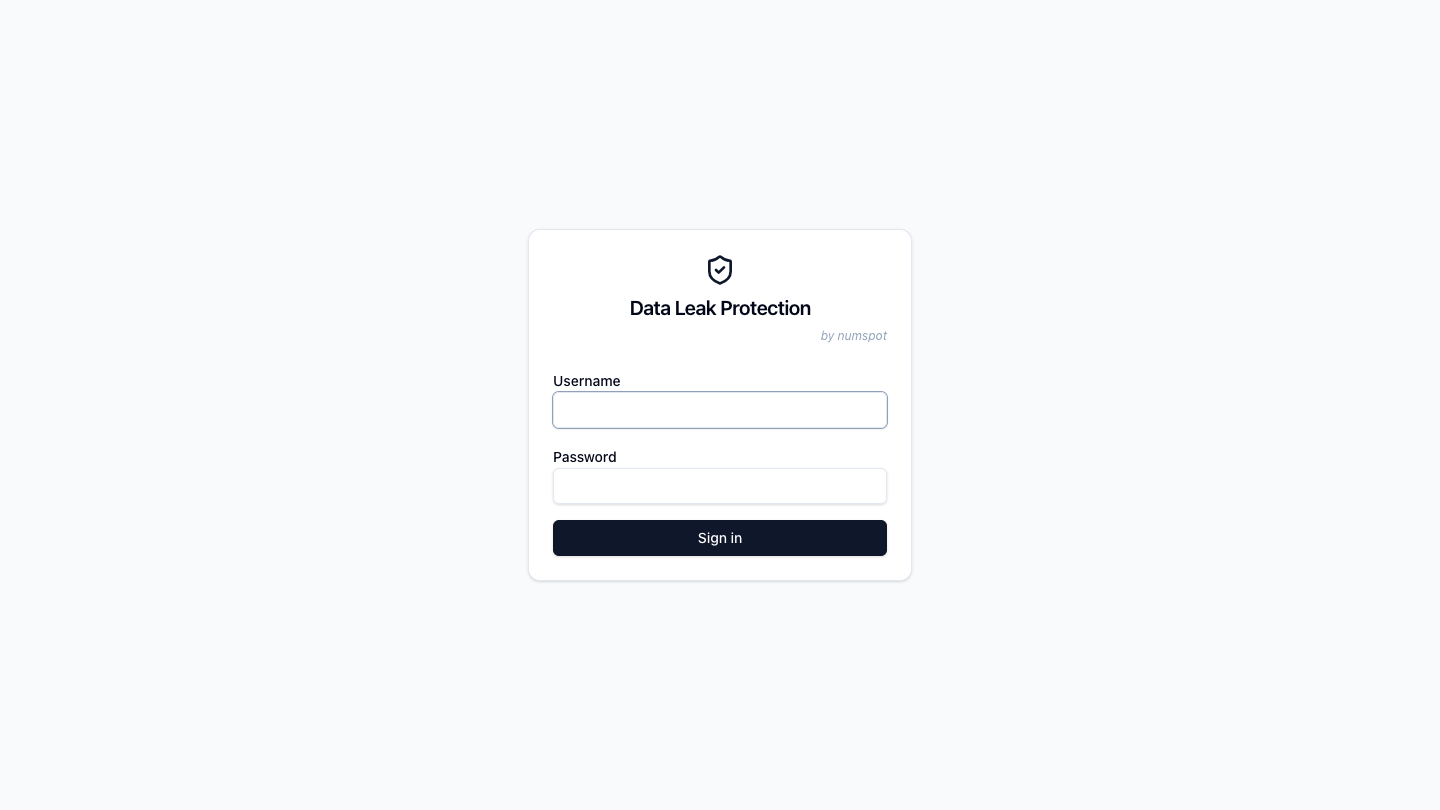
- Open the DLP console URL in your browser;
- Enter your credentials on the login page;
- On the first login with the admin account, change the password — the change is mandatory (8 characters minimum).
warning
After 5 failed login attempts, a 5-minute lockout is applied per username.
Console navigation
The DLP console has the following sections in the sidebar menu:
- Dashboard: real-time evaluation statistics;
- Publish: publication and rollback of rulesets;
- Policies: management of policies;
- Rules: management of rules;
- Detectors: management of predefined and custom detectors;
- Users: management of users;
- API Tokens: creation and management of API tokens (Bearer authentication);
- Decision Logs: viewing of decision logs;
- Monitored Rules: viewing of monitored events;
- Audit Logs: viewing of the audit trail;
- Documentation: built-in service documentation.
Logging out
Click your username in the top right corner of the console, then select Sign out. The session is destroyed and you are redirected to the login page.
info
The session duration is 8 hours. After that, you must log in again.