Create a DLP rule
Create a DLP rule to inspect requests flowing through platforms and apply an action when sensitive data is detected.
A rule consists of a condition — expressed in DSL — and an action from pass, block, modify or monitor. The rule is created as a draft. To activate it, publish it in a ruleset.
Permissions
This action requires the following DLP (Data Loss Prevention) role:
- rule_editor
- Console
- API
Console
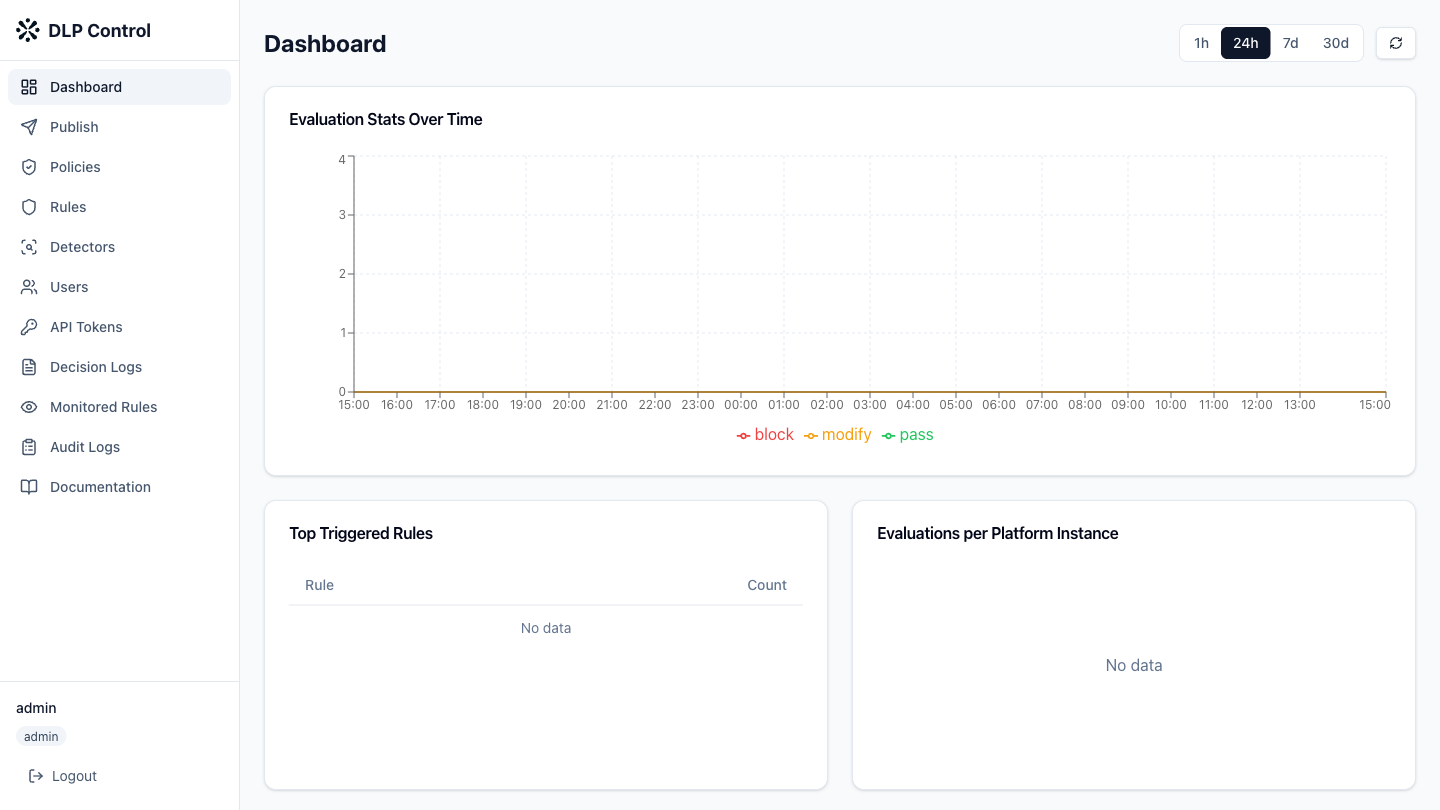
- In the DLP console, click Rules in the sidebar.
- Click the New Rule button to open the rule editor.
General information
Fill in the rule information:
| Field | Example value | Description |
|---|---|---|
| Name | block-aws-keys | Name of the rule |
| Description | Block AWS access keys | Description of the rule |
| Platform type | mistral-platform | Target platform type |
Condition configuration
Build the rule condition using the visual editor or by entering the DSL directly.
Visual editor:
- Click Add condition to add a condition;
- Select the field to inspect from the dropdown list (
tool_arguments,tool_calledorrequest_time); - Select the operator:
matches_detectorornot_matches_detector; - Enter the DLP detector reference:
@preset:<id>for a predefined detector,@custom:<id>for a custom detector; - To combine conditions, use the AND or OR operators;
- To group conditions, use parentheses.
DSL editor:
Enter the DSL expression directly. Example:
tool_arguments matches_detector @preset:aws_access_key_id
To inspect all fields in the request with a detector:
* matches_detector @preset:aws_access_key_id
Action configuration
Select the type of action to apply when the condition is met:
| Action | Additional configuration |
|---|---|
pass | None |
block | Mandatory block message |
modify | Add modifications: field, detector, operation (redact or remove), replacement text if redact |
monitor | None — the request is allowed but the event is logged |
Rule testing
Before saving the rule, test it against sample data:
- Click Test rule;
- Fill in the sample fields according to the platform schema;
- Click Run test to see the evaluation result.
Saving
Click Save to save the rule as a draft. The rule appears in the list with the "Draft" status.
The POST /api/v1/rules request creates a draft DLP rule.
Request example
{
  "name": "block-aws-keys",
  "description": "Block AWS access keys",
  "platform_type": "mistral-platform",
  "condition": "tool_arguments matches_detector @preset:aws_access_key_id",
  "action": {
    "type": "block",
    "message": "Request contains an AWS access key"
  }
}
Response example
{
  "id": "rule-550e8400",
  "name": "block-aws-keys",
  "description": "Block AWS access keys",
  "platform_type": "mistral-platform",
  "condition": "tool_arguments matches_detector @preset:aws_access_key_id",
  "action": {
    "type": "block",
    "message": "Request contains an AWS access key"
  },
  "draft": true,
  "version": 1,
  "created_at": "2026-08-27T10:00:00Z",
  "updated_at": "2026-08-27T10:00:00Z"
}
Example with modify action
{
  "name": "redact-github-tokens",
  "description": "Redact GitHub tokens",
  "platform_type": "mistral-platform",
  "condition": "* matches_detector @preset:github_token",
  "action": {
    "type": "modify",
    "modifications": [
      {
        "field": "*",
        "detector": "@preset:github_token",
        "operation": "redact",
        "replacement": "***"
      }
    ]
  }
}