Create a custom DLP detector
Create a custom DLP detector to identify sensitive data specific to your organisation using regular expressions.
Custom detectors complement the predefined detectors provided by Numspot. They are referenced in rule conditions using the syntax @custom:<id>.
Permissions
This action requires the following DLP (Data Loss Prevention) role:
- detector_editor
- Console
- API
Console
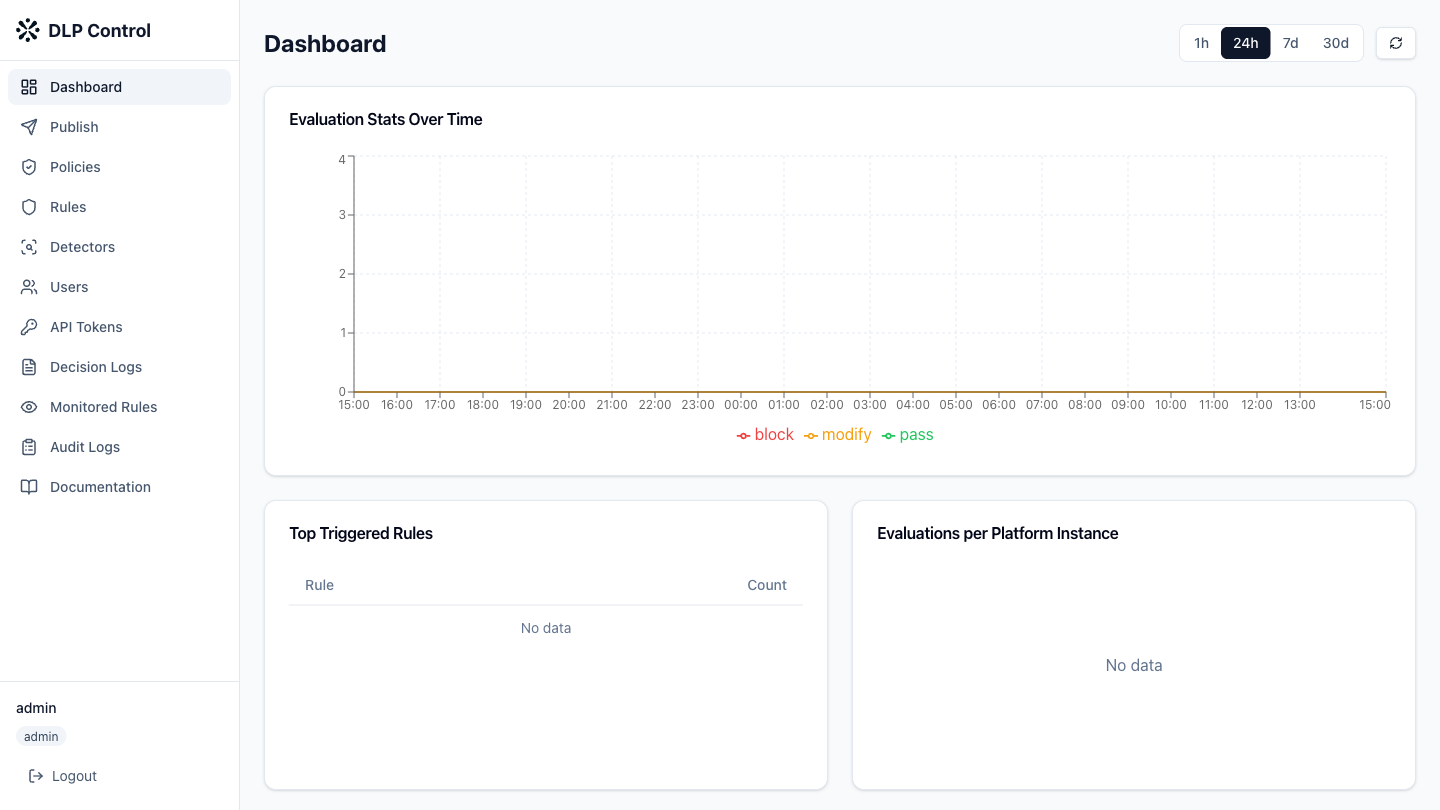
- In the DLP console, click Detectors in the sidebar.
- Click the Custom tab to display custom detectors.
- Click the Create custom detector button.
Detector configuration
Fill in the detector information:
| Field | Example value | Description |
|---|---|---|
| Name | project-codename | Name of the detector |
| Description | Detects project code names | Description of the detector |
| Category | custom | Category of the detector |
Adding patterns
Add one or more regular expressions to identify sensitive data:
- Click Add pattern;
- Enter the RE2-compatible regular expression;
- Add tags to facilitate filtering and searching.
Pattern examples:
PROJECT-[A-Z]{3}-\d{4}: project code names in the formatPROJECT-ABC-1234;internal-[a-z]+-\d+: internal identifiers in the formatinternal-service-42.
Detector testing
Before saving the detector, test it against sample text:
- Click Test detector;
- Enter the sample text in the test field;
- Click Run test to see the detected matches.
The limit is 50 patterns maximum per detector and 10 KB of sample text.
Saving
Click Save to save the custom detector. It is immediately available to be referenced in rule conditions via @custom:project-codename.
The POST /api/v1/detectors/custom request creates a custom detector.
Request example
{
  "name": "project-codename",
  "description": "Detects project code names",
  "category": "custom",
  "patterns": [
    "PROJECT-[A-Z]{3}-\\d{4}",
    "internal-[a-z]+-\\d+"
  ],
  "tags": [
    "internal",
    "project"
  ]
}
Response example
{
  "id": "detector-a1b2c3d4",
  "name": "project-codename",
  "type": "custom",
  "description": "Detects project code names",
  "category": "custom",
  "patterns": [
    "PROJECT-[A-Z]{3}-\\d{4}",
    "internal-[a-z]+-\\d+"
  ],
  "tags": [
    "internal",
    "project"
  ],
  "created_at": "2026-08-27T10:00:00Z",
  "updated_at": "2026-08-27T10:00:00Z"
}
Detector testing via the API
The POST /api/v1/detectors/test request tests a detector.
{
  "patterns": [
    "PROJECT-[A-Z]{3}-\\d{4}"
  ],
  "sample": "The project PROJECT-ABC-1234 is in progress"
}