Reset a DLP user password
Reset the password of a DLP service user. The user will be required to change their password on the next login.
Permissions
info
This action requires the following DLP (Data Loss Prevention) role:
- admin
- Console
- API
Console
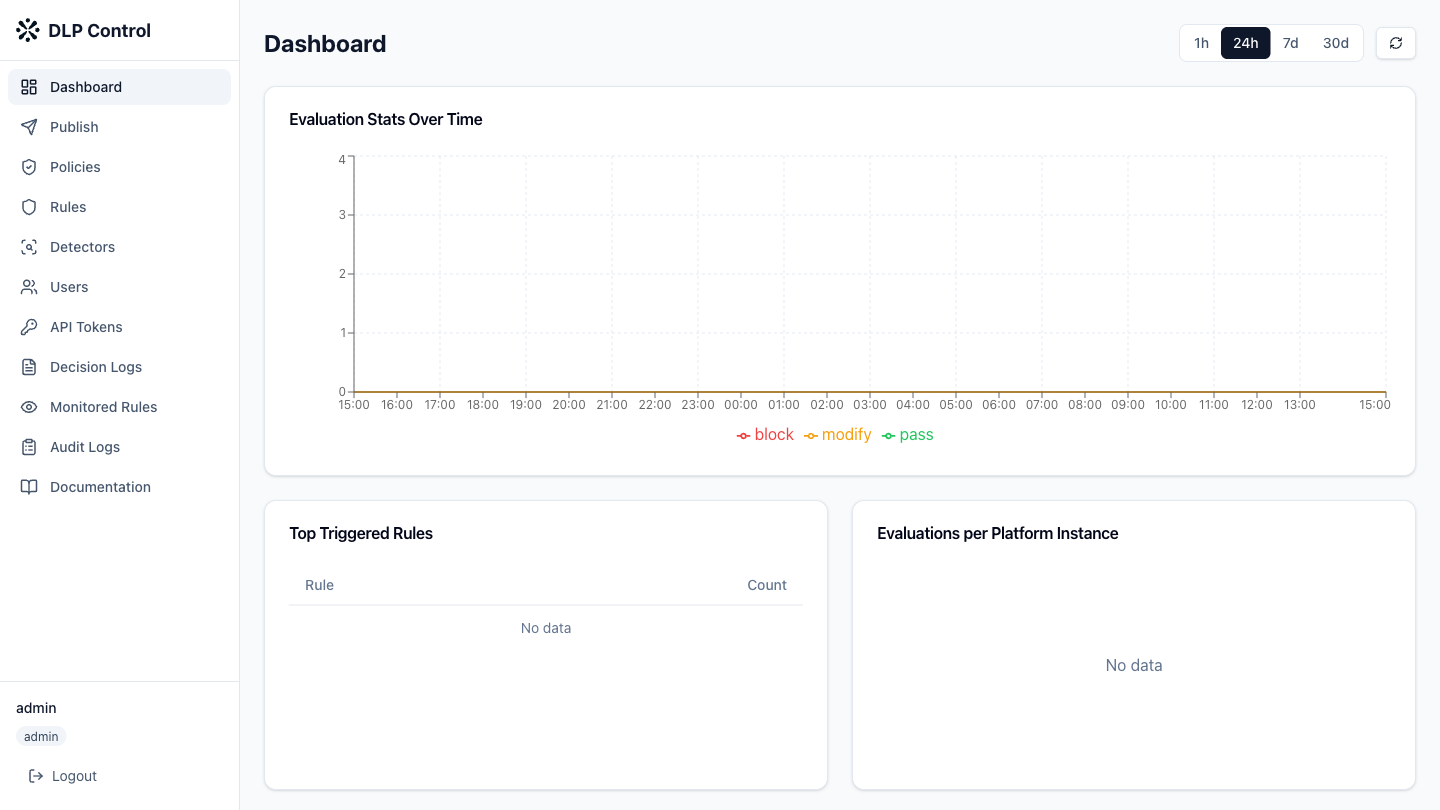
- In the DLP console, click Users in the sidebar.
- Click the Reset password button on the row of the user.
- Enter the new password (minimum 8 characters) in the dialog box.
- Click Confirm to validate the reset.
The user will be required to change their password on the next login.
The POST /api/v1/users/{id}/password-reset request resets a user's password.
Request example
{
  "password": "NewPassword456!"
}
Response example
{
  "id": "user-123456",
  "username": "jdupont",
  "must_change_password": true,
  "updated_at": "2026-08-27T12:00:00Z"
}
The must_change_password field is set to true to force a password change on the next login.