Delete a custom DLP detector
Permanently delete a custom DLP detector. This action is irreversible. If the detector is referenced in existing rules, you must first update those rules.
Permissions
info
This action requires the following DLP (Data Loss Prevention) role:
- detector_editor
warning
Deletion is permanent. If active rules reference this detector via @custom:<id>, they will fail during evaluation. Check dependencies before deleting a detector.
- Console
- API
Console
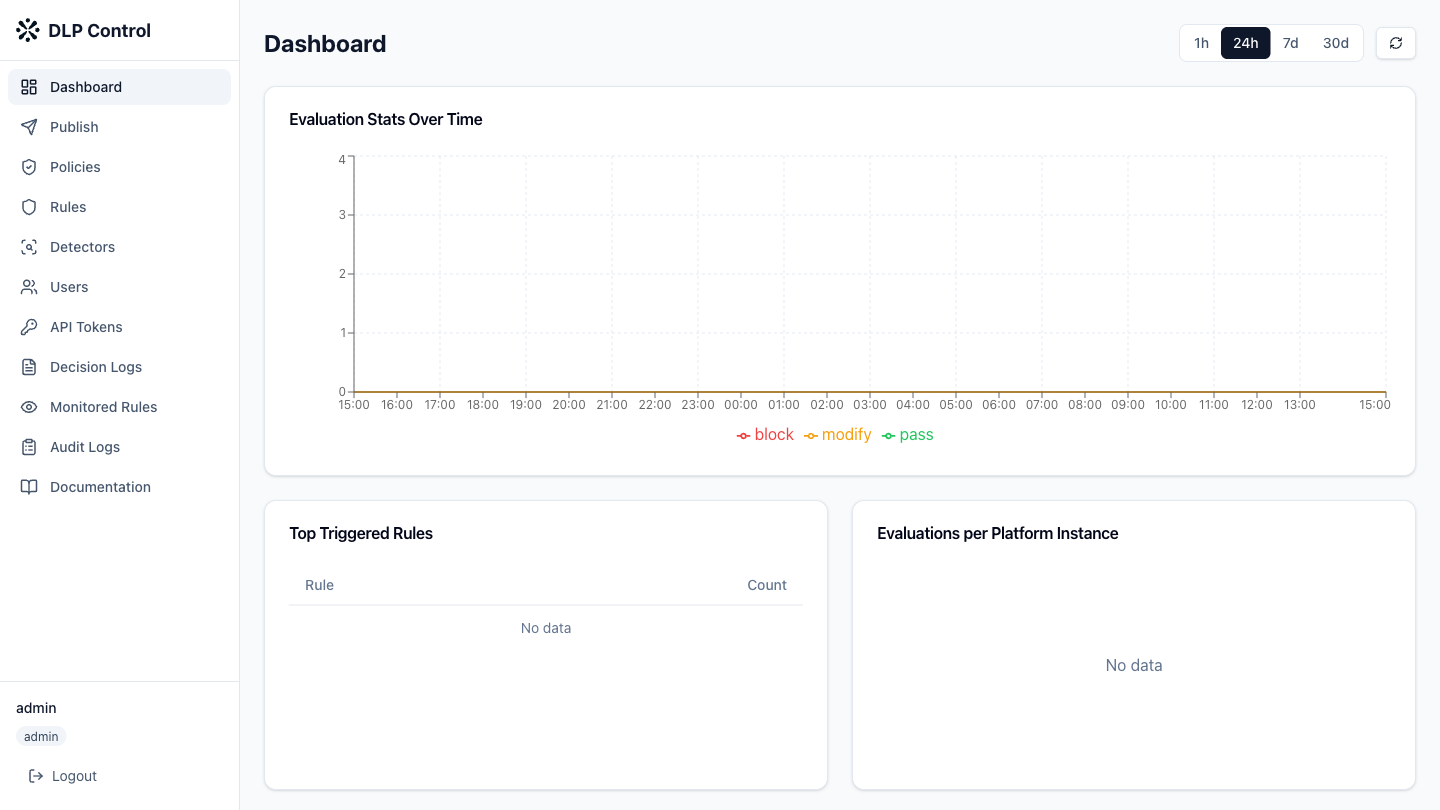
- In the DLP console, click Detectors in the sidebar.
- Click the Custom tab to display custom detectors.
- Click the delete icon (trash) on the row of the detector to delete.
- Confirm the deletion in the dialog box.
The DELETE /api/v1/detectors/custom/{id} request deletes a custom DLP detector.
Response example
HTTP/1.1 204 No Content