Update a DLP policy
Update an existing DLP policy to adjust its rules, their order or the default action. The update creates a new version of the policy as a draft. To activate it, publish it in a ruleset.
Permissions
info
This action requires the following DLP (Data Loss Prevention) role:
- rule_editor
- Console
- API
Console
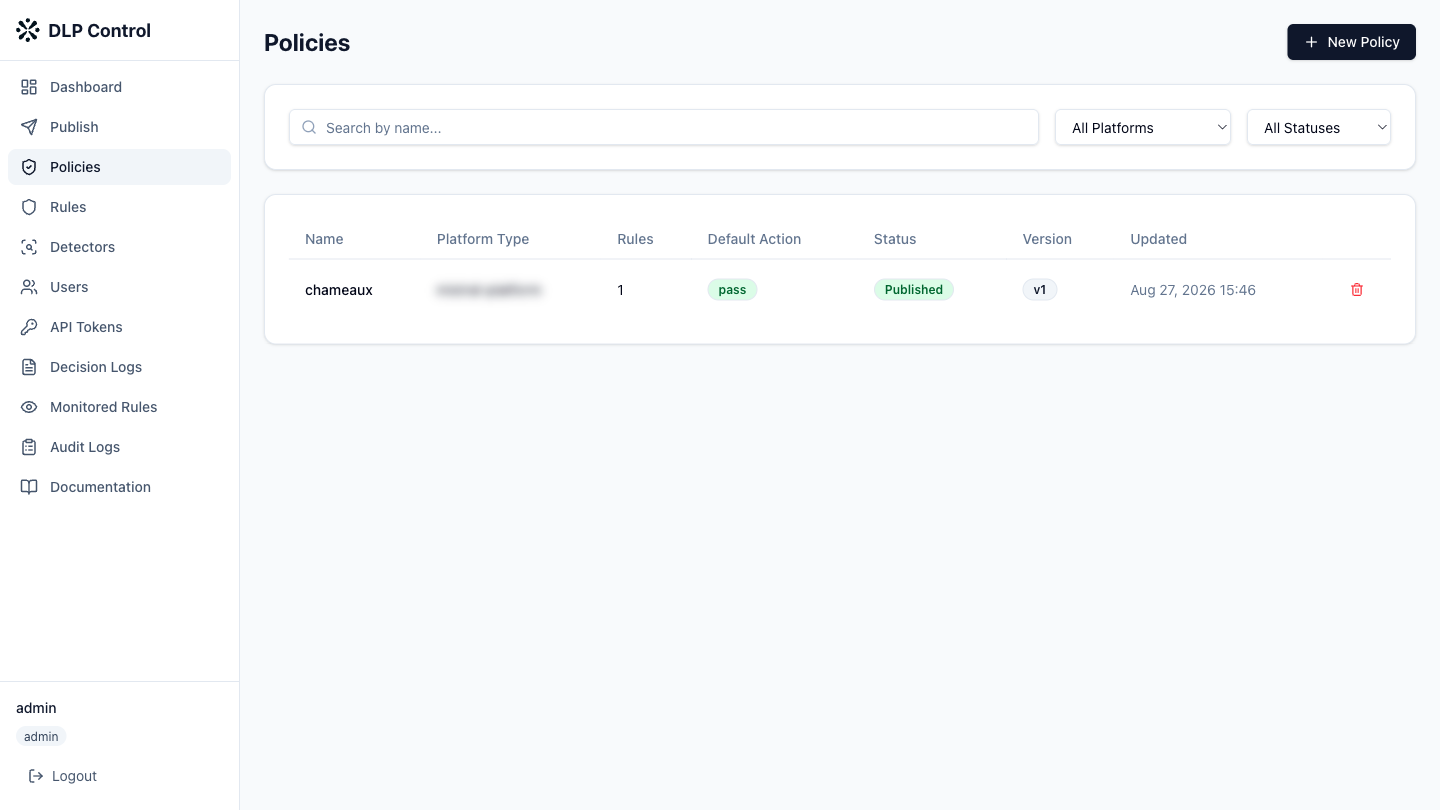
- In the DLP console, click Policies in the sidebar.
- Click the name of the policy to update in the list.
Editable elements
You can modify the following elements:
| Element | Description |
|---|---|
| Rules | Add or remove rules from the policy |
| Rule order | Reorder rules by drag and drop — the order determines the evaluation sequence |
| Default action | Change the default action (pass or block) |
Saving
Click Save as Draft to save the changes as a draft. The policy appears in the list with the "Draft" status. To activate the updated policy, publish it in a ruleset.
The PUT /api/v1/policies/{id} request updates an existing DLP policy. The request body is identical to the create request.
Request example
{
  "name": "mistral-prod-policy",
  "description": "Production policy for Mistral (updated)",
  "platform_type": "mistral-platform",
  "rule_ids": [
    "rule-550e8400",
    "rule-a1b2c3d4",
    "rule-e5f6g7h8"
  ],
  "default_action": "pass"
}
Response example
{
  "id": "policy-9f8e7d6c",
  "name": "mistral-prod-policy",
  "description": "Production policy for Mistral (updated)",
  "platform_type": "mistral-platform",
  "rule_ids": [
    "rule-550e8400",
    "rule-a1b2c3d4",
    "rule-e5f6g7h8"
  ],
  "default_action": "pass",
  "draft": true,
  "version": 2,
  "created_at": "2026-08-27T10:00:00Z",
  "updated_at": "2026-08-27T11:30:00Z"
}