Update a custom DLP detector
Update an existing custom DLP detector to adjust its patterns, tags or metadata. Changes take effect in evaluations after the next ruleset publication.
Permissions
info
This action requires the following DLP (Data Loss Prevention) role:
- detector_editor
- Console
- API
Console
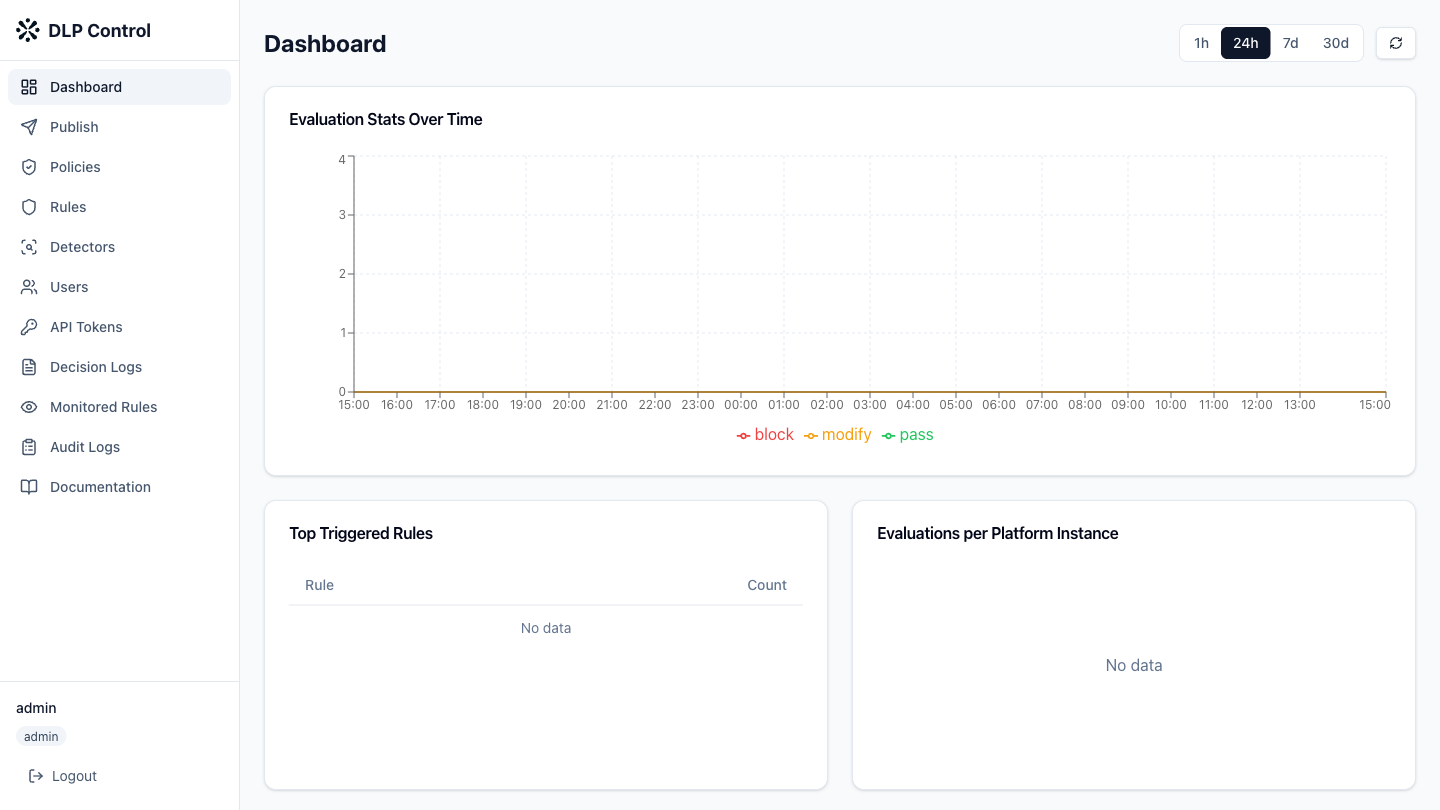
- In the DLP console, click Detectors in the sidebar.
- Click the Custom tab to display custom detectors.
- Click the name of the detector to update.
Editable elements
You can modify the following elements:
| Element | Description |
|---|---|
| Name | Name of the detector |
| Description | Description of the detector |
| Patterns | Regular expressions (RE2) to identify sensitive data |
| Tags | Labels for filtering and search |
Testing the detector
Before saving changes, test the detector against sample text:
- Click Test detector;
- Enter the sample text in the test field;
- Click Run test to see the detected matches.
Saving
Click Save to save the changes. The updated detector is immediately available to be referenced in rule conditions.
The PUT /api/v1/detectors/custom/{id} request updates a custom DLP detector. The request body is identical to the create request.
Request example
{
  "name": "project-codename",
  "description": "Detects project code names (updated)",
  "category": "custom",
  "patterns": [
    "PROJECT-[A-Z]{3}-\\d{4}",
    "internal-[a-z]+-\\d+",
    "PROJ-[A-Z]{2}-\\d{3}"
  ],
  "tags": [
    "internal",
    "project",
    "updated"
  ]
}
Response example
{
  "id": "detector-a1b2c3d4",
  "name": "project-codename",
  "type": "custom",
  "description": "Detects project code names (updated)",
  "category": "custom",
  "patterns": [
    "PROJECT-[A-Z]{3}-\\d{4}",
    "internal-[a-z]+-\\d+",
    "PROJ-[A-Z]{2}-\\d{3}"
  ],
  "tags": [
    "internal",
    "project",
    "updated"
  ],
  "created_at": "2026-08-27T10:00:00Z",
  "updated_at": "2026-08-27T12:00:00Z"
}