Create a route
You can create a route in a route table to specify how traffic is routed for the VM (Virtual Machine) in the subnets to which it is associated.
You can create routes with the following targets:
- An internet gateway, to allow VM with an associated public IP (Internet Protocol) to be directly connected to the Internet.
- A virtual gateway, to route traffic to a DirectLink or VPN (Virtual Private Network) connection.
- A nat gateway, to allow VM to be indirectly connected to the Internet.
- A VM.
- A network interface of a VM.
- A VPC peering, to allow VM to send traffic to a peer VPC.
When you create a VPC access point, the appropriate route is automatically created and added to the route tables you specify.
Permissions
This action requires the following IAM (Identity and Access Management) permissions:
- compute.routeTable.update
- Console
- API
- Terraform
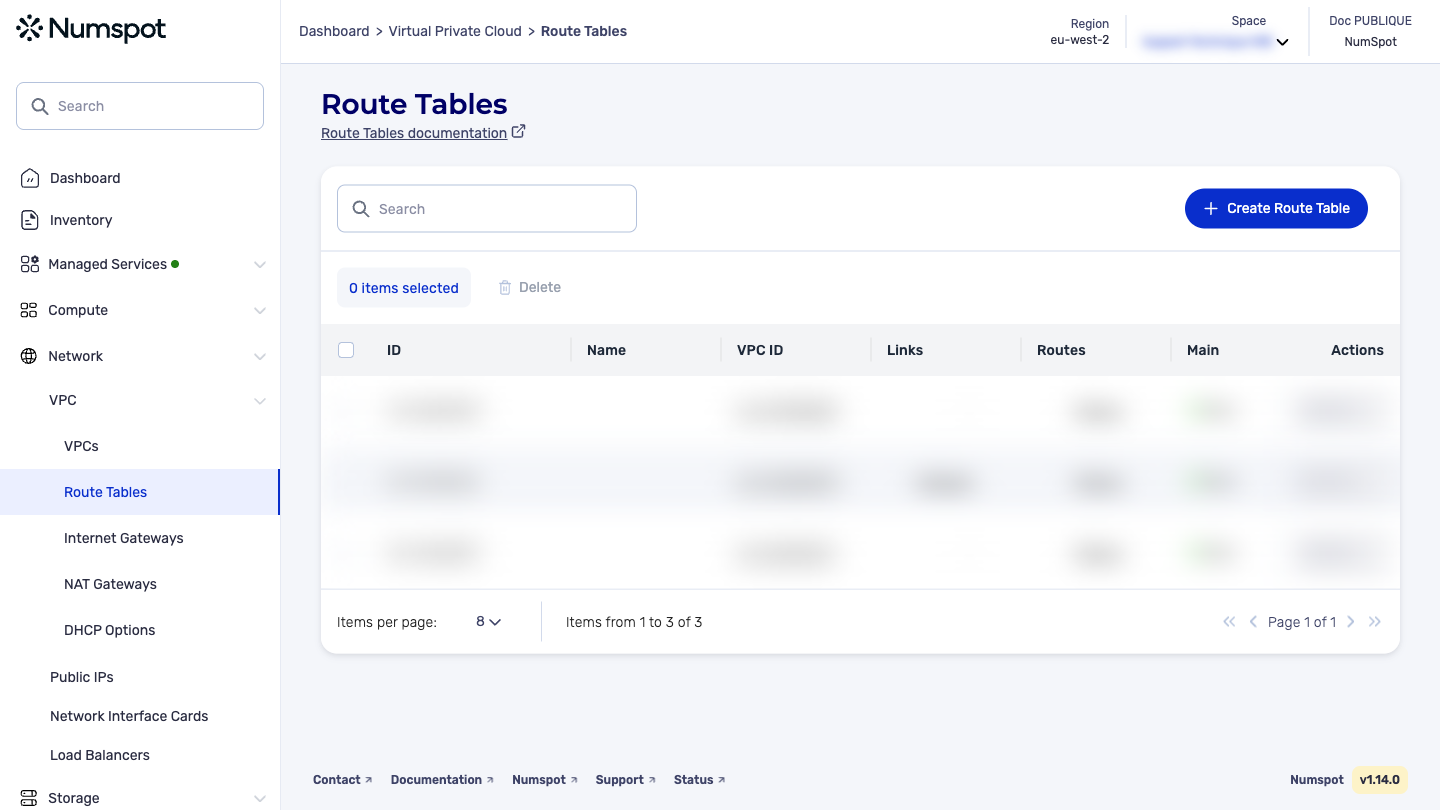
Create a route in the Numspot console
Before you begin: Create a route table. To find out more, see Create a route table.
-
From the left-hand side menu, click Network → VPC → Route Table.
-
Identify the route table in which you want to create a new route.
-
In the relevant row, click the link in the Routes column.
-
A new dialog box is displayed.
-
Click the Add a Route button.
-
A window for creating a route appears:
-
In the "Target" field, choose the resource.
-
In the "Destination IP range" field, type the CIDR (Classless Inter Domain Routing).
infoTo specify the CIDR 0.0.0.0/0, click ALL IPS.
-
Click the Add the Route button.
infoYou can enter as many new routes as you want. The side panel shows you a summary of the existing routes and those being created.
-
Click the Validate button.
The associated routes have been created.
Before you begin: create a route table.
The POST /compute/spaces/{spaceId}/routeTables/{id}/routes command creates a route in a specified route table within a specified VPC. You must specify one of the following as the target:
- VPC Peering
- NAT VM
- Internet Gateway
- Virtual Gateway
- NAT Gateway
- Network Interface Card (NIC)
The routing algorithm is based on the most specific match.
The Terraform documentation is available on the Numspot registry ↗.