Link a route table to a subnet
You can link a route table to one or more subnets of the VPC (Virtual Private Cloud) for which it is created. The routes contained in the route table are then automatically applied to the VM (Virtual Machine) placed in the subnet to route the network traffic.
Permissions
This action requires the following IAM (Identity and Access Management) permissions:
- compute.routeTable.update
- console
- api
- terraform
Prerequisite: Create a route table ↗
-
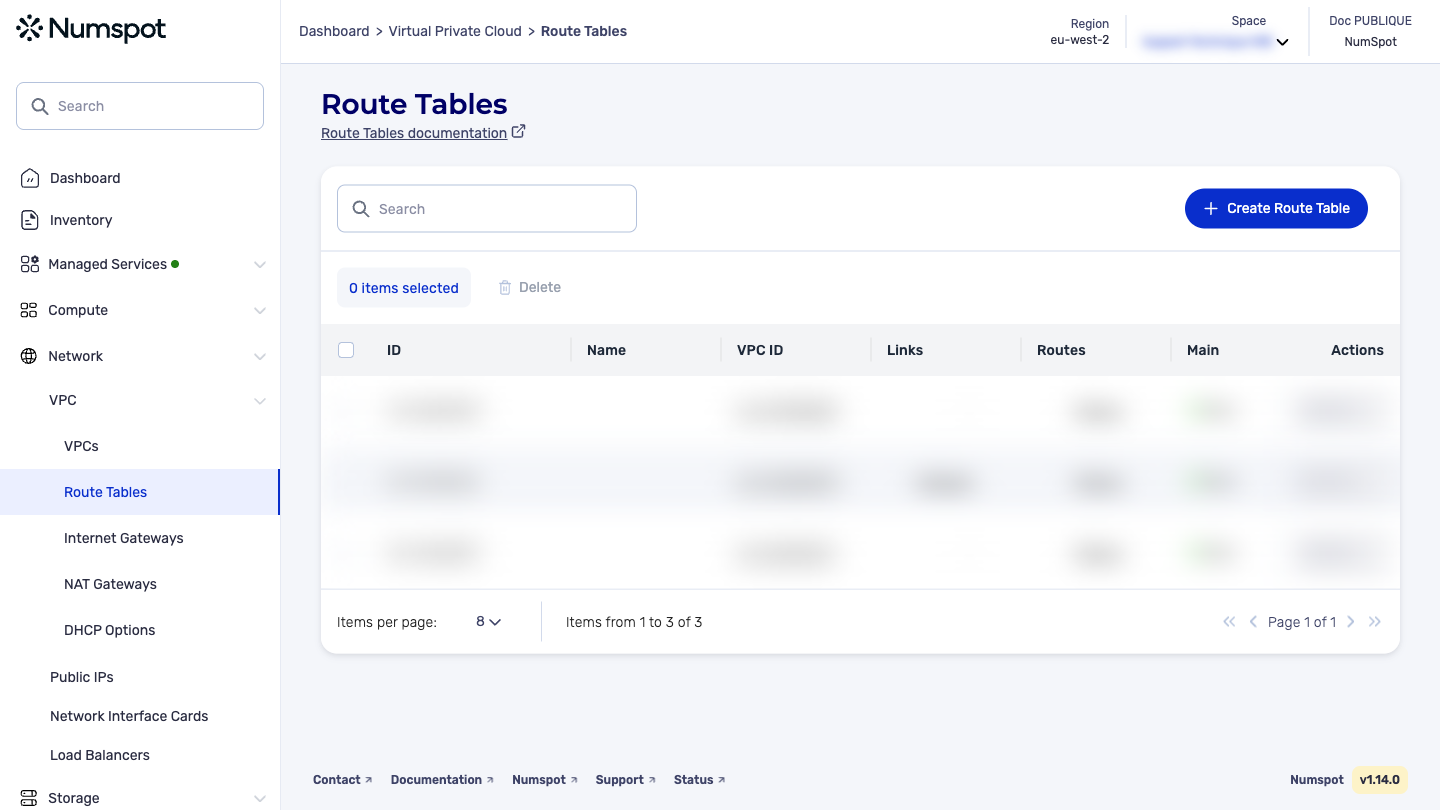
From the left-hand side menu, click Network → VPC → Route Table.
-
Identify the route table that you want to associate with a subnet, then from the list of actions, click Associate with a Subnet.
A new Associate with a Subnet dialog box appears.
-
Select the subnet that you want to associate with the route table.
-
Click the Associate button (multi-selection is available).
-
The subnet has been associated and the "The route table has been successfully associated with the subnet" message appears.
The PUT /compute/spaces/{spaceId}/routeTables/{id}/subnets/link command associates a subnet with a route table. The subnet and the route table must be in the same VPC. Traffic is routed according to the route table defined in this VPC. You can associate a route table with several subnets.
The Terraform documentation is available on the Numspot registry ↗.