Create a route table
You can create a route table that you can associate with one or more subnets to control how their traffic is routed. Once your route table is created, you can add routes to it to customize the routing of the subnets it is associated with.
Each route table contains the local route, which routes traffic targeting an IP from the CIDR block of the VPC (Virtual Private Cloud) locally. This route can be neither modified nor deleted.
Permissions
This action requires the following IAM (Identity and Access Management) permissions:
- compute.routeTable.create
- console
- api
- terraform
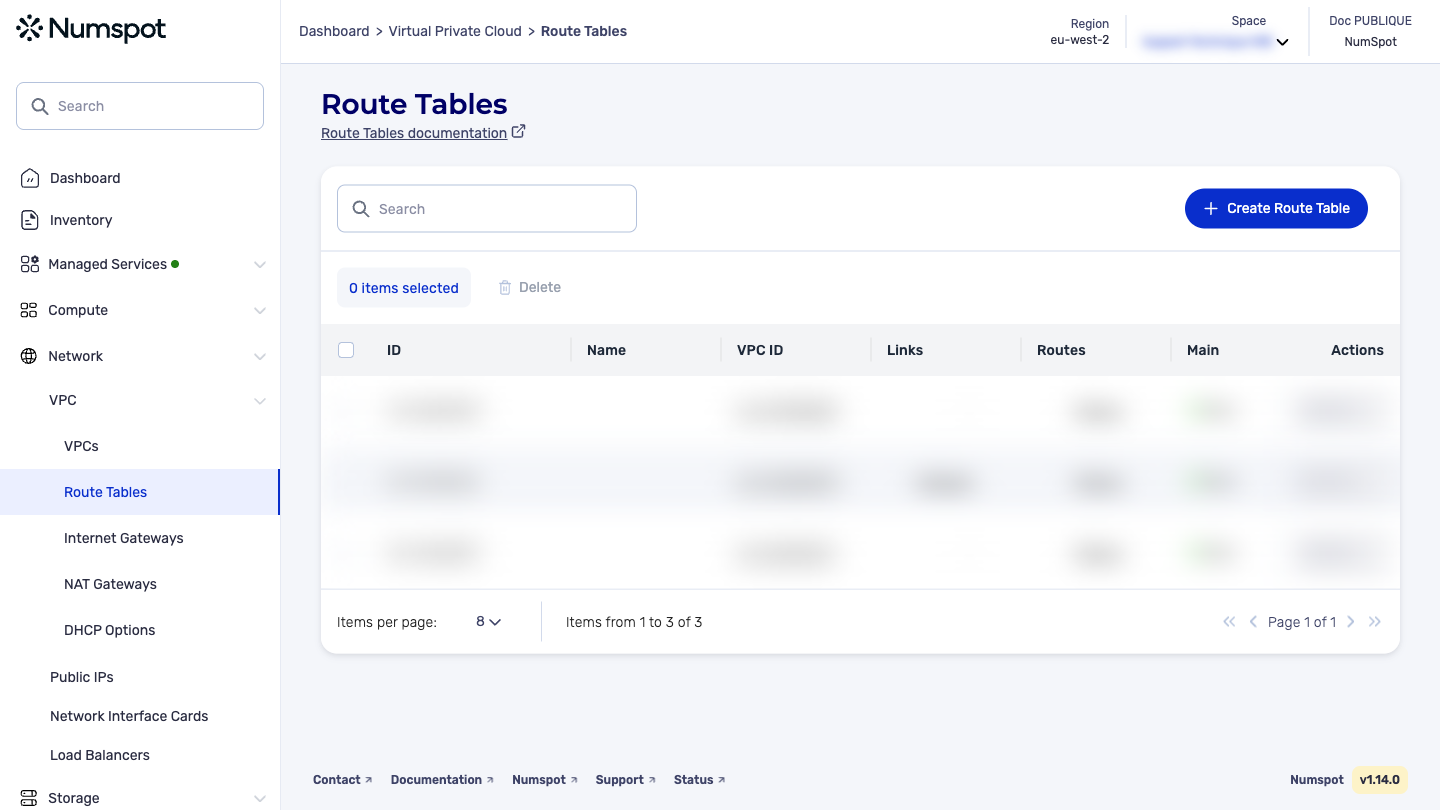
- Log in to the Numspot console.
- From the left-hand side menu, click Network → VPC → VPC.
- Click the Create a Route Table button at the top right of the screen to open the pop-up.
- The pop-up opens and asks you to enter a route table name and to select the ID of the VPC (drop-down list containing all the IDs of the VPC you have access to) for which you are creating this route.
- Click Create.
Before you begin: create a VPC.
The POST /compute/spaces/{spaceId}/routeTables command creates a route table for a specified VPC. You can then add routes and associate the route table with a subnet.
The Terraform documentation is available on the Numspot registry ↗.