Create a subnet in a VPC
You can create one or more subnets in a VPC (Virtual Private Cloud) in order to launch resources within it. Subnets are placed in subregions of the region of your VPC.
Once your subnet is created, it is recommended that you create a dedicated security group and a dedicated route table.
Permissions
This action requires the following IAM (Identity and Access Management) permissions:
- compute.subnet.create
- Console
- API
- Terraform
Prerequisite: Create a VPC.
Optional: To disable the feature allowing the VM (Virtual Machines) of the same subnet to communicate with each other without requiring security group rules, add a tag to your VPC with "osc.fcu.enable_lan_security_groups" as the key. This tag must be added to your VPC before creating subnets within it. The value of this tag is not taken into account, so you can specify any value for this tag.
-
Log in to the Numspot console.
-
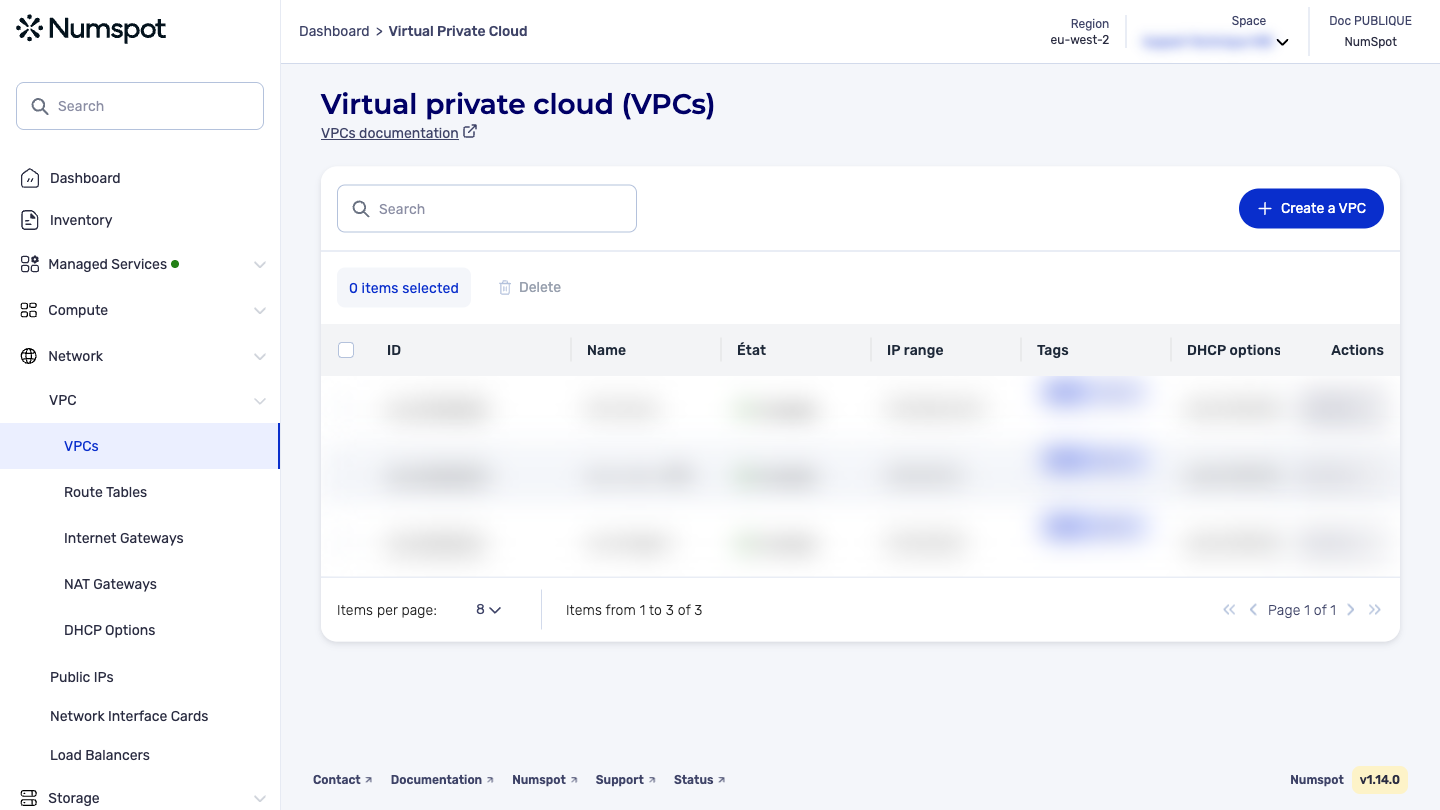
From the left-hand side menu, click Network → VPC → VPC.
-
The list of VPC appears. Click the ID of the relevant VPC.
-
The "VPC details" page appears.
-
Click the Create a subnet button.
-
The "Subnet creation" page appears.
-
In the "Name" field, enter a name for the subnet.
This action adds a Name tag of 255 characters maximum. You can use all characters, including accented letters.
- In the "IP range" field, enter the IP (Internet Protocol) address range for your subnet, in CIDR (Classless Inter-Domain Routing) notation. The IP address range must be included in the CIDR of the associated VPC.
The CIDR block of the subnet must be part of the CIDR block of the VPC. If you create several subnets in a VPC, their CIDR blocks must not overlap.
-
In the "Availability Zone" section, select the availability zone in which you want to create the subnet.
-
Then click the Create button.
-
A confirmation message appears at the bottom indicating that the subnet has been successfully created, and you are redirected to the details page of the associated VPC.
The POST /compute/spaces/{spaceId}/subnets command creates a subnet in an existing network.
To create a subnet in a network, you must provide the ID of the network and the IP address range for the subnet (its network range). Once the subnet is created, you can no longer modify its IP address range.
The Terraform documentation is available on the Numspot registry ↗.