Delete a VPC
You can delete an empty VPC (Virtual Private Cloud) that you no longer need.
Permissions
This action requires the following IAM (Identity and Access Management) permissions:
- compute.vpc.delete
- Console
- API
- Terraform
Before you begin, make sure to delete or detach all resources linked to the VPC, such as:
- VM (Virtual Machine)
- subnets
- public IP
-
Log in to the Numspot console.
-
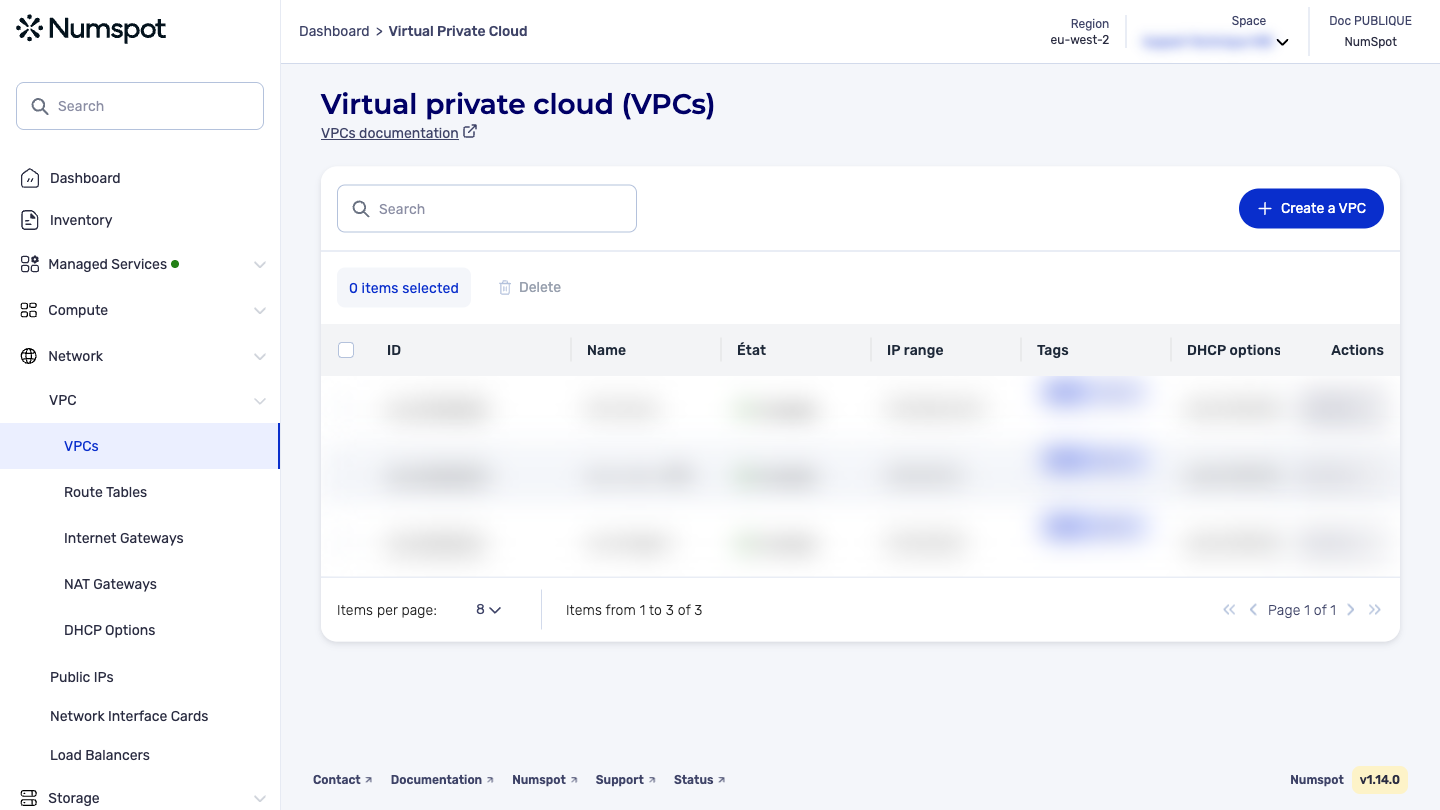
From the left-hand side menu, click Network → VPC → VPC.
-
The list of VPC appears.
-
Identify the VPC to delete, then click Actions. An options dialog box appears.
-
Click Delete the VPC. The VPC is deleted.
warningIf the VPC still has dependencies with other objects, the deletion will not be possible. Before continuing, make sure to delete or detach all dependencies, then delete the VPC.
Before you begin, make sure to delete or detach all resources linked to the VPC, such as:
- VM
- subnets
- public IP
The DELETE /compute/spaces/{spaceId}/vpcs/{id} command lets you delete a VPC.
The Terraform documentation is available on the Numspot registry ↗.