Obtaining information about your subnets
You can obtain information about one or several of your subnets, such as the VPC (Virtual Private Cloud) they belong to, their CIDR (Classless Inter-Domain Routing) block or their Sub-region.
Information about your subnets is also available from the VM (Virtual Machines) themselves.
Permissions
This action requires the following IAM (Identity and Access Management) permissions:
- compute.subnet.get
- Console
- API
- Terraform
-
Log in to the Numspot console.
-
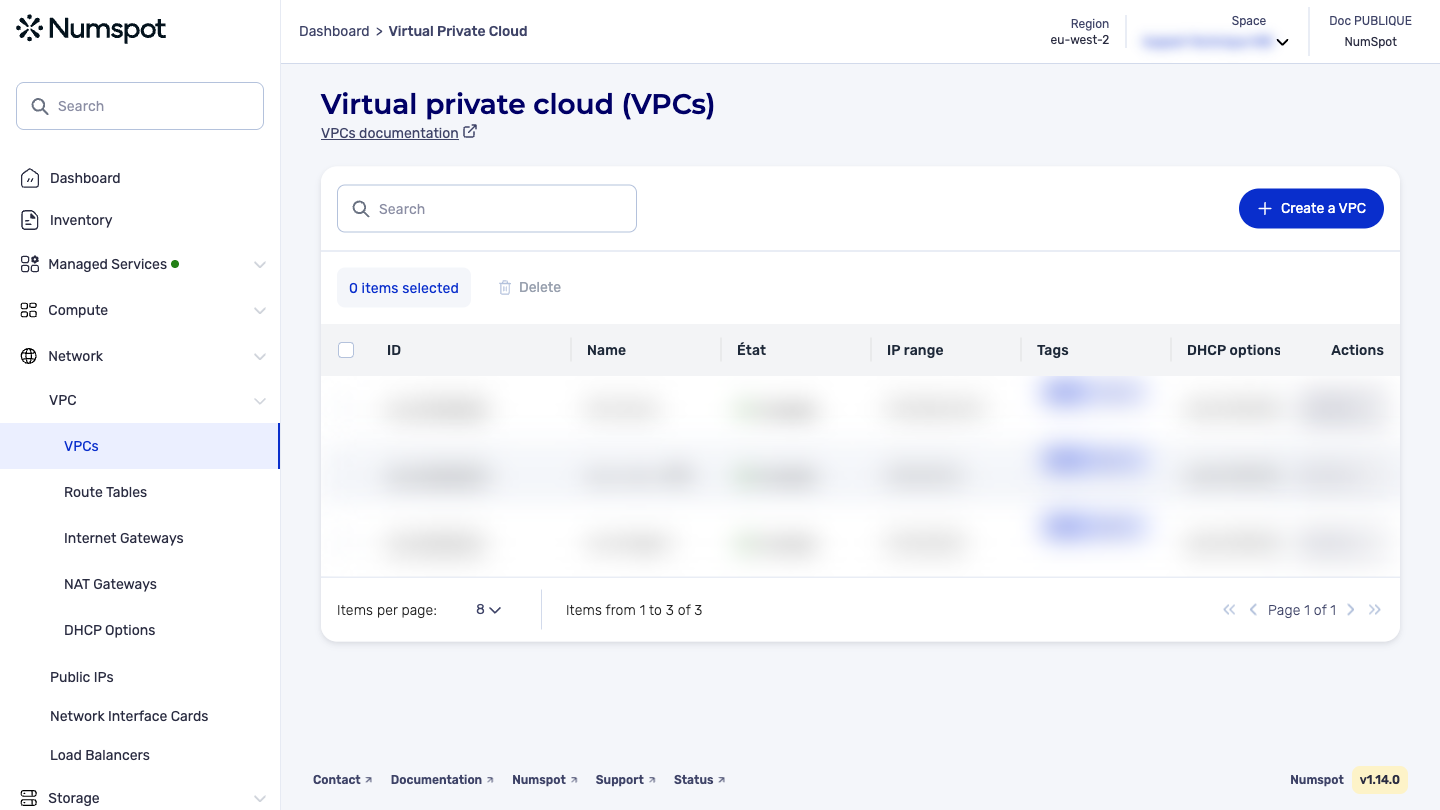
From the left-hand side menu, click Network → VPC → VPC.
-
The list of VPC appears. Click the ID of the relevant VPC.
-
The "VPC details" page appears.
-
Below the VPC details, the "Subnets" section appears, containing the list of subnets associated with the VPC.
The GET /compute/spaces/{spaceId}/subnets command lists the subnets.
Request example: List all subnets
The GET /compute/spaces/{spaceId}/subnets/{id} command retrieves the information of a specified subnet.
The Terraform documentation is available on the Numspot registry ↗.