Edit an attribute of a subnet
You can edit an attribute of a subnet.
You can specify whether a public IP (Internet Protocol) is assigned to the network interfaces created in the subnet, including the network interfaces created when you launch a VM (Virtual Machine) in a subnet.
Permissions
info
This action requires the following IAM (Identity and Access Management) permissions:
- compute.subnet.update
- Console
- API
- Terraform
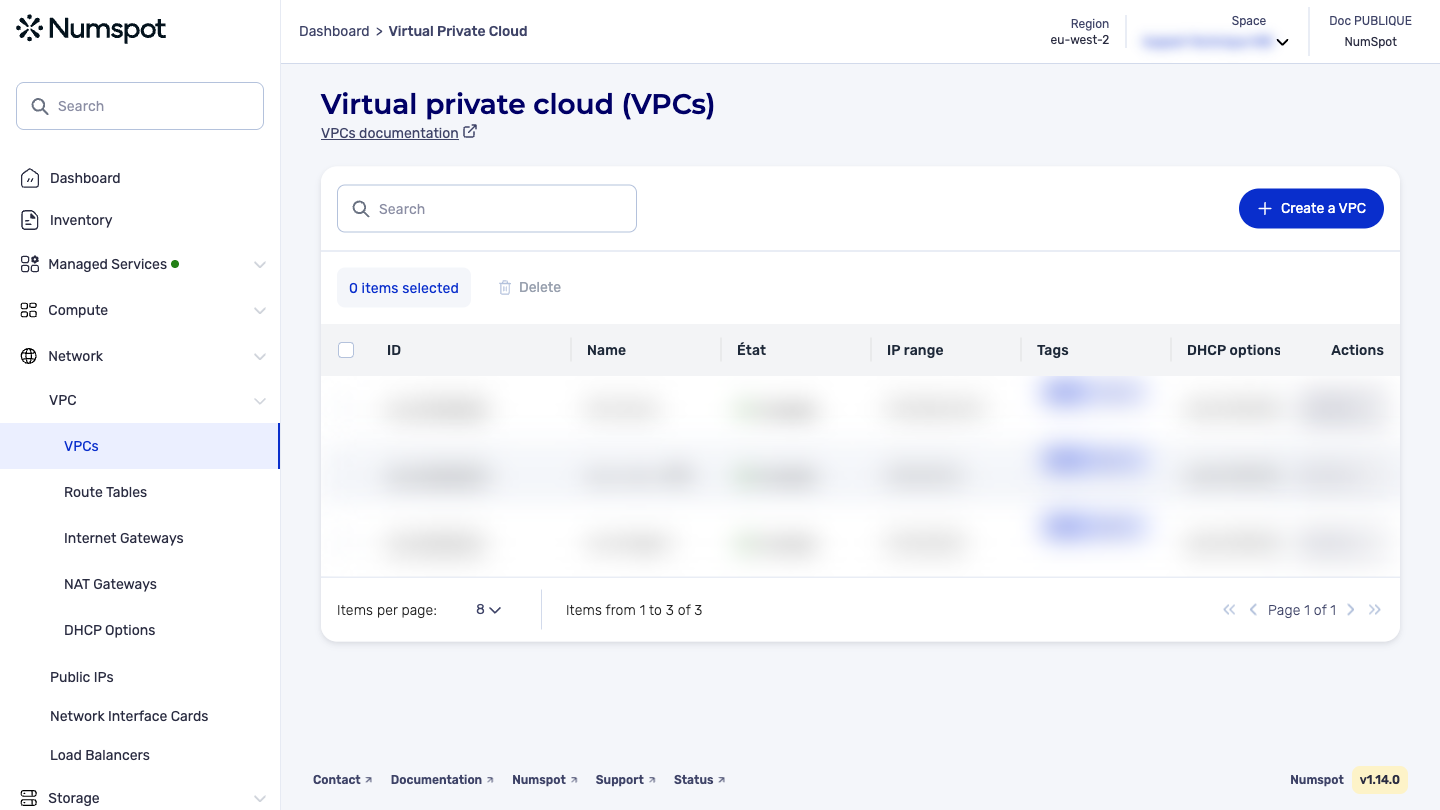
- Log in to the Numspot console.
- From the left-hand side menu, click Network → VPC → VPC.
- The list of VPC appears. Click the ID of the relevant VPC.
- The "VPC details" page appears.
- Below the VPC details, the "Subnets" section appears, containing the list of subnets associated with the VPC.
- On the VPC detailed page, identify the subnet from the "Subnets" section. In this section, you can:
- manage thetags
- add and edit the associated Route Table
info
By clicking the Edit button, you can specify whether a public IP is assigned to the network interfaces created in the subnet, including the network interfaces created when you launch a VM in a subnet.
The PUT /compute/spaces/{spaceId}/subnets/{id} command edits the specified attribute of a subnet.
The Terraform documentation is available on the Numspot registry ↗.