Edit an attribute of a subnet
Reviewed on · View on GitHub
You can edit one attribute of a subnet: the mapPublicIpOnLaunch attribute.
This attribute determines whether a public IP (Internet Protocol) is automatically assigned to the network interfaces created in the subnet, including the network interfaces created when you launch a VM (Virtual Machine) in a subnet. It is disabled by default.
To learn about the behaviour of the public IP assigned this way, see About public IP.
Permissions
This action requires the following IAM (Identity and Access Management) permissions:
- compute.subnet.update
- Console
- API
- Terraform
- Log in to the Numspot console.
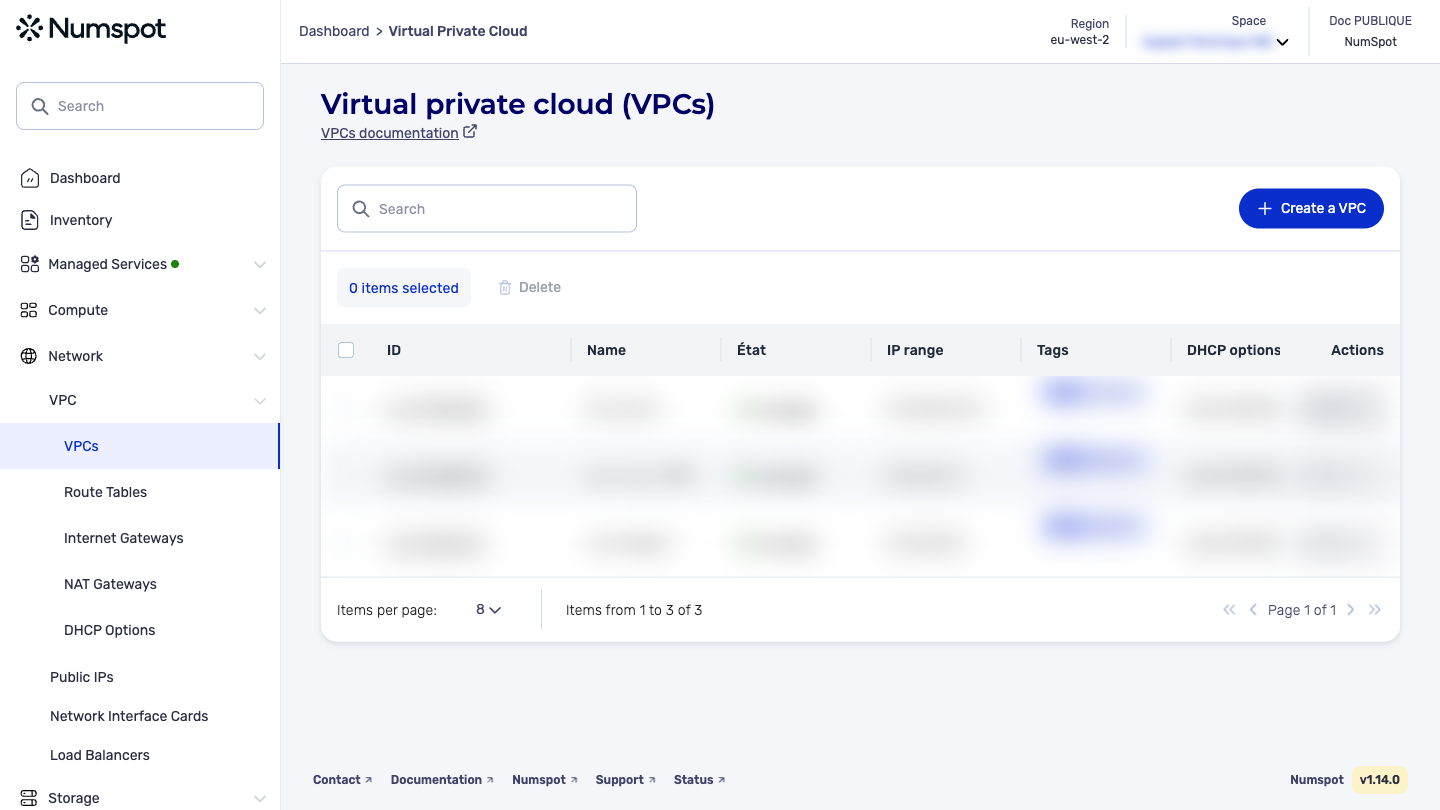
- From the left-hand side menu, click Network → VPC → VPC.
- The list of VPC appears. Click the ID of the relevant VPC.
- The "VPC details" page appears.
- Below the VPC details, the "Subnets" section appears, containing the list of subnets associated with the VPC.
- On the VPC detailed page, identify the subnet from the "Subnets" section. In this section, you can:
- manage thetags
- add and edit the associated Route Table
By clicking the Edit button, you can enable or disable the mapPublicIpOnLaunch attribute of the subnet, which automatically assigns a public IP to the network interfaces created in it, including when you launch a VM in the subnet.
The PUT /compute/spaces/{spaceId}/subnets/{id} command edits the mapPublicIpOnLaunch attribute of a subnet.
The Terraform documentation is available on the Numspot registry ↗.