Quickstart
Reviewed on · View on GitHub
The organization and the first user must have been created beforehand.
The steps for managing rights are as follows:
- If the administrator wants to use API, they must create a service account in the organization and assign roles or permissions to it. The administrator can then use the portal or the API endpoints with their service account, to create the new spaces required.
- After a space is created, the administrator can assign users or service accounts to it.
In summary, four features must be implemented to manage an organization:
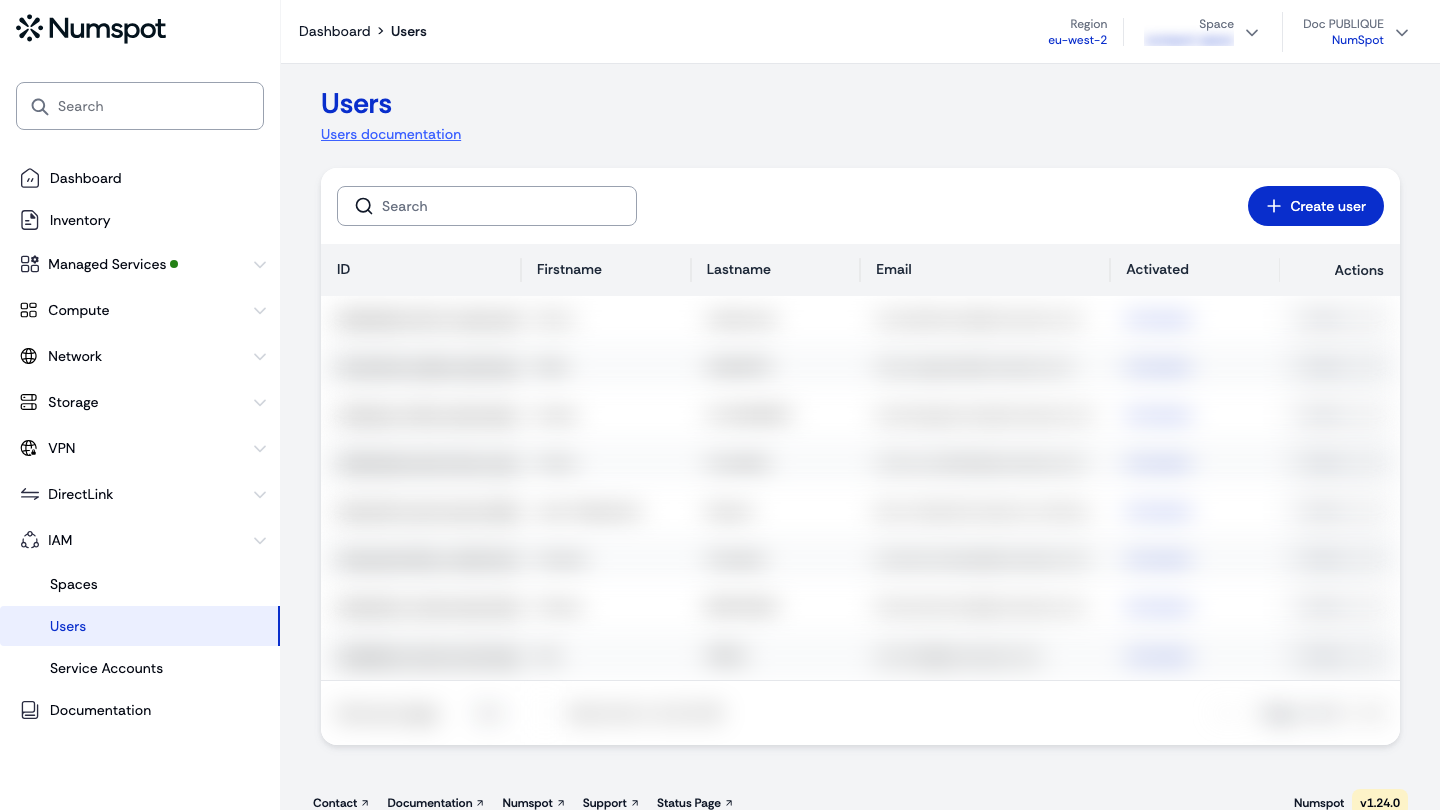
- the creation of users;
- the creation of service accounts;
- the creation of spaces;
- the assignment of roles or permissions.
Access management is the phase of assigning roles and permissions to each user and service account. It can be done when the identity is created (the "Spaces", "Roles" and "Permissions" wizard) or later, from the identity's Actions menu.
The Console displays the names of roles and permissions as text.
To manage rights via the API, you must use the UUIDs (Universally Unique Identifier) of the roles and permissions. You therefore need to obtain their text mapping.
Only a user with sufficient rights to list, assign and delete roles or permissions can perform these operations. A user has rights on a space only if they belong to that space themselves. Since each space is isolated from the others, the identifier of the roles varies from one space to another.
(See the manipulation examples in the API tabs of the actions)