Assign or remove access for an identity
Reviewed on · View on GitHub
You can add or remove roles and permissions individually or in bulk. These operations can be carried out via the portal or the API. An API for ACLs (Access Control List) lets you associate ACLs with resources to finely adjust which accounts are allowed to perform operations on them.
Prerequisites
- An account with the permissions required to manage ACLs (IAM.getPolicy and IAM.setPolicy)
- A connection token associated with the Numspot account used: Documentation link - obtain a token
- The identifier of the organisation or the space
- The identifier (UUID) of the resource
Permissions
This action requires the following IAM (Identity and Access Management) permissions:
- iam.permission.get
- Console
- API
Console
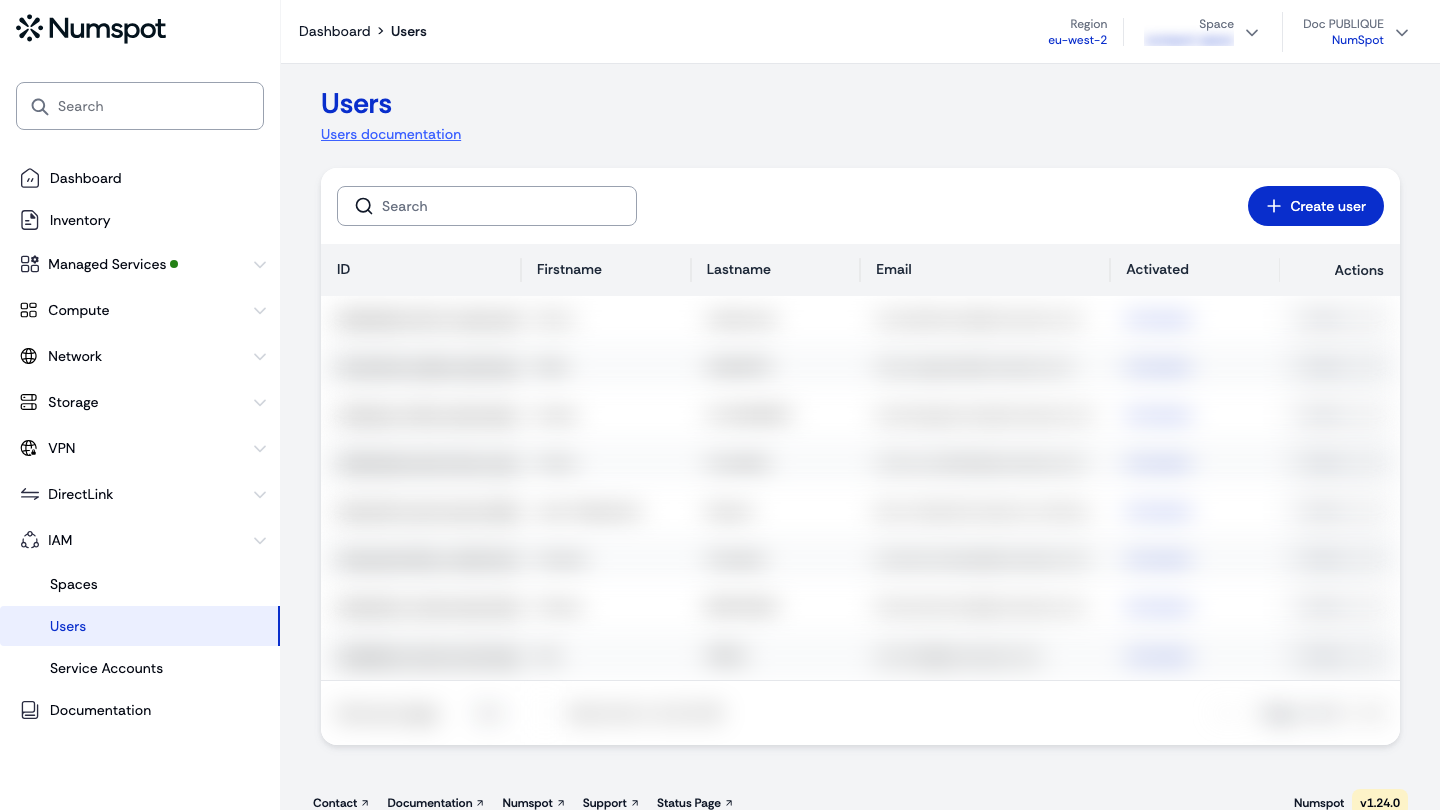
- From the left-hand side menu, click IAM → Users (or Service Accounts).
- Open the identity's Actions menu, then select Manage roles or Manage permissions.
You can assign one or several roles in a single operation.
- In the wizard, select the "Organisation" tab or the relevant space, tick the items to assign, then click Save and continue (roles) or Save and quit (permissions). You can also remove roles or permissions already assigned by unticking them.
API
You can add or remove roles and permissions individually or in bulk. You need to know the UUID (Universally Unique Identifier) of the items to add or remove.
export REGION="myregion"
curl -X 'PATCH' \
  'https://api.$REGION.numspot.com/iam/spaces/{spaceId}/iampolicy/users/b7bdb002-e737-46a6-b282-f5fe55aad110' \
  -H 'accept: */*' \
  -H 'Content-Type: application/json' \
  -d '{
  "add": {
    "roles": [
      "208f2800-574d-4c24-a84c-c341019fd351"
    ],
    "permissions": [
      "3fa85f64-5717-4562-b3fc-2c963f66afa6"
    ]
  }
}'
ACLs or granular permissions
The ACL (Access Control List) mechanism lets you assign permissions finely to a user on a resource.
A set of APIs lets you create, delete and finally list the ACLs for a user. The API follows the general behaviour of the Numspot APIs:
- it can address a user account or a service account.
The elements to provide are:
{
  "items": [
    {
      "service": "string",
      "resource": "string",
      "subresource": "string",
      "resourceId": "string",
      "permissionId": "3fa85f64-5717-4562-b3fc-2c963f66afa6"
    }
  ]
}
The request looks like this:
Example: openshift.cluster.get
export REGION="myregion"
curl -X 'POST' \
  'https://api.$REGION.numspot.com/iam/organisations/{organisationId}/serviceAccounts/b85743e8-3f68-4341-a6ce-0df969cfd7bf/bulk/acl' \
  -H 'accept: */*' \
  -H 'Content-Type: application/json' \
  -d '{
  "items": [
    {
      "service": "openshift",
      "resource": "cluster",
      "resourceId": "05414b98-5226-4ecd-acc8-6417e9e24a40",
      "permissionId": "3fa85f64-5717-4562-b3fc-2c963f66afa6"
    }
  ]
}
Items being a list, you can manipulate several ACLs in a single request.
See the API usage page for details.
Rights and permissions are assigned to the identity associated with the identifier in the request.
The API can address user accounts (users) as well as service accounts (serviceAccounts).
https://..../iam/organisations/{organisationId}/serviceAccounts/3abcfff1-97fa-4016-832d-f63852e87bac/bulk/acl