View the access rights of an identity
Reviewed on · View on GitHub
This operation can be carried out at the organization level or at the space level.
Permissions
This action requires the following IAM (Identity and Access Management) permissions:
- iam.permission.get
- Console
- API
Console
-
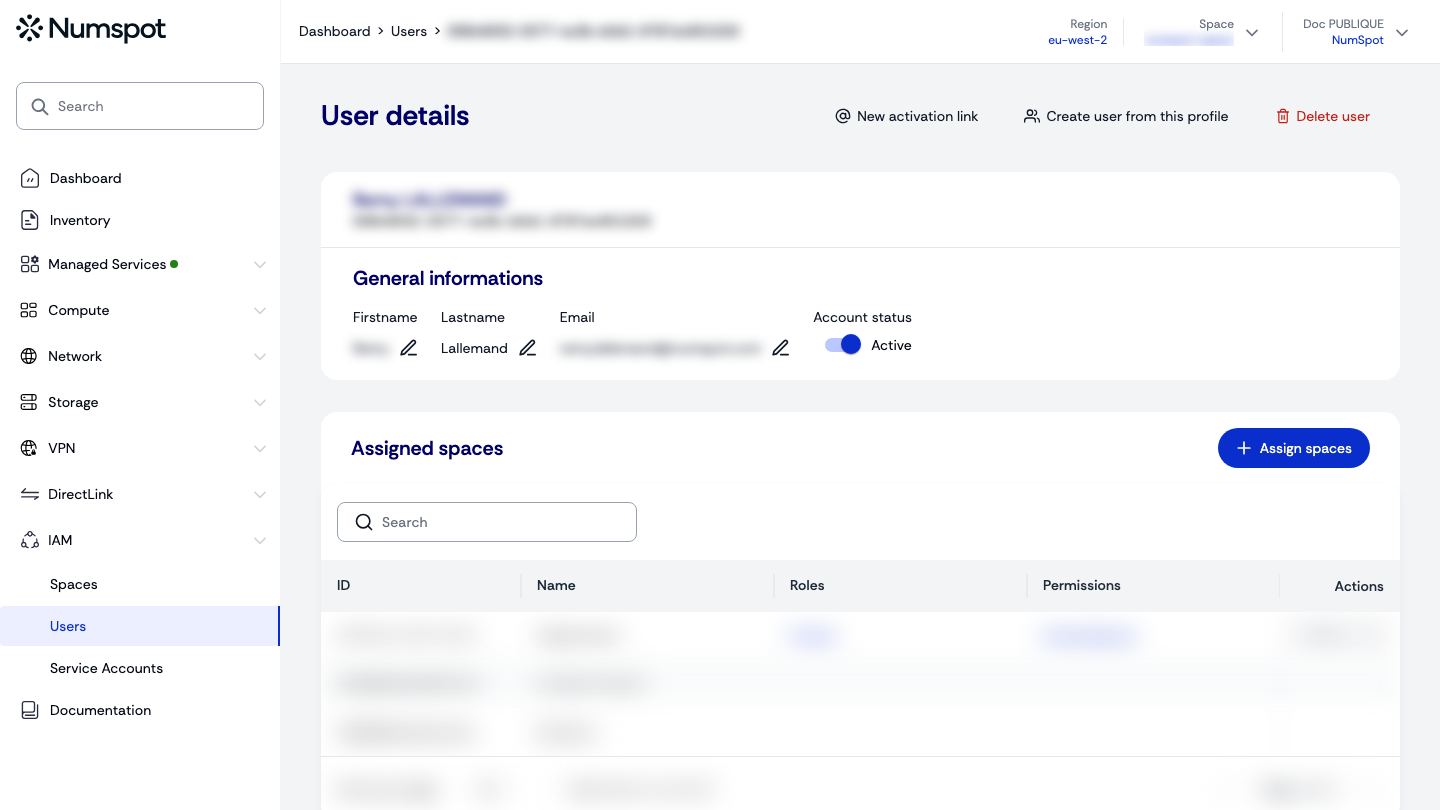
On the detail page of a user account, you can view the list of spaces assigned to a user.
-
By clicking X roles, you can view the list of roles assigned to this user, on the space associated with them.
-
By clicking X permissions, you can view the list of permissions assigned to this user, on the space associated with them.
View the access rights of a service account
-
On the detail page of a service account you can view the list of spaces associated with the service account.
-
By clicking the X roles link, you can view the list of roles assigned to this service account for the space associated with it.
-
By clicking the X permissions link, you can view the list of permissions assigned to this service account for the space associated with it.
Roles and permissions within an organization
Example with a curl:
curl 'https://api.{region}.numspot.com/iam/organisations/{organisationId}/iampolicy/{subjectType}/{subjectId}'
Response:
{
  "roles": [
    "123e4567-e89b-12d3-a456-426614174000"
  ],
  "permissions": [
    "123e4567-e89b-12d3-a456-426614174000"
  ]
}
See the page on API usage for the implementation.
Roles and permissions within a space
Example with a curl:
curl 'https://api.{region}.numspot.com/iam/spaces/{spaceId}/iampolicy/{subjectType}/{subjectId}'
Response:
{
  "roles": [
    "123e4567-e89b-12d3-a456-426614174000"
  ],
  "permissions": [
    "123e4567-e89b-12d3-a456-426614174000"
  ]
}
See the page on API usage for the implementation.