Detach a route table from a subnet
You can detach a route table from a subnet. This subnet will then no longer use the routes contained in this route table to route network traffic. It will use the routes contained in the main route table instead, until you explicitly associate it with another route table.
Permissions
No IAM (Identity and Access Management) permission is required to perform this action.
- console
- api
- terraform
Before you begin: Create a route table. To find out more, see Create a route table ↗. A subnet must also be associated for the disassociation action to be available.
-
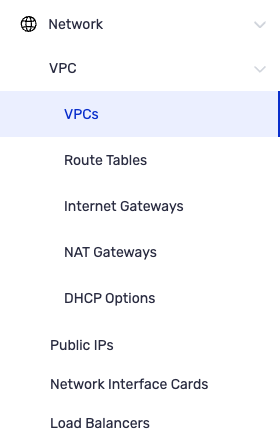
From the left-hand side menu, click Network → VPC → Route Table.
-
Identify the route table you want to disassociate from a subnet, then click Disassociate a Subnet from the list of actions.
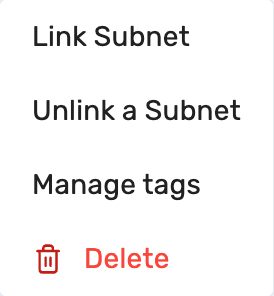
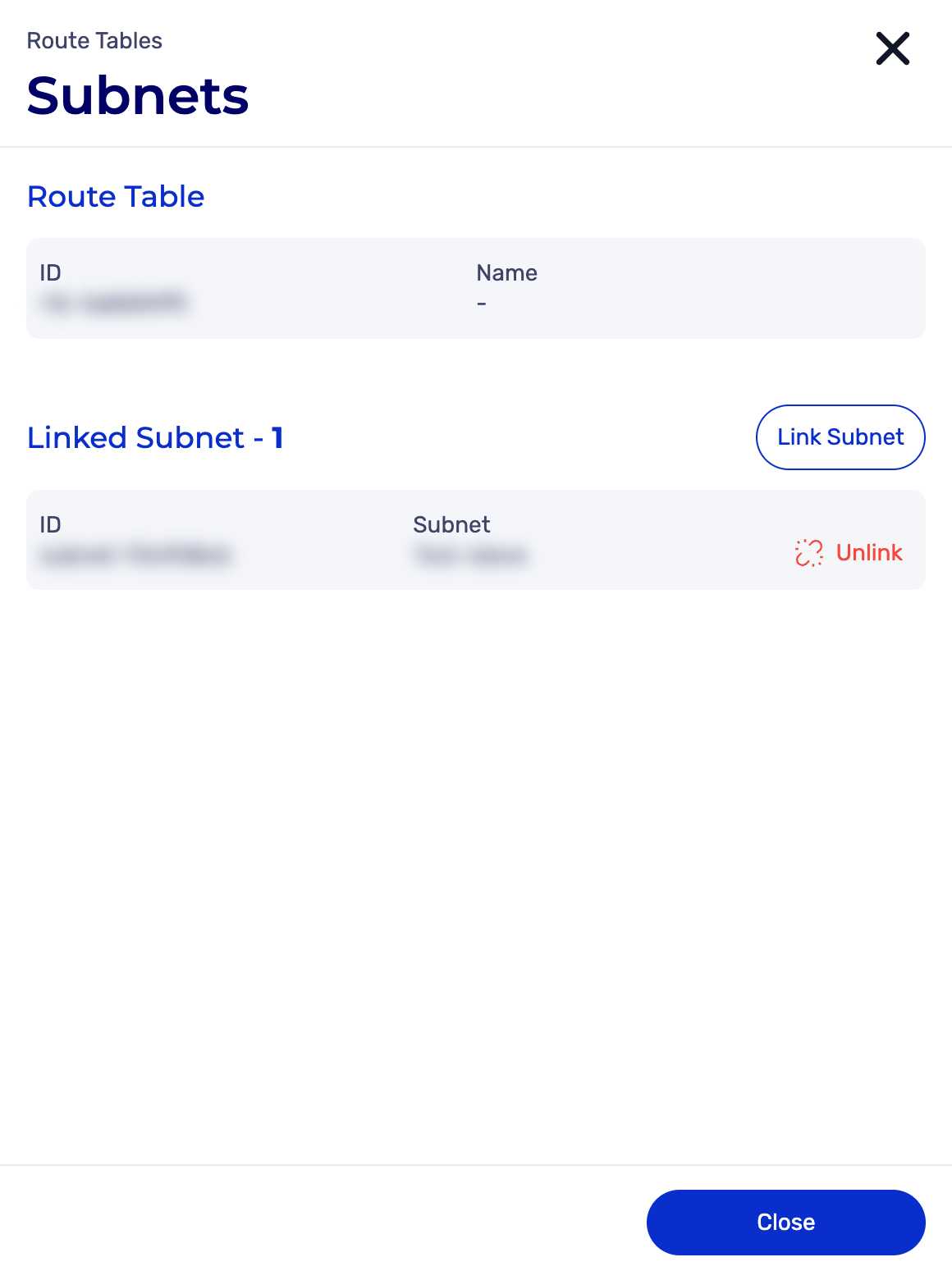
A new subnet disassociation dialog box appears.
-
Select the subnet you want to disassociate from the route table.
-
Click Disassociate.

-
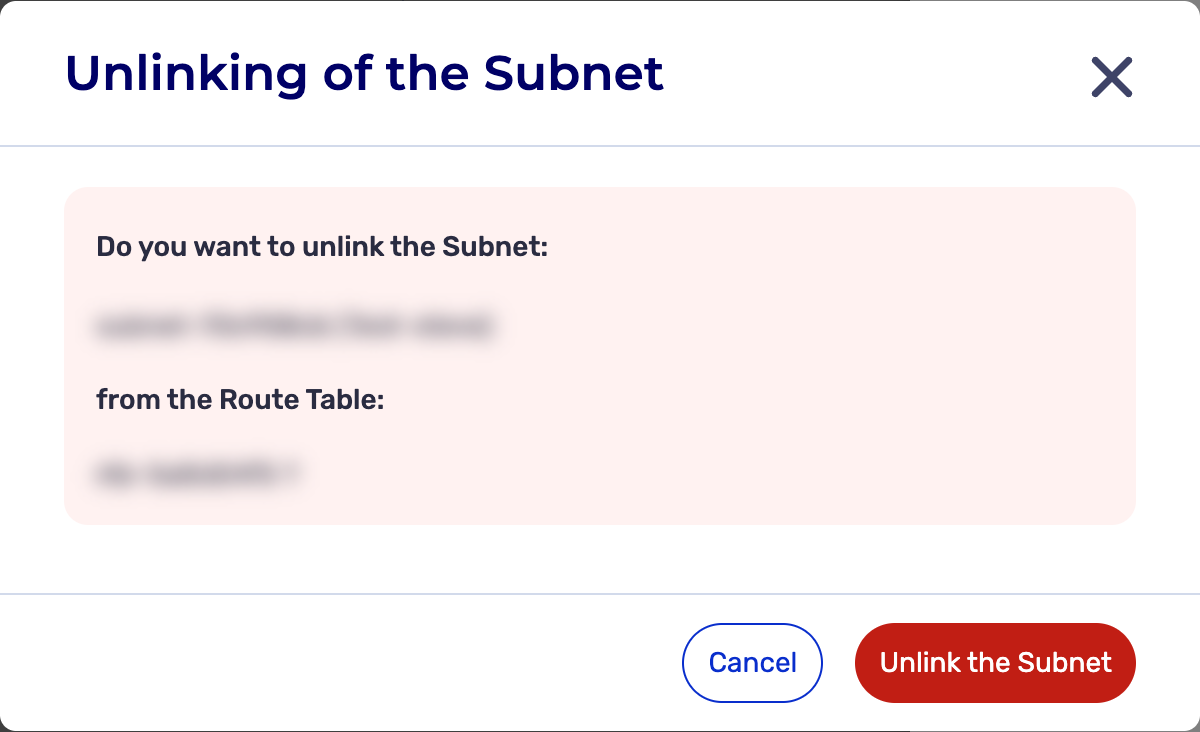
A strong confirmation dialog box appears.
-
Click Disassociate the Subnet.

-
The subnet has been disassociated and the following message appears:

The PUT /compute/spaces/{spaceId}/routeTables/{id}/subnets/unlink command disassociates a subnet from a route table.
After disassociation, the subnet can no longer use the routes of this route table, but uses those of the main route table of the VPC instead.
The Terraform documentation is available on the Numspot registry ↗.