Delete a VM
You can delete a VM (Virtual Machine) you no longer need. Deleting a VM releases the corresponding hardware resources. The VM therefore cannot be recovered. You can also specify that the VM is deleted when you stop it with the operating system command by enabling the InstanceInitiatedShutDownBehavior attribute.
The "Delete" action is irreversible. If you confirm this action, the VM is permanently deleted, which causes the following consequences:
- the resources attached to the VM are released;
- the data stored in memory is erased;
- if a public IP is attached, it is released but remains allocated to the account;
- the behavior of block storage volumes depends on the block device mapping.
Permissions
This action requires the following IAM (Identity and Access Management) permissions:
- compute.vm.delete
- Console
- API
- Terraform
-
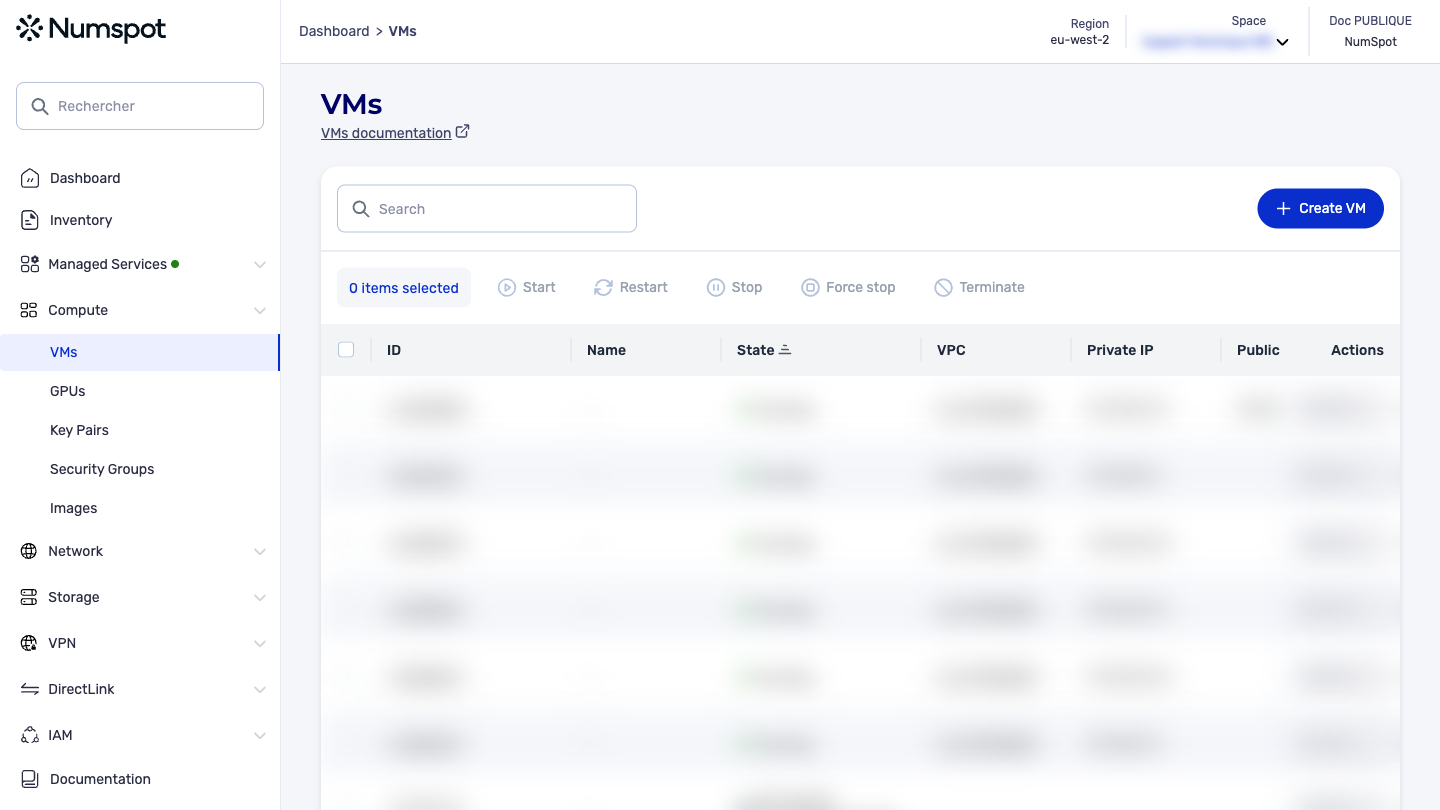
From the left-hand side menu, click Compute → VM to access the list of VM.
-
Select the VM you want to delete.
infoMulti-selection is available.
-
Click the Delete button.
-
Confirm your choice in the dialog box by entering the name of the VM.
The DELETE /compute/spaces/{spaceId}/vms/{id} command lets you terminate a specified VM.
This operation is idempotent, which means that all calls succeed even if you terminate a VM more than once.
In other words, if you make several termination requests for the same VM, only the first request is taken into account. The subsequent requests have no effect, because the VM has already been terminated.
The Terraform documentation is available on the Numspot registry ↗.