View the console output of a VM
You can display the console output of a VM (Virtual Machine) to diagnose kernel problems or system errors. The console displays the most recent 64 KiB of output. On Windows VM, the console is accessible only on the first start and provides no output after the first restart.
Permissions
This action requires the following IAM (Identity and Access Management) permissions:
- compute.vm.get
- Console
- API
- Terraform
-
Access the VM
-
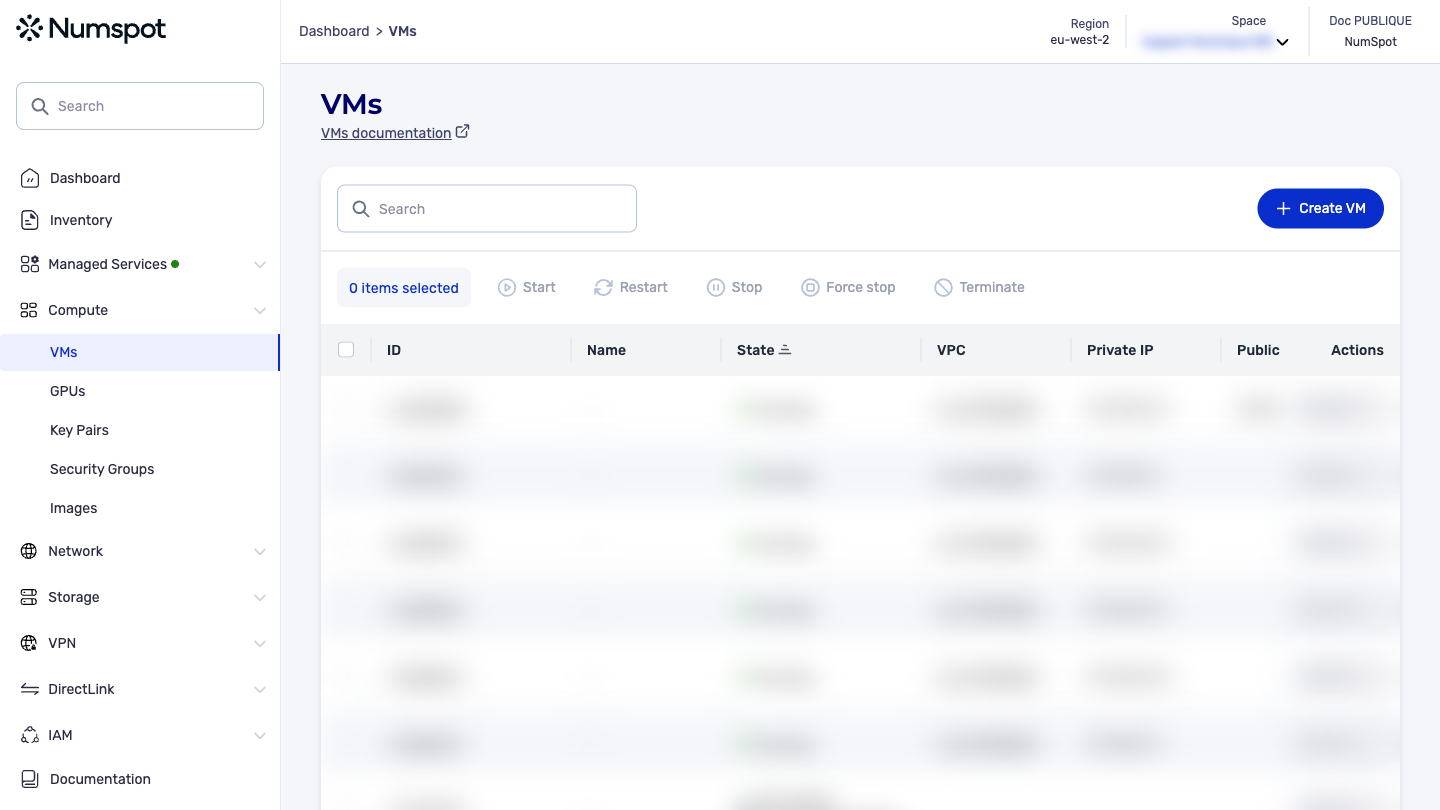
From the left-hand side menu, click Compute → VM to access the list of VM.
-
Click the ID of the VM to access the details page.
-
-
View the console
-
In the General section, click "View the console".
-
Tick "Automatic refresh" if necessary or click "Refresh".
-
The GET /compute/spaces/{spaceId}/vms/{id}/consoleOutputs command lets you obtain the console output for a VM. This console provides the most recent 64 KiB of output.
On Windows VM, the console is handled only on the first start. No output is returned after this first start.
The Terraform documentation is available on the Numspot registry ↗.