Get information about your public IP
You can get information about the public IP allocated to your account.
By default, this action describes all your public IP, whether they are available, associated with a VM (Virtual Machine) or a network interface, or used for a NAT Gateway.
Information about your public IP is also available from the VM themselves.
Permissions
info
This action requires the following IAM (Identity and Access Management) permissions:
- compute.publicIp.get
- Console
- API
- Terraform
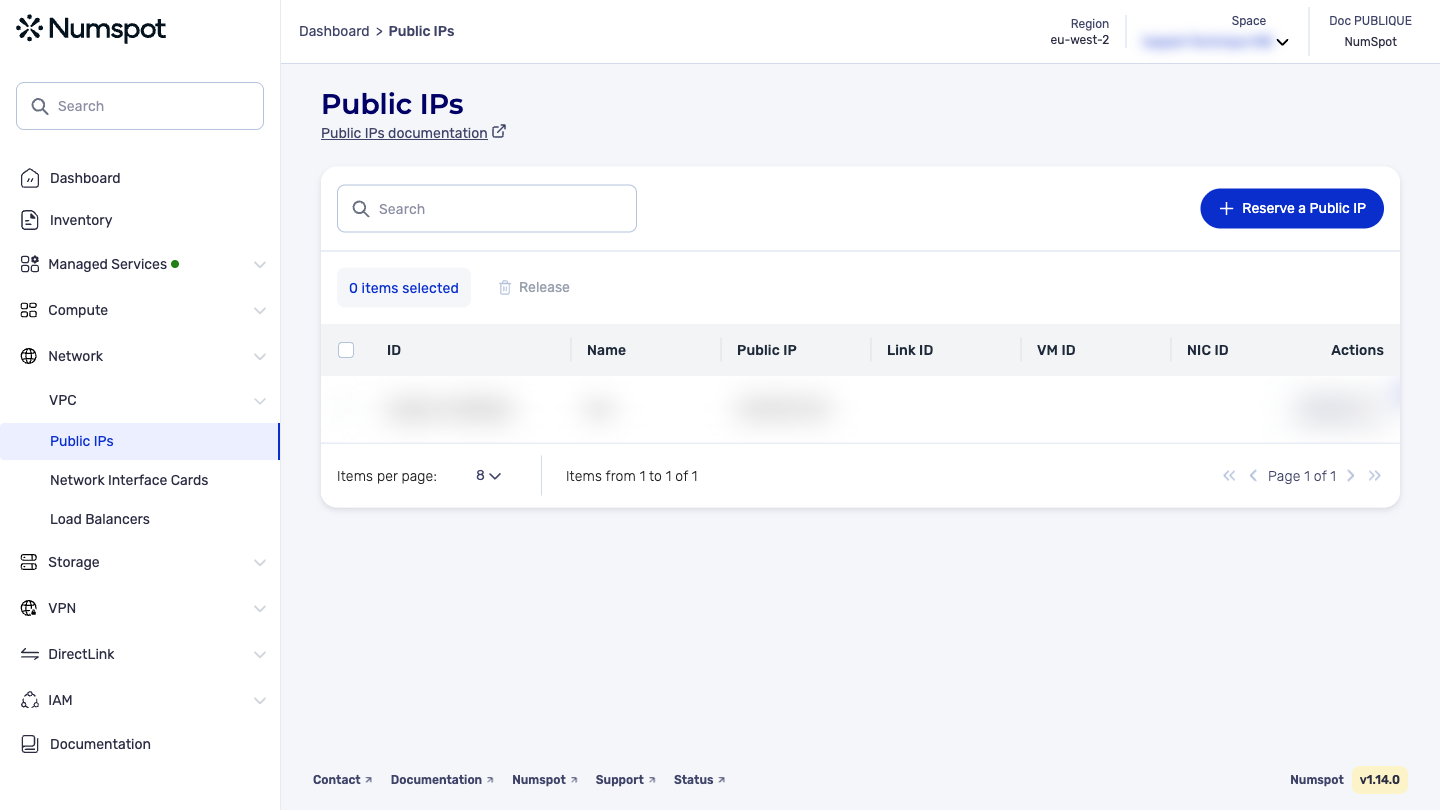
- From the left-hand side menu, click Network → Public IP.
- You then arrive on the list of Public IP.
The GET /compute/spaces/{spaceId}/publicIps command lists the public IP.
Example request: List all public IP
The GET /compute/spaces/{spaceId}/publicIps/{id} command retrieves the information of a public IP.
The Terraform documentation is available on the Numspot registry ↗.