Release a public IP from your account
You can release a public IP allocated to your account if you no longer need it. This public IP then becomes available to be allocated by another account.
Permissions
This action requires the following IAM (Identity and Access Management) permissions:
- compute.publicIp.delete
- Console
- API
- Terraform
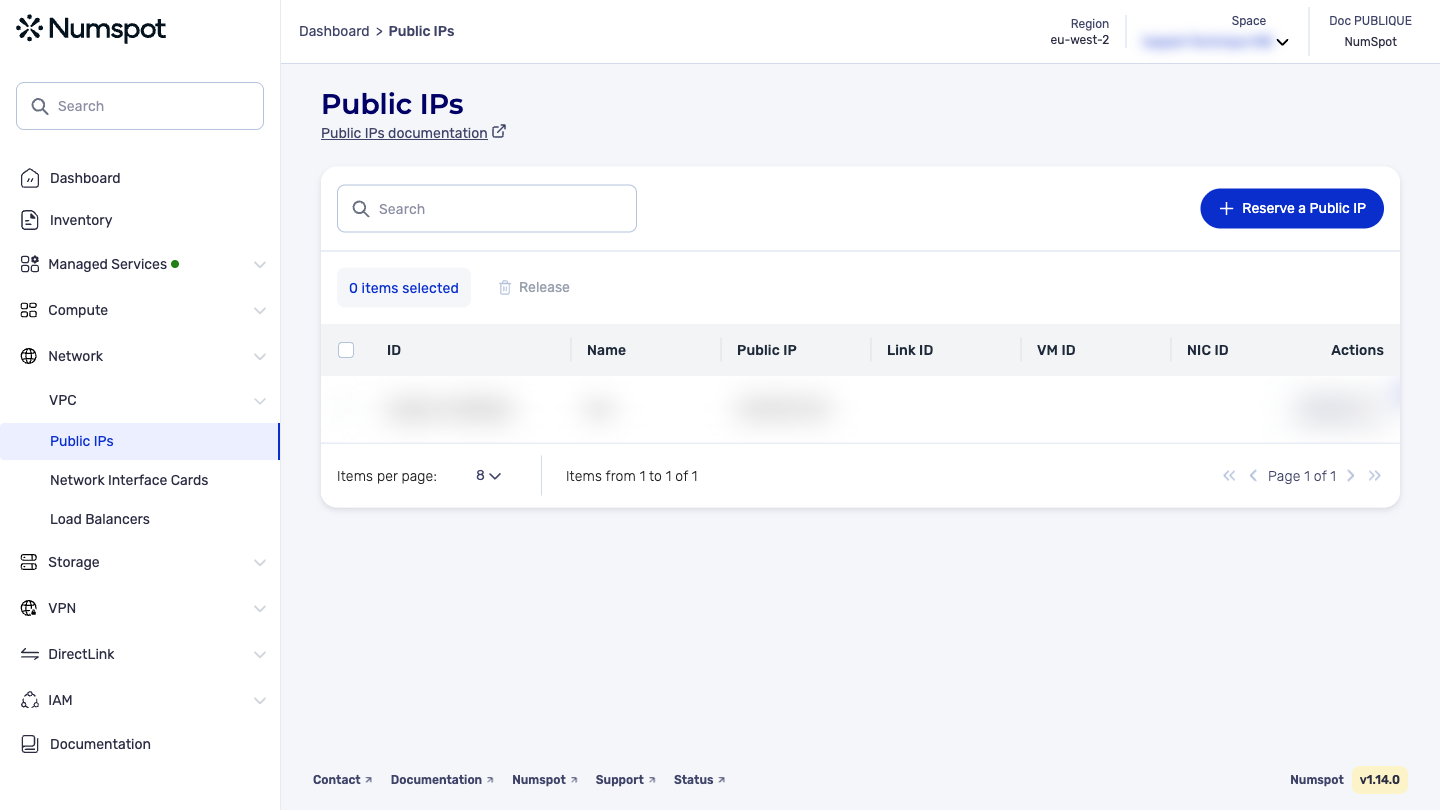
You can release a single public IP or release several in a single action.
To release public IP, make sure you have first dissociated them from any other resource.
Release a public IP
- From the left-hand side menu, click Network → Public IP.
- Identify the public IP that you want to release, then from the list of actions, click Release. A new Release a Public IP dialog box appears.
- To continue, strong confirmation is required. Enter the name of the resource to release in the corresponding field.
- Click Release. The public IP is released.
A confirmation message "The Public IP has been released" appears.
Release several public IP
- From the left-hand side menu, click Network → Public IP.
- Select the public IP that you want to release, then click Release. A new Release Public IP dialog box appears.
- To continue, strong confirmation is required. Enter the term "Delete" in the corresponding field.
- Click Release the public IP. A confirmation message "The Public IP have been released" appears.
Before you begin:
- Make sure that no application or script is using the public IP that you want to release.
- Stop the use of the public IP by your resources:
- Detach the public IP from any VM or network interface.
- Delete any nat gateway to which the public IP is associated.
You can only release the public IP associated with your account. The DELETE /compute/spaces/{spaceId}/publicIps/{id} command releases a public IP. This address is returned to the pool of public IP and can be reused by another person. Before releasing a public IP, make sure you have updated all the resources communicating with this address.
The Terraform documentation is available on the Numspot registry ↗.