Associate a public IP with a VM or a network interface
You can associate a public IP with a VM (Virtual Machine) or with a network interface in a VPC (Virtual Private Cloud).
The public IP will be bound to a NIC (Network Interface Card) of the VM (the default NIC if none is specified in the binding request).
You can also associate a public IP with a nat gateway. However, this action is only possible when creating the nat gateway.
Permissions
This action requires the following IAM (Identity and Access Management) permissions:
- compute.publicIp.update
- Console
- API
- Terraform
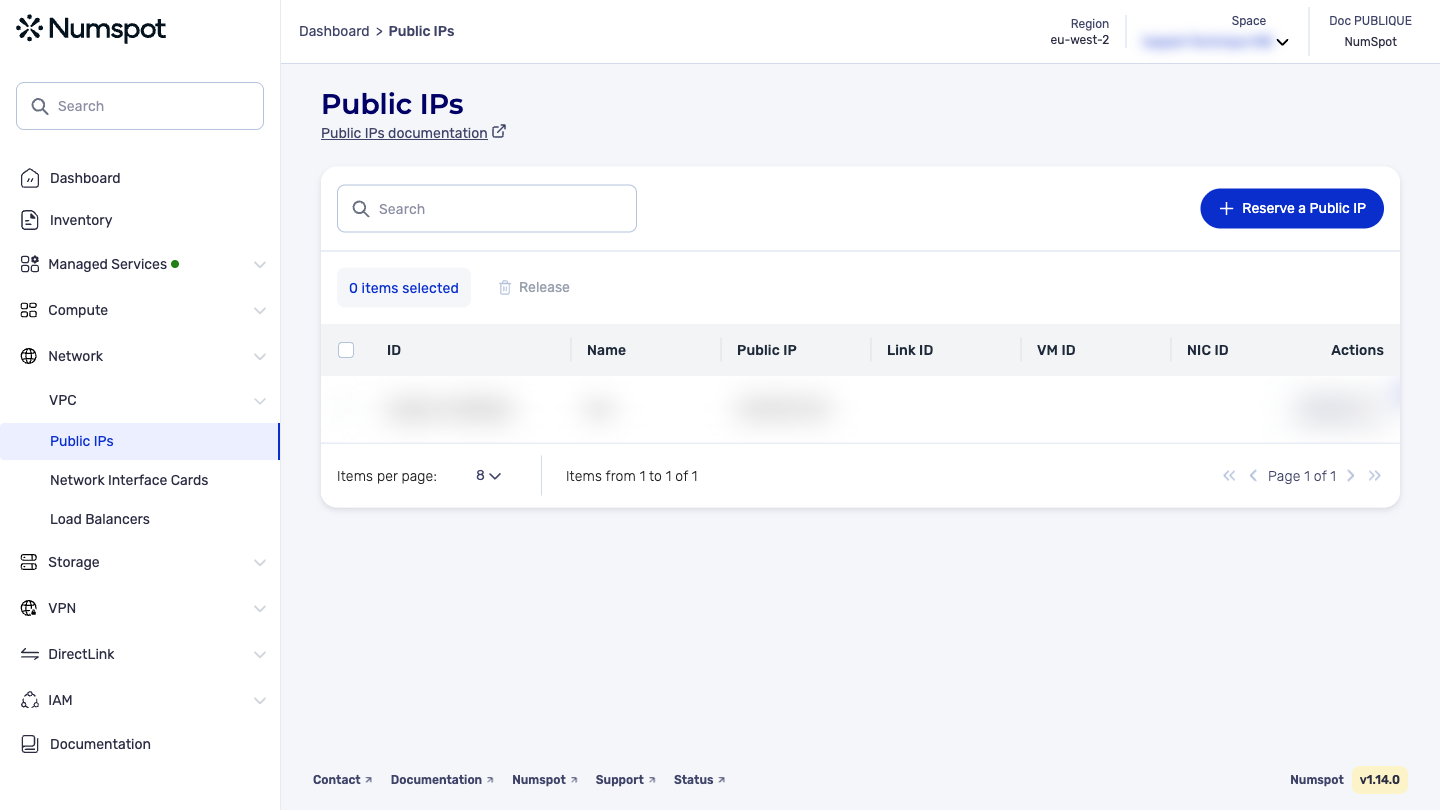
From the console, you can associate a public IP with a VM or with a NIC.
Associate a public IP with a VM
-
From the left-hand side menu, click Network → Public IP.
-
Identify the public IP you want to associate, then from the list of actions, click Associate with the VM.
A new "Association with a VM" dialog box appears.
-
In the list, select the VM you want to associate.
-
Click Associate with the VM. The public IP is associated with the VM.
A "The Public IP has been successfully associated with the VM" confirmation message appears.
Before you begin: To associate a public IP with a VM or with a network interface card (NIC) in a VPC, make sure that the VPC has an internet gateway attached.
The PUT /compute/spaces/{spaceId}/publicIps/{id}/link command associates a public IP with a VM or with a network interface card (NIC) in a VPC. You can associate a public IP with only one VM or NIC at a time. To associate a public IP with a VPC, make sure that the VPC has an internet gateway attached. By default, the public IP is dissociated from the VM each time it is stopped and restarted.
You can associate a public IP with a network address translation (NAT) service only when creating that service. To change the public IP of a NAT service, you must delete the existing NAT service and recreate it with the new public IP.
The Terraform documentation is available on the Numspot registry ↗.