Allocate a public IP
You can allocate a public IP that you can then associate with a VM (Virtual Machine) or a network interface.
Public IP are also required to create nat gateways.
Permissions
info
This action requires the following IAM (Identity and Access Management) permissions:
- compute.publicIp.create
- Console
- API
- Terraform
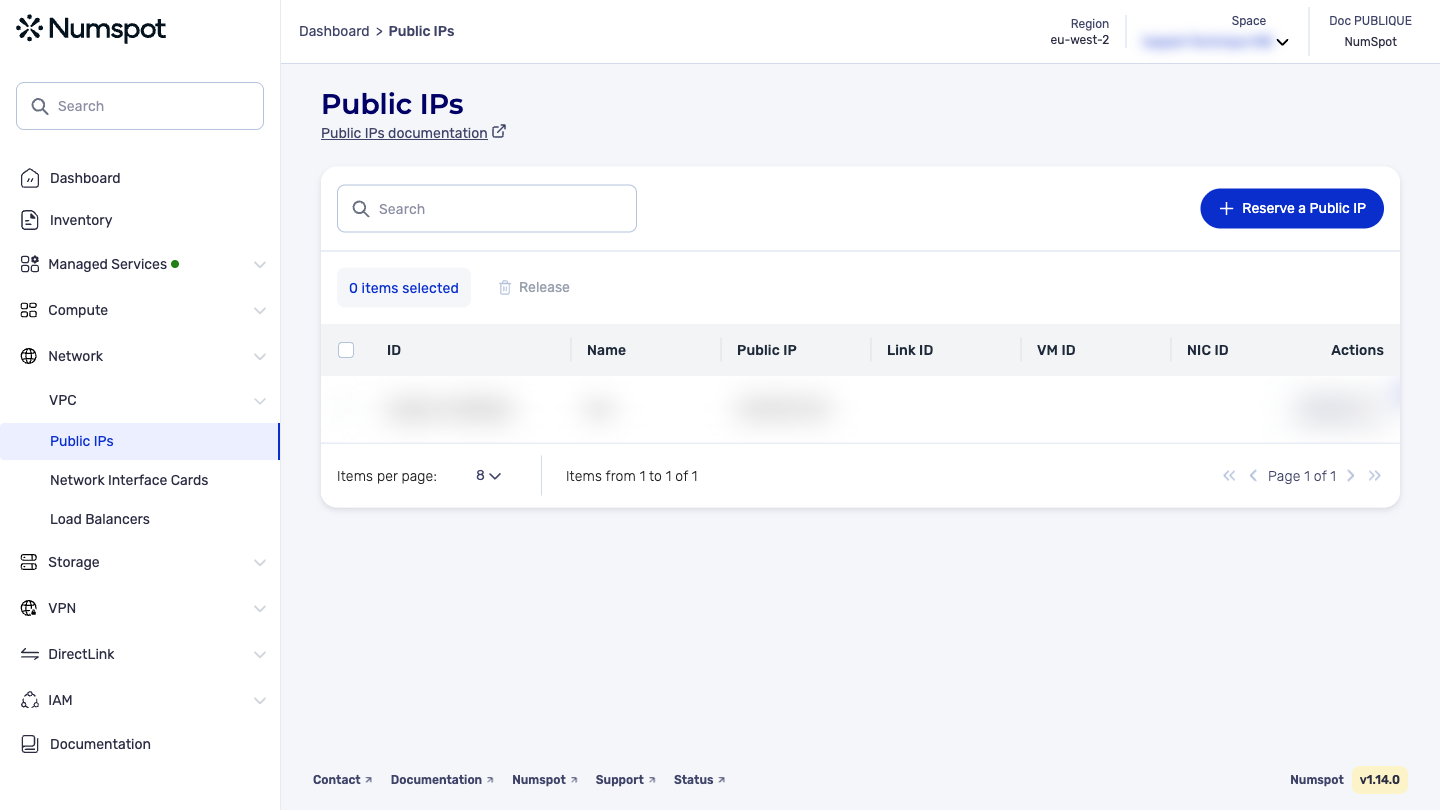
- From the left-hand side menu, click Network → Public IP.
- From the list of public IP, click the Reserve a Public IP button. A new Reserve a Public IP dialog box appears.
- In the "Name" field, type a name for the public IP.
info
This action adds a Name tag of up to 255 characters. You can use any character, including accented letters.
- Click Reserve. The public IP is reserved. A confirmation message "The Public IP has been reserved" appears.
The POST /compute/spaces/{spaceId}/publicIps command allocates a public IP for your account. A public IP is a static IP address designed for dynamic Cloud computing. It can be associated with a VM, a network interface card (NIC), or a NAT service.
The Terraform documentation is available on the Numspot registry ↗.