Create a nat gateway
You can create a nat gateway in a subnet of a VPC (Virtual Private Cloud) to allow the VM (Virtual Machine) in that subnet to connect to the Internet indirectly. You can create a nat gateway for each public subnet of the VPC.
Permissions
This action requires the following IAM (Identity and Access Management) permissions:
- compute.natGateway.create
Prerequisites
To do this, you must also:
- add a rule allowing outbound flows to the Internet to the security groups used for the VM you want to connect to the Internet;
- add a route with the CIDR (Classless Inter Domain Routing) block 0.0.0.0/0 (or a smaller IP range) as the destination and the ID of the newly created nat gateway as the target to the route table of this subnet containing your VM.
- Console
- API
- Terraform
-
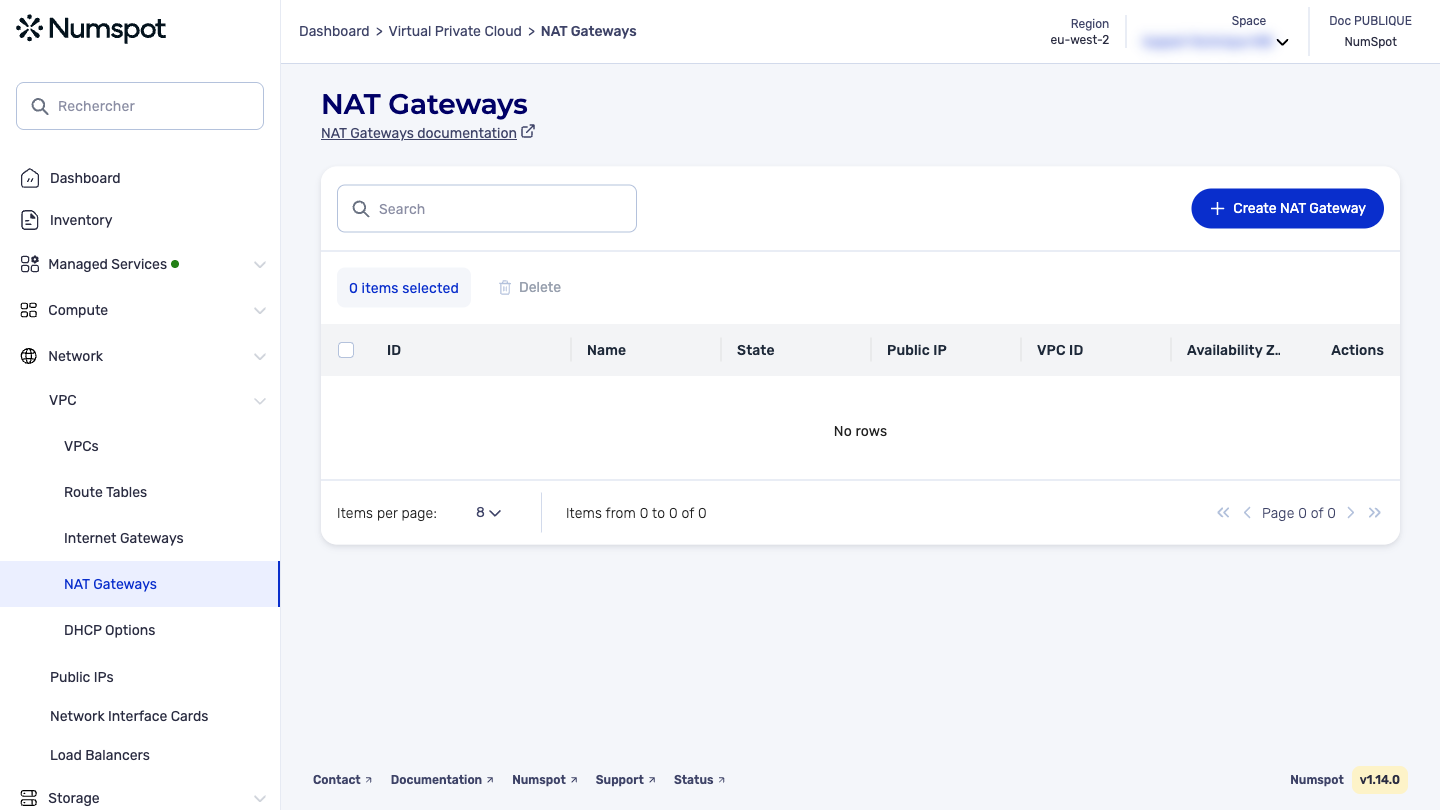
From the left-hand side menu, click Network → VPC → NAT Gateways.
-
From the list of nat gateways, click Create a NAT Gateway.
A "NAT Gateway creation" page appears.
- In the "Name" field, enter a name for the nat gateway.
This action adds a Name tag of up to 255 characters. You can use all characters, including accented letters.
- In the "VPC" list, select the VPC in which you want to create a nat gateway.
- In the "Subnet" list, select the subnet in which you want to create a nat gateway.
Only subnets with a route pointing to an internet gateway on the IP range 0.0.0.0/0 are displayed.
- In the "Public IP" list, select the public IP you want to associate with the nat gateway.
- Click Create the NAT Gateway.
A confirmation message appears at the bottom of the page indicating that the nat gateway has been created.
Prerequisites
- Allocate a public IP to your account.
The POST /compute/spaces/{spaceId}/natGateways command creates a nat gateway in the specified public subnet of a VPC.
A nat gateway allows the VM placed in the private subnet of this VPC to connect to the Internet, without being accessible from the Internet.
When creating a nat gateway, you specify the allocation ID of the public IP you want to use as the public IP for the nat gateway.
Once the nat gateway is created, you must create a route in the route table of the private subnet, with 0.0.0.0/0 as the destination and the ID of the nat gateway as the target.
This action also allows you to create several nat gateways in the same VPC (one per public subnet).
You cannot change the public IP associated with a nat gateway after its creation. To do this, you must delete the nat gateway and create a new one with another public IP.
The Terraform documentation is available on the Numspot registry ↗.