Create a virtual gateway
You can create a virtual gateway to attach to a VPC (Virtual Private Cloud). You can then set up a VPN (Virtual Private Network) connection between this VPC and a client gateway.
You can create the virtual gateway before or after creating the VPC.
Permissions
info
This action requires the following IAM (Identity and Access Management) permissions:
- connectivity.bridge.create
- Console
- API
- Terraform
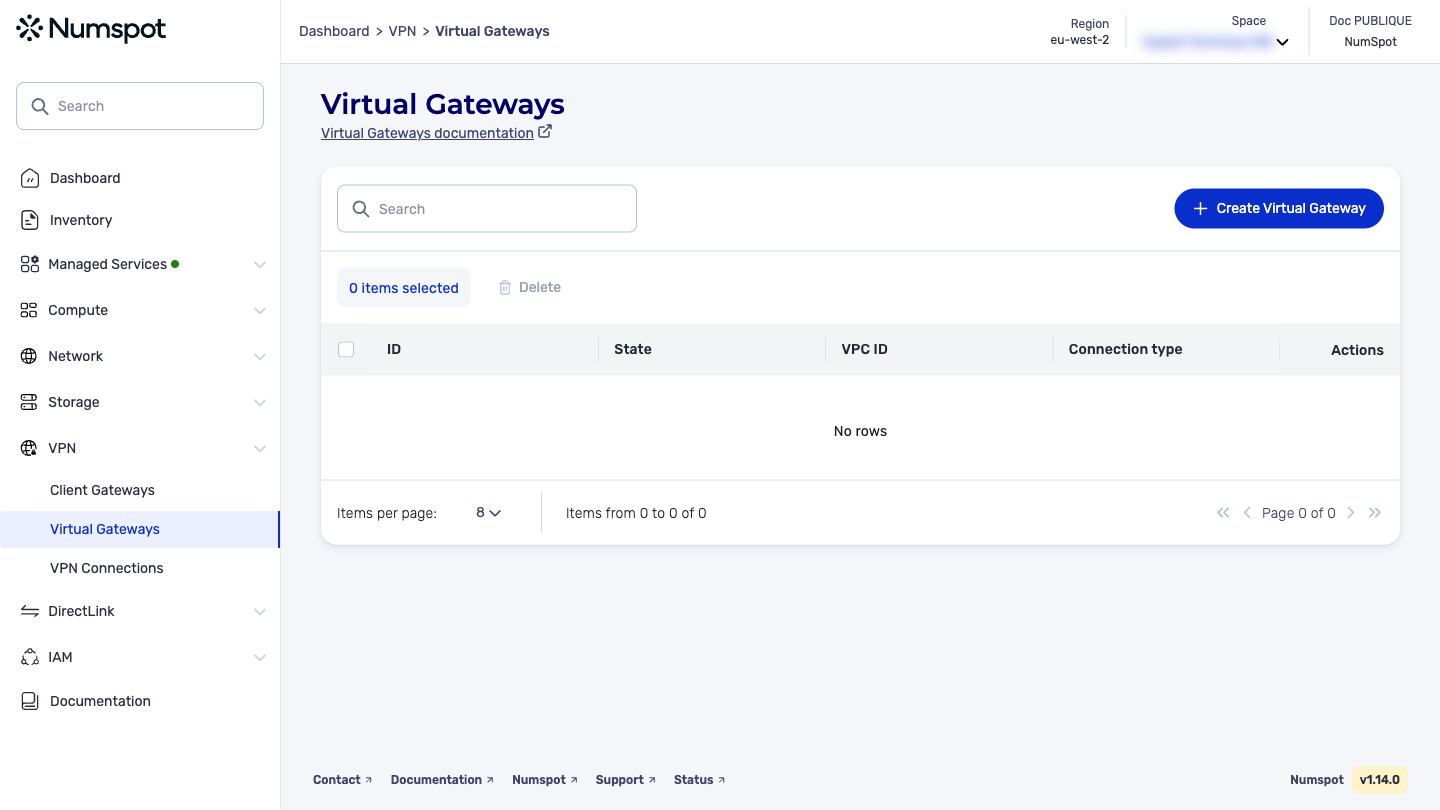
- In the Virtual Gateways dashboard, click Create a Virtual Gateway. The "Create a Virtual Gateway" dialog box appears.
- In the "Name" field, type a name for the virtual gateway.
- Click Create. The virtual gateway is created.
The POST /connectivity/spaces/{spaceId}/virtualGateways command creates a virtual gateway.
A virtual gateway is the access point on the VPC side of a VPN connection.
The Terraform documentation is available on the Numspot registry ↗.