Create a client gateway
You can create a client gateway in your corporate network.
This action identifies an existing resource in your corporate network to use as a client gateway. You can then set up a VPN (Virtual Private Network) connection between this client gateway and a virtual gateway.
Permissions
This action requires the following IAM (Identity and Access Management) permissions:
- connectivity.bridge.create
Before you begin: Create a resource to use as a client gateway.
- Console
- API
- Terraform
-
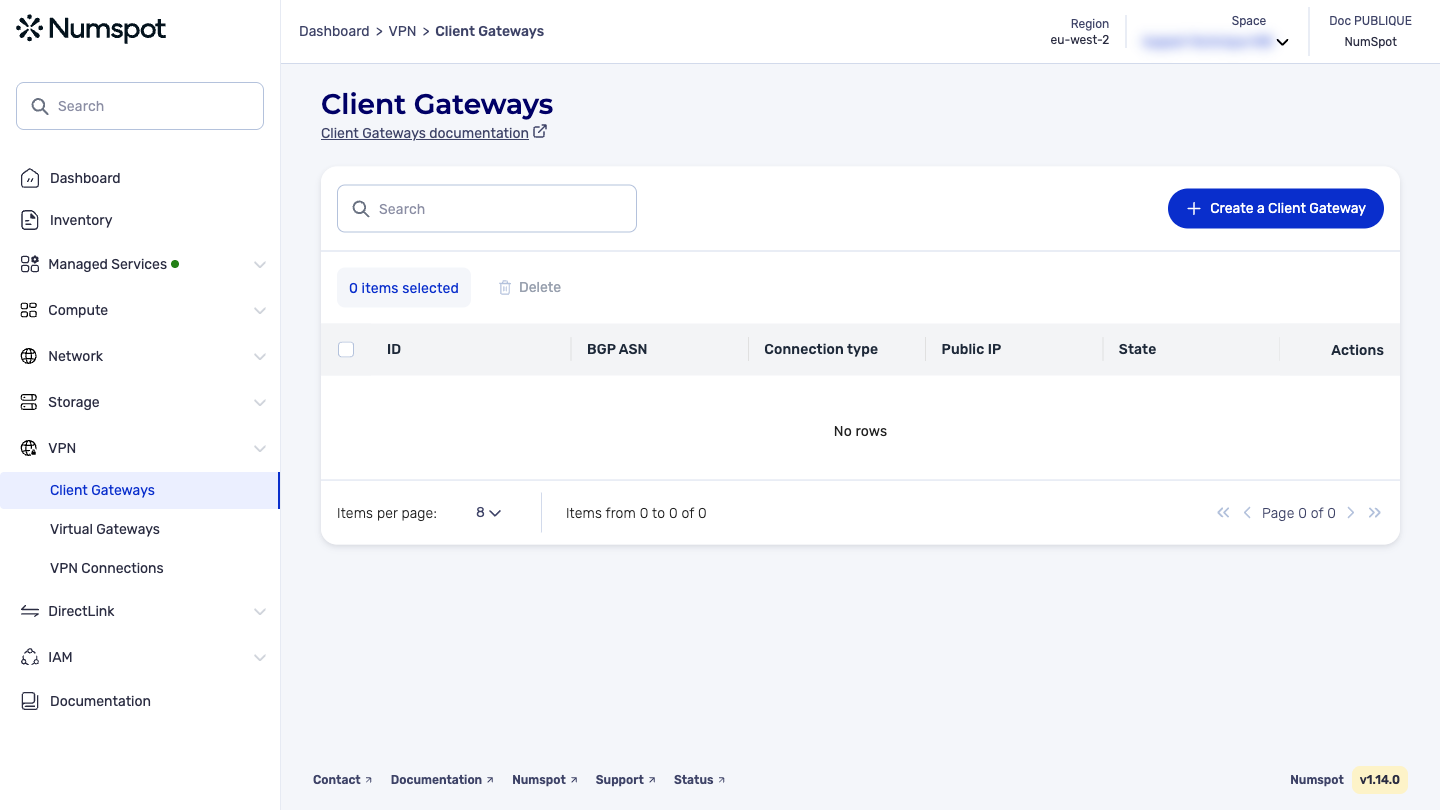
In the Client Gateways dashboard, click Create a Client Gateway. The "Create a Client Gateway" dialog box appears.
-
In the "BGP ASN" field, type the appropriate autonomous system number (ASN - Autonomous System Number) for your client gateway.
The ASN must be between 1 and 4294967295. If you do not have an ASN, you can choose one between 64512 and 65534, or between 4200000000 and 4294967294.
- In the "Public IP" field, type the static public IP (Internet Protocol) of the resource that you want to use as a client gateway.
IPv6 addresses are not supported. You must use an IPv4 address.
- Click Create a Client Gateway. The client gateway is created.
The POST /connectivity/spaces/{spaceId}/clientGateways command creates a client gateway.
This action records information to identify the client gateway that you have deployed in your network.
To establish a tunnel with the client gateway, you must provide the communication protocol type, the fixed public IP address of the gateway, and an autonomous system number (ASN).
The Terraform documentation is available on the Numspot registry ↗.