Remove rules from a security group
You can remove rules for inbound or outbound traffic at any time, even the initial rules contained in the default security groups or in the ones you create. Once the rule is removed, your changes are automatically applied and the corresponding traffic is no longer authorized.
Permissions
This action requires the following IAM (Identity and Access Management) permissions:
- compute.securityGroup.update
- Console
- API
- Terraform
-
Log in to the Numspot console.
-
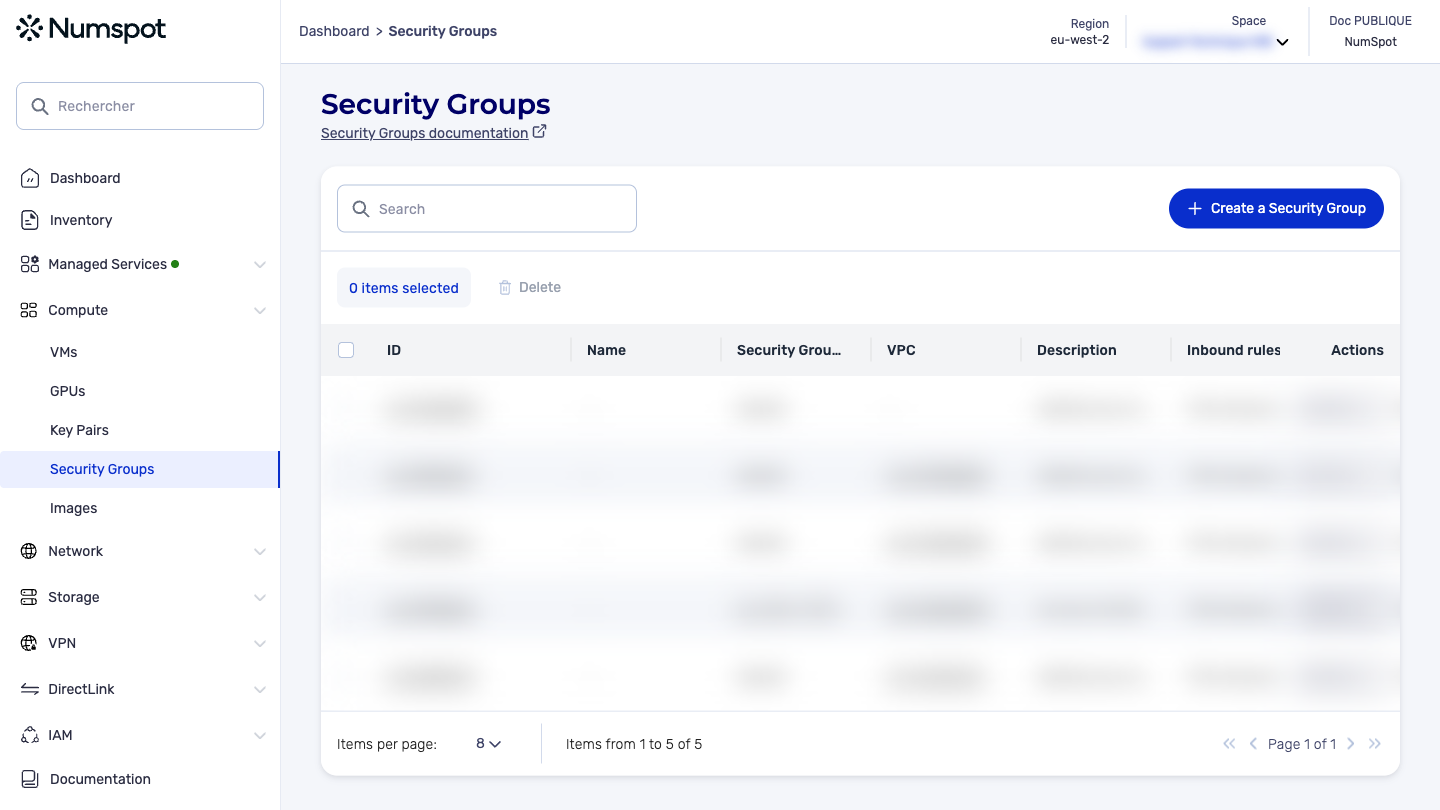
From the left-hand side menu, click Compute → Security Groups.
-
Click the ID of the security group from which you want to remove a rule. The "Security Group Details" page appears.
-
Choose the rule you want to remove. In the actions drop-down menu, click Delete. A confirmation dialog box appears.
-
Click the "Delete" button.
-
The selected rule is deleted and the dialog box closes.
The DELETE /compute/spaces/{spaceId}/securityGroups/{id}/rules command deletes one or more inbound or outbound rules of a security group. For the rule to be deleted, the values specified in the deletion request must match exactly those of the existing rule.
In the case of the TCP (Transmission Control Protocol) and UDP (User Datagram Protocol) protocols, you must indicate the destination port or the port range. In the case of the ICMP (Internet Control Message Protocol) protocol, you must specify the ICMP type and code numbers.
The rules, or IP (Internet Protocol) authorizations, are made up of the protocol, the IP range or the source security group.
To remove outbound access to a destination security group, it is recommended to use a set of IP authorizations. It is also recommended to specify the protocol in this set of IP authorizations.
The Terraform documentation is available on the Numspot registry ↗.