Create a security group
In the same way as firewalls, security groups let you define rules to control network traffic to and from the virtual machines they are associated with.
You can create security groups for the public Cloud or for a VPC (Virtual Private Cloud) that you specify. You must then add rules to these security groups according to your needs and your architecture.
In the same way as we recommend using a VM (Virtual Machine) for a single service only, we recommend creating one security group per service with the appropriate rules, and associating this security group with all the VM dedicated to that service. You can then authorize inbound and outbound traffic between your security groups according to the services that need to communicate with each other, in order to apply these rules to all the VM concerned.
Permissions
This action requires the following IAM (Identity and Access Management) permissions:
- compute.securityGroup.create
- Console
- API
- Terraform
To be able to create a security group, you must have at least 1 VPC created in your space.
-
Log in to the Numspot console.
-
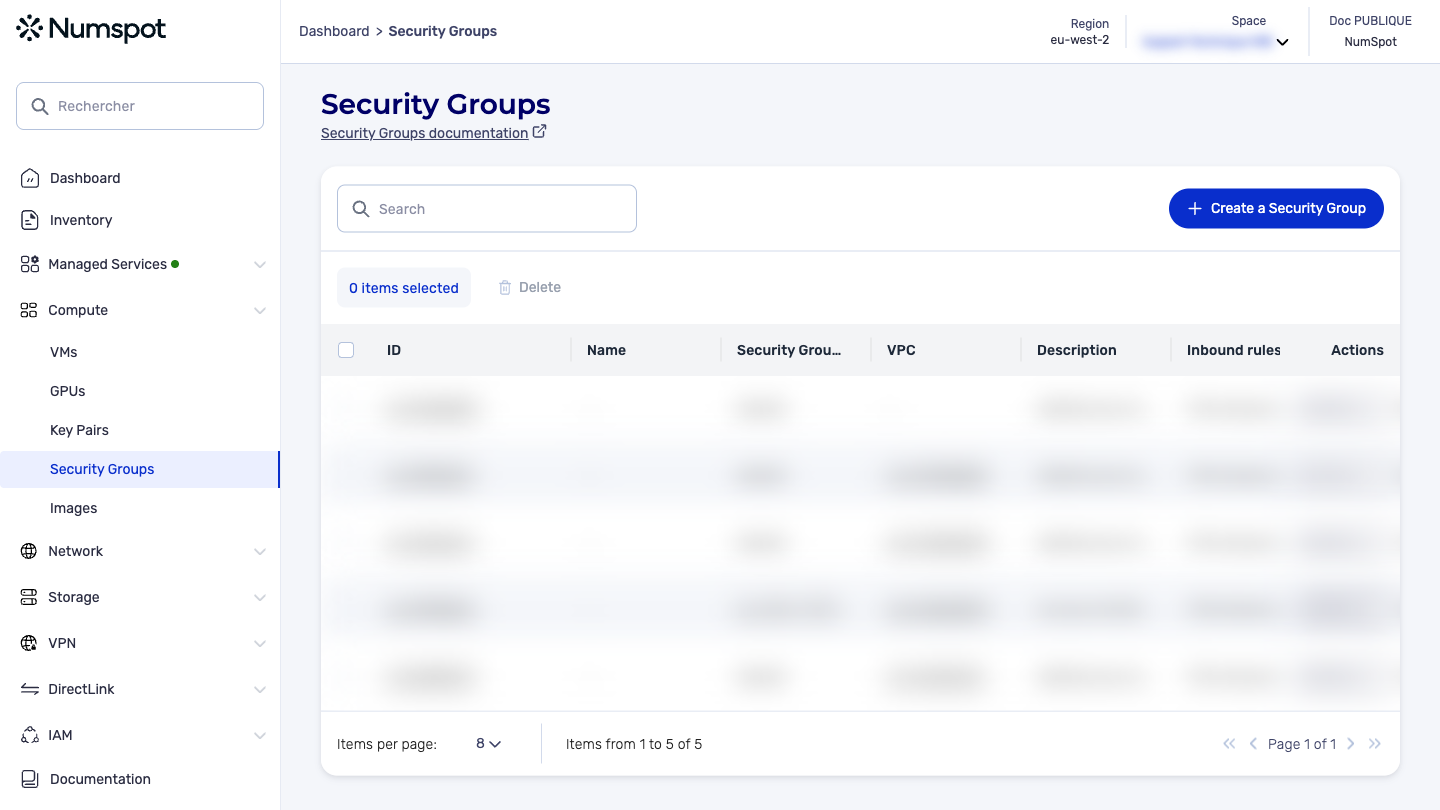
From the left-hand side menu, click Compute → Security Groups.
-
Once on the "Security Groups" page, click the Create a Security Group button. The "Create a Security Group" page appears.
-
In the Security Group name field, enter a name for the security group.
- The name must be unique within your account for the public Cloud or for each VPC. The security group name must not start with
sg-or with a space. The name must contain between 1 and 255 characters. The allowed characters area-z,A-Z,0-9, the space, and_.-:/()#,@[]+=&;{}!$*.
Give your security groups explicit names so that their role is understood. For example, you can use names in the application-environment-role format:
- website-all-bastion
- website-front-lb
- website-middle-app
- website-back-db
- In the Description field, enter a description of the security group.
The description must contain between 1 and 255 characters. The allowed characters are a-z, A-Z, 0-9, accented letters, the space, and _.-:/()#,@[]+=&;{}!$*.
-
In the Select a VPC to associate section, select a VPC from the list displayed.
-
Click the Create the Security Group button.
-
A confirmation message appears at the bottom indicating that the security group has been created, and you are redirected to the detailed page of the security group.
The POST /compute/spaces/{spaceId}/securityGroups command creates a security group. This action creates a security group in a specified VPC. By default, a security group is created for use in a VPC.
When launching a VM, if no security group is explicitly specified, the appropriate default security group is assigned to the VM. Security groups include a default rule allowing VM to have network access between each other.
When creating a security group, you must specify a name. You can have up to 500 security groups per VPC. You can add or remove rules afterwards.
The Terraform documentation is available on the Numspot registry ↗.