Delete a security group
You can delete a security group that you have created if it is no longer used by any VM (Virtual Machine) or in any security group rule, and if it does not contain any rule.
You cannot delete the default security groups.
Permissions
This action requires the following IAM (Identity and Access Management) permissions:
- compute.securityGroup.delete
- Console
- API
- Terraform
Before you begin: make sure that the security group you want to delete:
- is not associated with any VM;
- is not referenced as a source or destination security group in any security group rule;
- does not contain any rule.
-
Log in to the Numspot console.
-
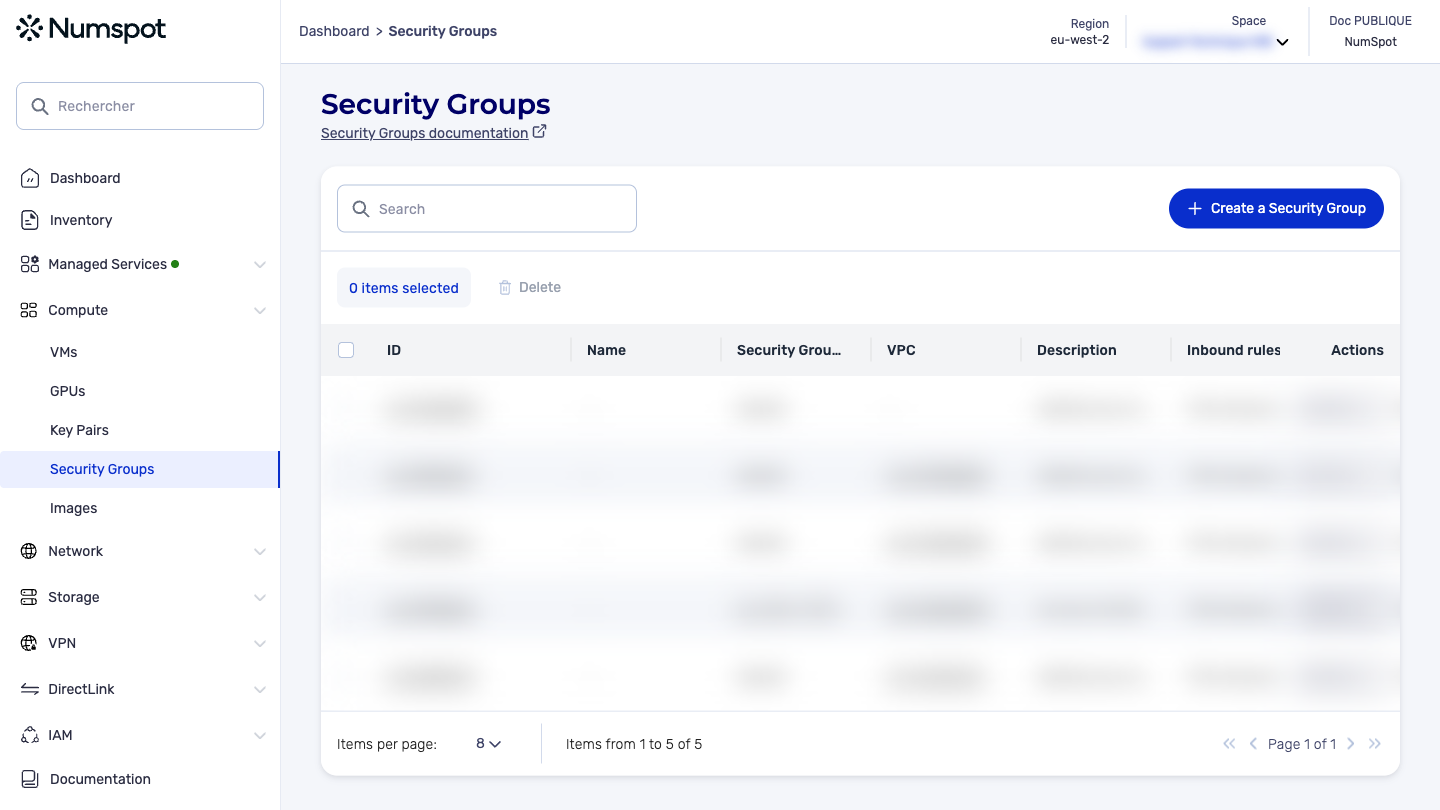
From the left-hand side menu, click Compute → Security Groups.
-
To delete a security group, 2 options are possible:
- select the security group you want to delete, then click the highlighted "Delete" button. A confirmation dialog box appears.
- in the security group actions drop-down menu, click Delete. A confirmation dialog box appears.
-
Click the Delete button.
-
A confirmation message appears at the bottom indicating that the security group is deleted and the dialog box closes.
Before you begin: make sure that the security group you want to delete:
- is not associated with any VM;
- is not referenced as a source or destination security group in any security group rule;
- does not contain any rule.
The DELETE /compute/spaces/{spaceId}/securityGroups/{id} command deletes a specified security group. You cannot delete a security group associated with a VM or referenced in a rule of another security group.
The Terraform documentation is available on the Numspot registry ↗.