Add rules to a security group
Controlled Traffic: You can specify rules for the inbound traffic and for the outbound traffic of a security group created for a VPC (Virtual Private Cloud).
Authorization Criteria: The rules authorize traffic according to the protocol — for example TCP (Transmission Control Protocol) or UDP (User Datagram Protocol) — and the specified ports.
Sources & Destinations - The authorized traffic can come from:
- A single IP (Internet Protocol) address or a range of IP addresses (whether public, private or external).
- Another security group.
Any rule added to a security group is immediately applied to all the VM (Virtual Machine) that use this group.
Permissions
This action requires the following IAM (Identity and Access Management) permissions:
- compute.securityGroup.update
- Console
- API
- Terraform
-
Log in to the Numspot console.
-
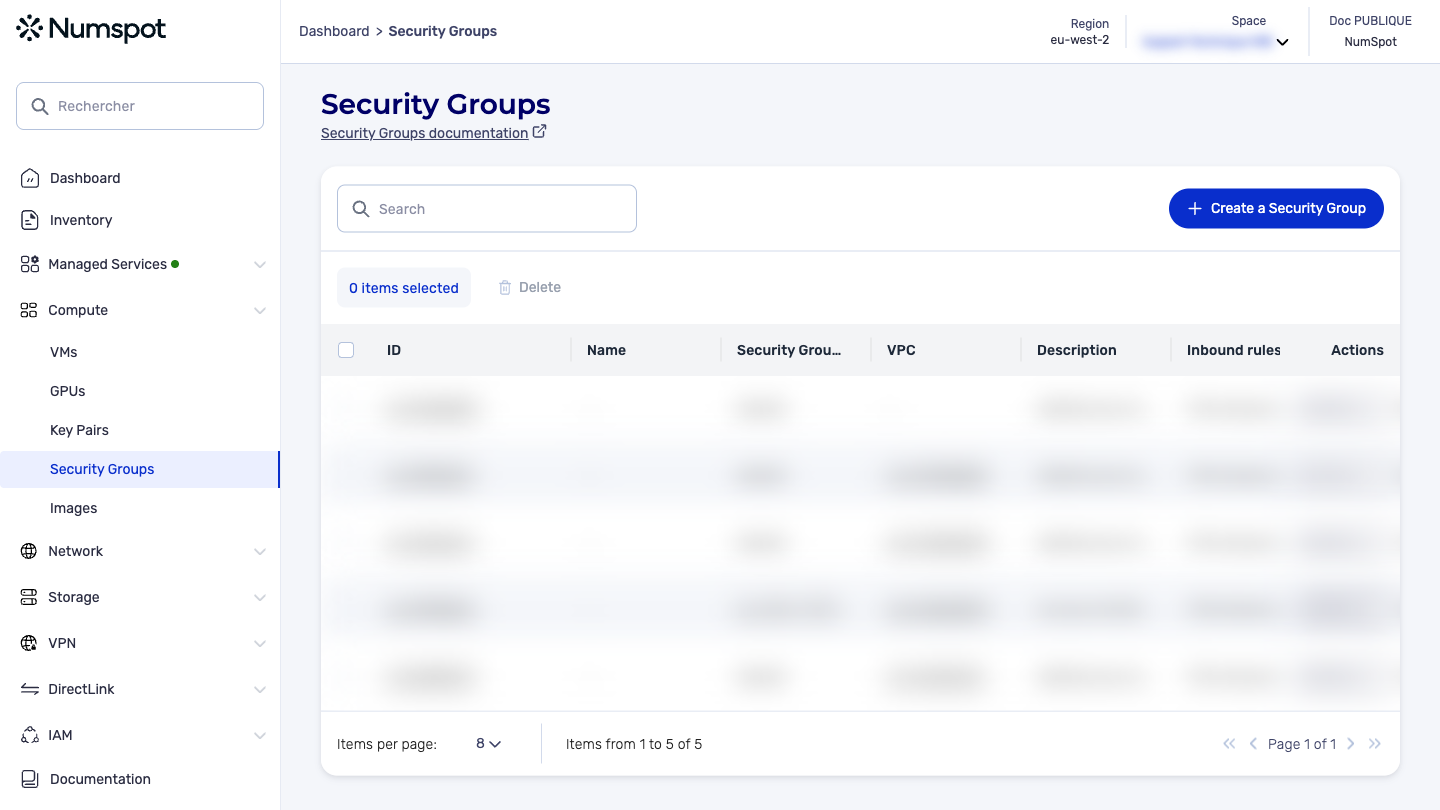
From the left-hand side menu, click Compute → Security Groups.
-
Click the ID of the security group to which you want to add a rule. The "Security Group Details" page appears.
-
Select the "Inbound rules" or "Outbound rules" tab, then click the "Add a rule" button. The rule creation dialog box appears.
-
To define a rule, specify the following information:
-
Service: the service, for example SSH (Secure Shell) or HTTP (HyperText Transfer Protocol).
-
Protocol: the IP protocol (tcp, udp, icmp, or All), where applicable.
-
Port range: specify the range of ports to open, this could be:
-
For TCP and UDP: a single port number between 0 and 65535, or a range of port numbers.
-
For ICMP: a single type number between 0 and 255, or a type number and code number, or -1 to indicate all ICMP types.
dangerAvoid opening traffic on all ports (
1-65535), as this prevents you from controlling it effectively. Open traffic only on the ports you need.
-
-
Source: "Anywhere", "Custom" or "My IP"
-
IP range: The target of the rule. This can be:
- An IP in CIDR (Classless Inter-Domain Routing) notation
- A range of IP in CIDR notation
- Another security group, specified by its ID
-
-
Click the Validate button.
-
The rule is successfully created and appears in the list of rules of the security group.
The POST /compute/spaces/{spaceId}/securityGroups/{id}/rules command adds one or more rules to a security group. Use the flow parameter to indicate whether you want an inbound rule or an outbound rule.
-
An inbound rule allows the security group to receive traffic:
- Either from a specific IP address range (ipRange parameter) on a specific port range (fromPortRange and toPortRange parameters) following a specific protocol (ipProtocol parameter).
- Or from another specific security group (securityGroupNameToLink parameter).
-
(For VPC only) An outbound rule works in a similar way but allows the security group to send traffic rather than receive it.
Alternatively, you can use the rules parameter to add several rules at the same time.
Changes are applied as quickly as possible, but a slight delay may occur.
By default, traffic between two security groups is authorized via both public IP and private IP. To restrict traffic to private IP only, contact our support team at support@numspot.com.
The Terraform documentation is available on the Numspot registry ↗.