Create a VPN connection
You can create a VPN (Virtual Private Network) connection between your corporate network and one of your VPC (Virtual Private Cloud) in the Numspot Cloud.
This action creates a secure VPN tunnel between a client gateway and a virtual gateway. The VPN connection remains in the pending state until traffic is generated from the client gateway.
Once the VPN connection is created, you must configure it.
Permissions
This action requires the following IAM (Identity and Access Management) permissions:
- connectivity.vpnconnection.create
Before you begin:
- create the required resources;
- make sure the virtual gateway is in the
availablestate.
- Console
- API
- Terraform
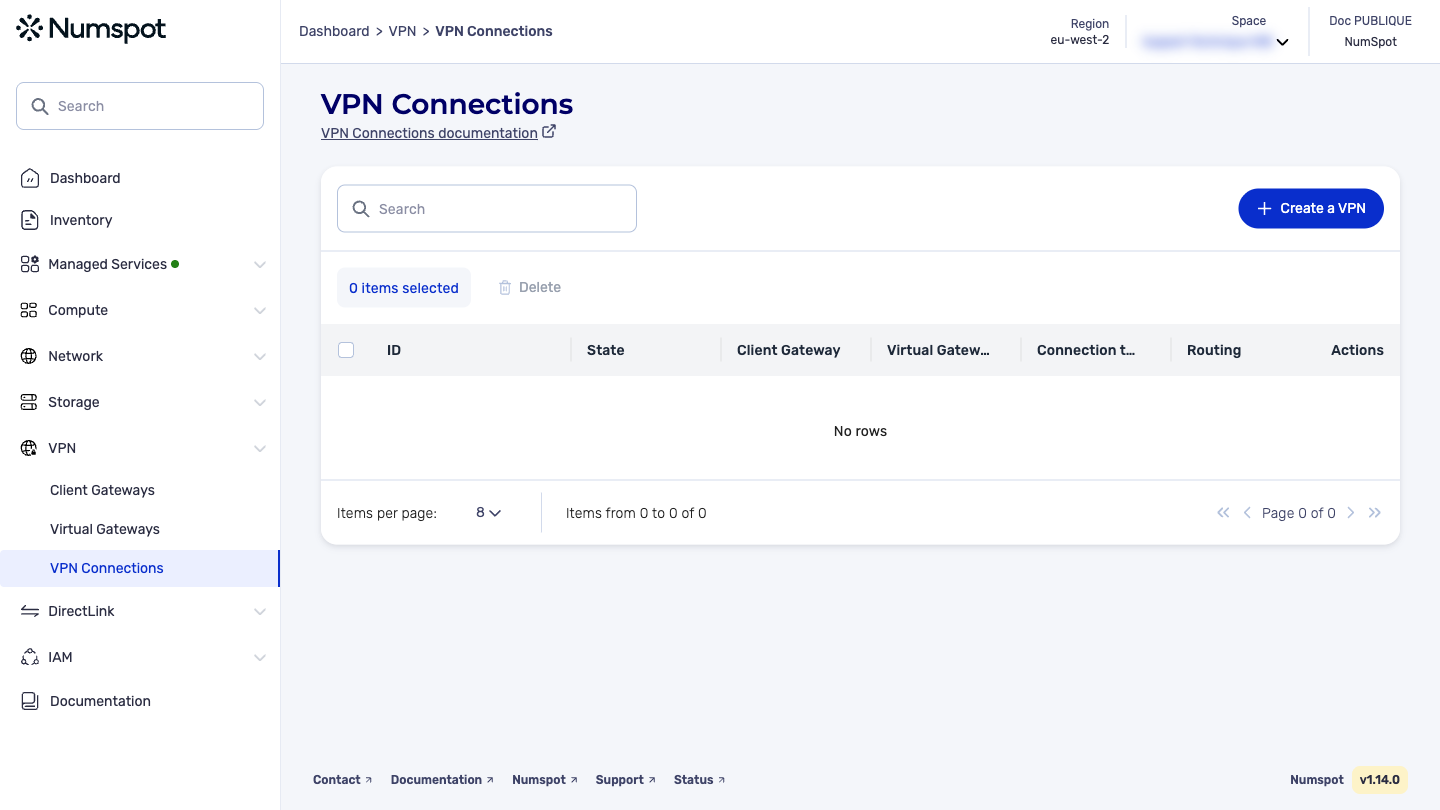
- In the VPN Connections dashboard, click Create a VPN Connection.
- Select the virtual gateway to use.
- Select the client gateway to use.
- Click Create.
The VPN connection is created.
The POST /connectivity/spaces/{spaceId}/vpnConnections command creates a VPN connection between a specified virtual gateway and a specified client gateway.
You can create only one VPN connection between a virtual gateway and a client gateway.
The Terraform documentation is available on the Numspot registry ↗.