Obtain information about your key pairs
You can obtain information about your created and imported key pairs.
Information about the public part of a key pair is also available, only from the VM (Virtual Machine) associated with the key pair.
Permissions
This action requires the following IAM (Identity and Access Management) permissions:
- compute.keypair.get
- Console
- API
- Terraform
-
Log in to the Numspot console.
-
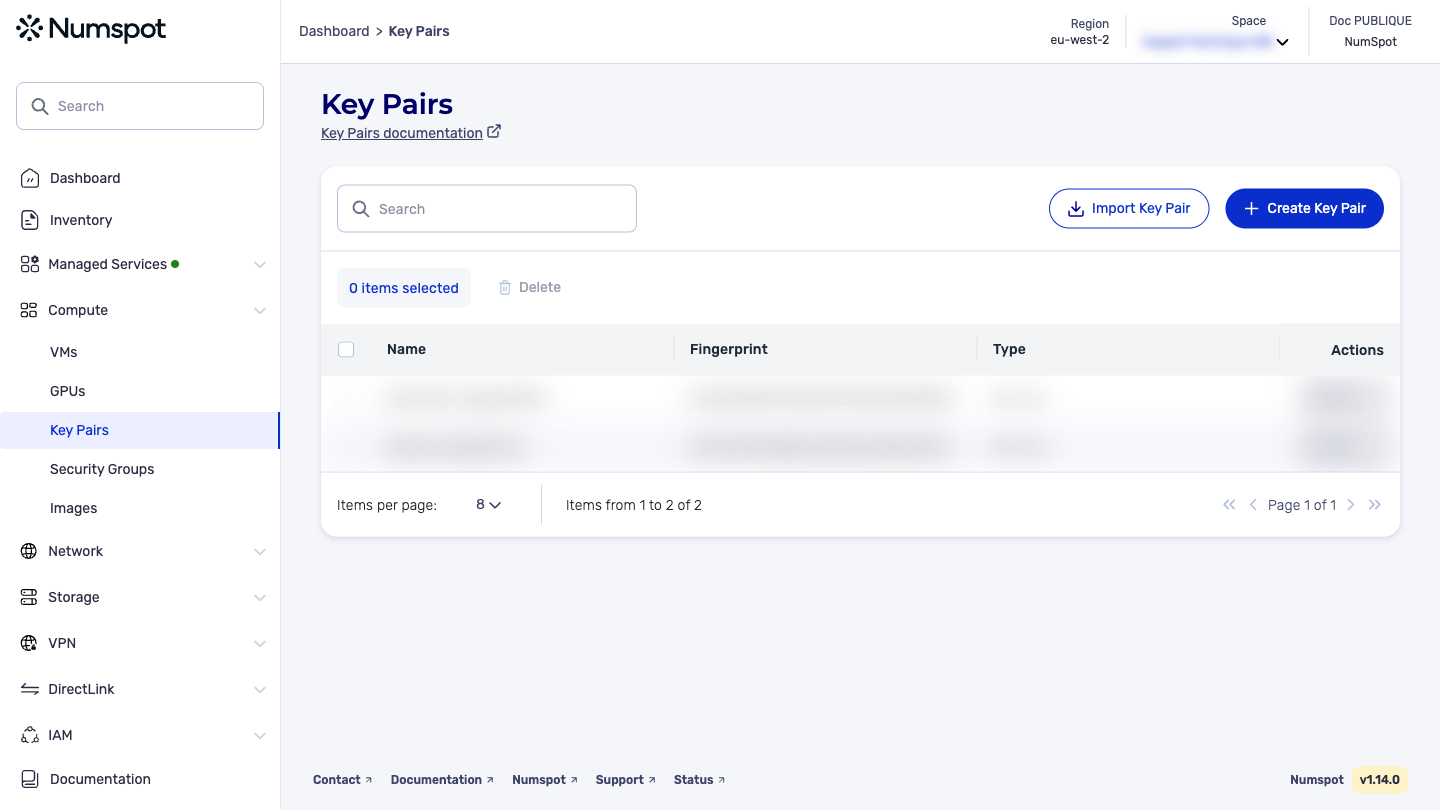
From the left-hand side menu, click Compute → Key pairs.
The list shown is that of the existing key pairs with the Fingerprint information for each one as well as the type of the key pair defined at its creation.
The GET /compute/spaces/{spaceId}/keypairs command lets you list your key pairs.
Example request: Listing all your key pairs
The GET /compute/spaces/{spaceId}/keypairs/{id} command lets you retrieve the information of a key pair.
The Terraform documentation is available on the Numspot registry ↗.