Delete a key pair
Permissions
This action requires the following IAM (Identity and Access Management) permissions:
- compute.keypair.delete
You can delete a specified key pair. This action deletes the public key kept by Numspot.
Deleting a key pair does not delete the private key saved on your computer, and does not delete the public key in the metadata of other VM (Virtual Machine) created with the same key pair. You cannot create new VM using the deleted key pair. However, you can still connect to other VM already created with the same key pair, as long as you can provide its private key.
- Console
- API
-
Log in to the Numspot console.
-
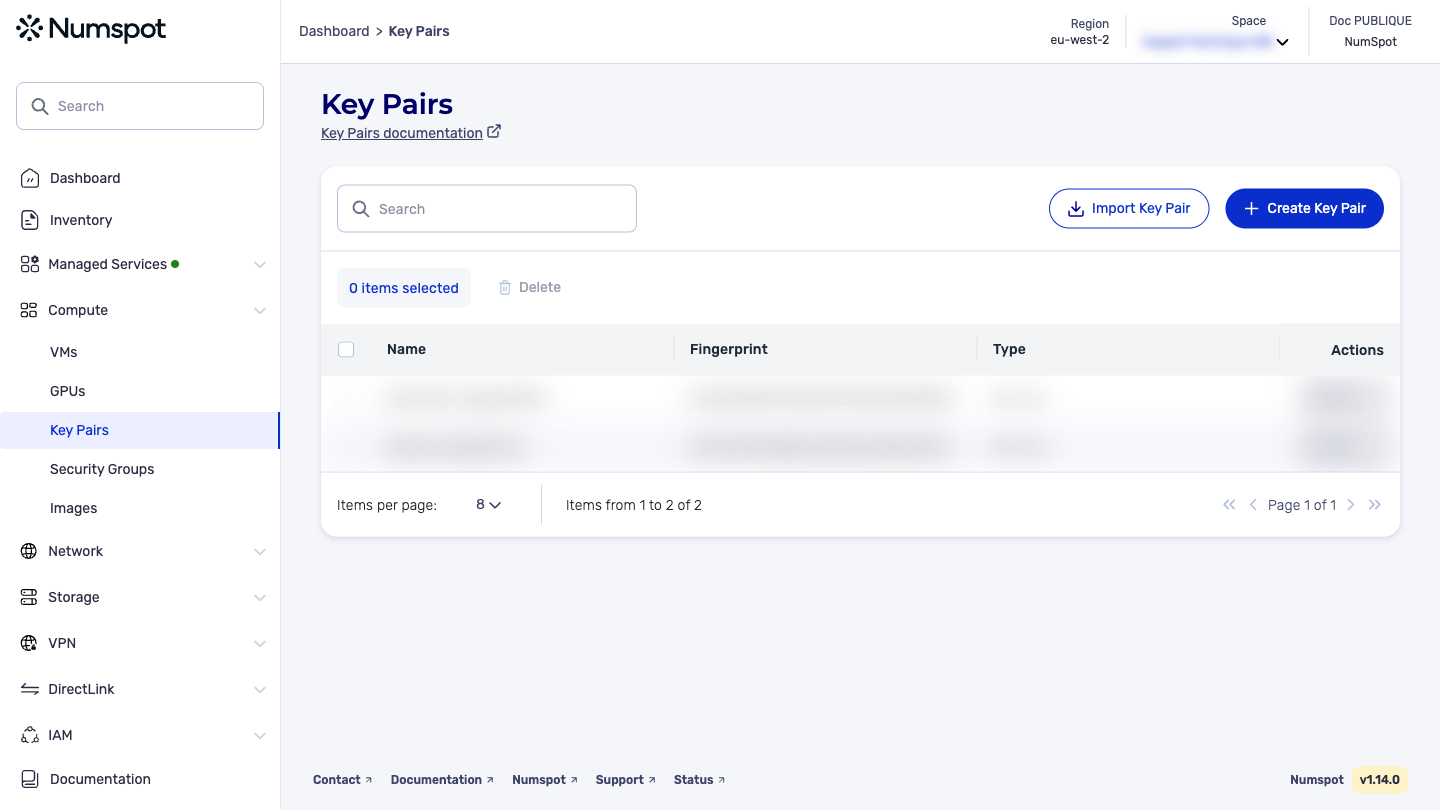
From the left-hand side menu, click Compute → Key pairs.
-
Tick the box of the key pair you want to delete or click the "Actions" drop-down menu on the same line. The key pair is selected or an actions menu appears.
-
Click Delete. A confirmation dialog box appears.
-
Confirm the deletion by typing the name of the key pair.
-
Click Delete.
The key pair is deleted and a confirmation message appears at the bottom of the page.
The DELETE /compute/spaces/{spaceId}/keypairs/{id} command deletes the specified key pair. This action deletes the public key stored by Numspot, which results in the deletion of the key pair.