Create a key pair
Permissions
This action requires the following IAM (Identity and Access Management) permissions:
- compute.keypair.create
You can create a key pair using the API (Application Programming Interface), the console or a third-party tool, and use it to access your VM (Virtual Machine).
You can also create a key pair directly when you create a VM in the Numspot console.
With the API or the console, you can create a key pair in 2048-bit RSA format. The public key is kept by Numspot. The private key must be downloaded and saved, and is never transmitted to Numspot. A new key pair is valid only for the region in which you create it.
With a third-party tool, such as ssh-keygen for example, you can create a key pair in one of the following types: RSA (2048 bits or preferably 4096 bits), Ed25519, and ECDSA (256 bits, 384 bits, or 521 bits). The following formats can be used: PEM, PKCS8, RFC4716, and OpenSSH. You must then import its public key into your Numspot account.
Only RSA key pairs can decrypt the password of a Windows VM.
- Console
- API
-
Log in to the Numspot console.
-
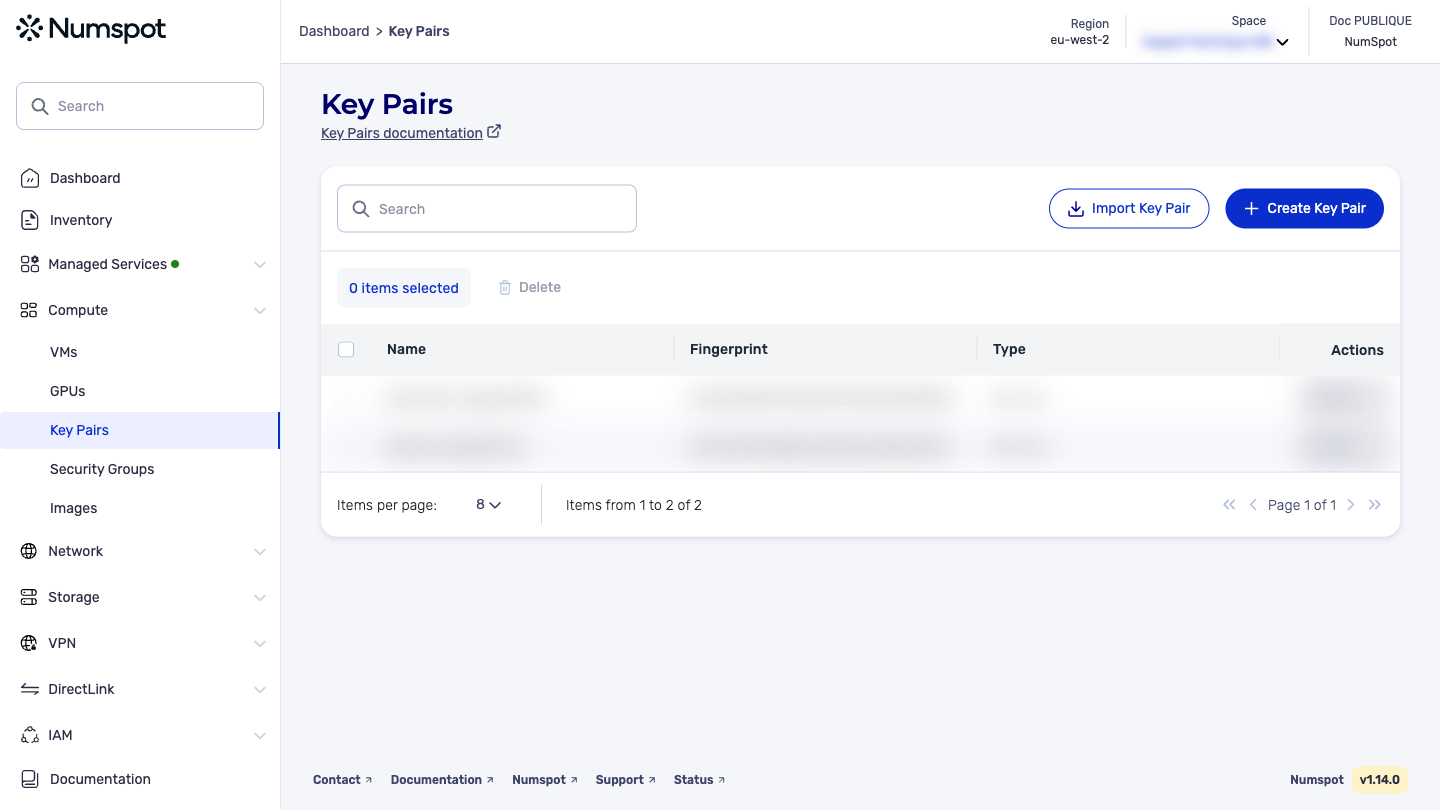
From the left-hand side menu, click Compute → Key pairs.
-
Click Create a key pair. The "Creating a key pair" page appears.
-
The key pair creation window appears. In the "Name" field, type a name for the key pair.
noteThis name must be unique within your account, and contain between 1 and 255 ASCII characters (excluding control characters). Accented characters are not allowed.
-
Click Create.
The key pair is created and a confirmation message appears at the bottom of the page. A file containing the private key of the key pair is automatically downloaded to your computer.
Save this document carefully, as you will need its contents every time you connect to your resources. It cannot be recovered from Numspot if lost.
The POST /compute/spaces/{spaceId}/keypairs command creates a key pair to use with your VM. You can use this method in two different ways:
-
Create a key pair: In this case, Numspot creates a 2048-bit RSA key pair, stores the public key in your account and returns the private key in the call response, so that you can save it to a file. When you save the returned private key, make sure to replace the
\nescape sequences with actual line breaks. -
Import a key pair created locally: If you already have a key pair that you created locally with a third-party tool, you can import its public key into your account. The following key types can be imported: RSA (2048 bits or preferably 4096 bits), Ed25519, and ECDSA (256 bits, 384 bits or 521 bits). The following formats can be used: PEM, PKCS8, RFC4716 and OpenSSH.