Delete an internet gateway
You can delete an internet gateway that you no longer need.
Permissions
This action requires the following IAM (Identity and Access Management) permissions:
- compute.internetGateway.delete
Prerequisites
Before you begin: Detach the internet gateway from the VPC (Virtual Private Cloud).
- Console
- API
- Terraform
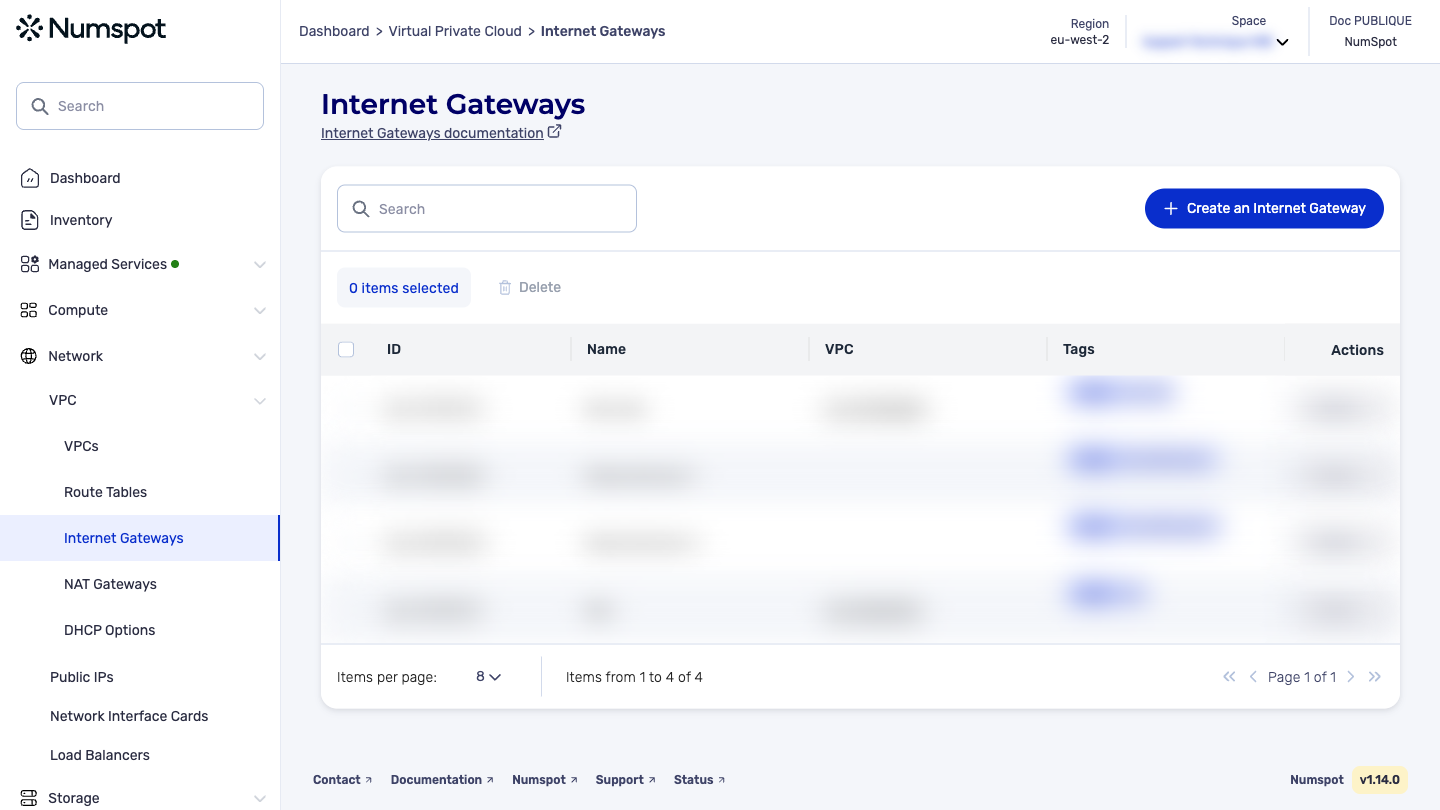
You can delete a single internet gateway or delete several in a single action.
Delete an internet gateway
-
Log in to the Numspot console.
-
In the left-hand side menu, click Network → VPC → Internet Gateways.
-
Identify the internet gateway you want to delete, then from the list of actions, click Delete.
A new "Internet Gateway deletion" dialog box appears.
-
To continue, strong confirmation is required. Enter the name of the resource to delete in the corresponding field.
-
Click Delete. The internet gateway is deleted.
A confirmation message "The Internet Gateway has been successfully deleted" appears.
Delete several internet gateways
-
Log in to the Numspot console.
-
From the left-hand side menu, click Network → VPC → Internet Gateways.
-
Select the internet gateways you want to delete, then click Delete.
A new "Internet Gateways deletion" dialog box appears.
-
To continue, strong confirmation is required. Enter the term Delete in the corresponding field.
-
Click Delete. The internet gateways are deleted.
A confirmation message "The Internet Gateways have been successfully deleted" appears.
The DELETE /compute/spaces/{spaceId}/internetGateways/{id} command deletes a specified internet gateway. Before deleting an internet service, you must detach it from any VPC to which it is attached.
The Terraform documentation is available on the Numspot registry ↗.