Detach an internet gateway from a VPC
You can detach an internet gateway from a VPC (Virtual Private Cloud) to remove its connection to the Internet.
This action also deletes the routes using the internet gateway as a target.
Permissions
This action requires the following IAM (Identity and Access Management) permissions:
- compute.internetGateway.update
Prerequisites
The VPC must not contain any VM (Virtual Machine) using public IP, nor any load balancer exposed to the Internet.
- Console
- API
- Terraform
-
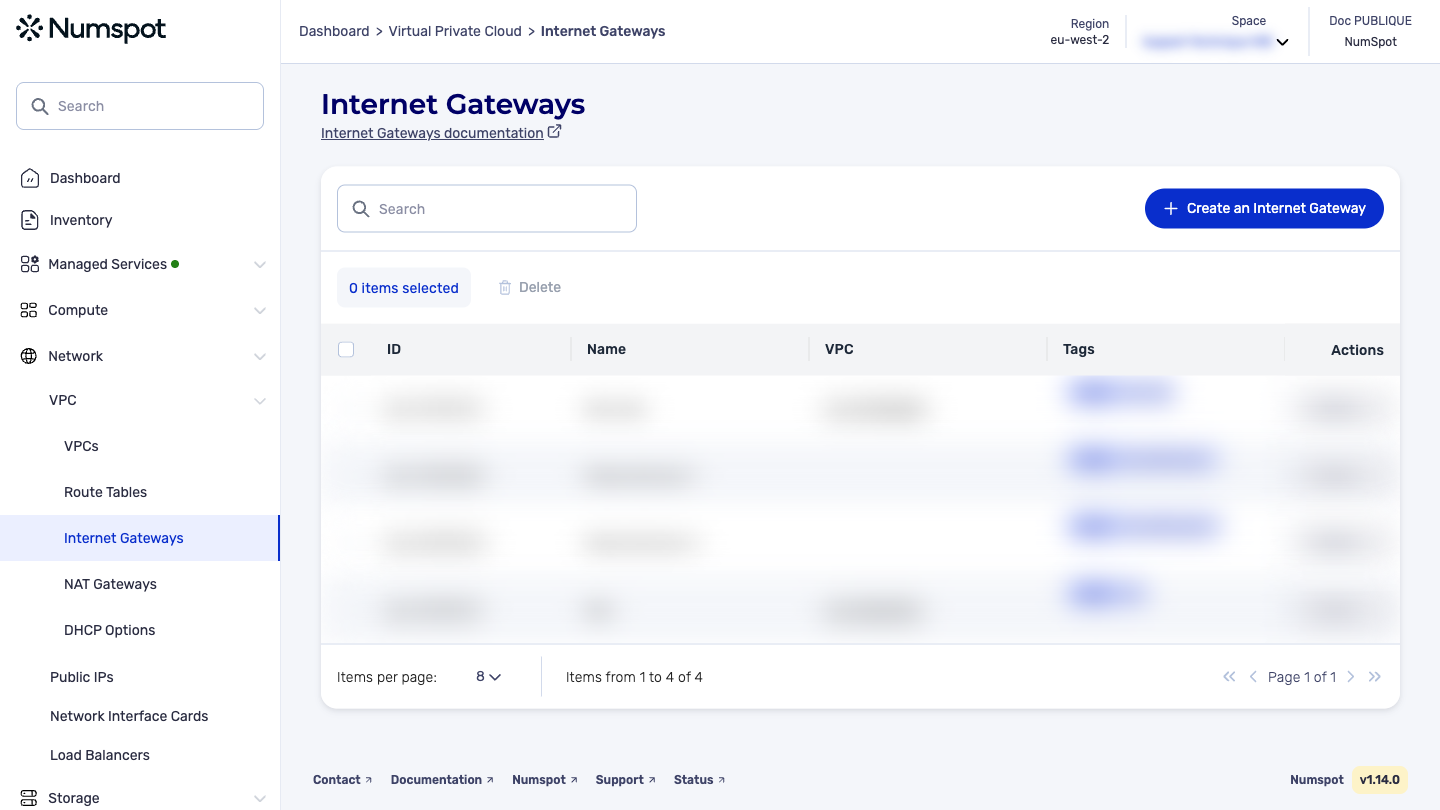
From the left-hand side menu, click Network → VPC → Internet Gateways.
-
Identify the internet gateway you want to detach from the VPC, then from the list of actions, click Detach from VPC.
A new Detach the VPC dialog box appears.
-
Confirm the dissociation by clicking Detach. The internet gateway is dissociated from the VPC.
A confirmation message "The VPC has been successfully dissociated" appears.
The PUT /compute/spaces/{spaceId}/internetGateways/{id}/vpcs/unlink command detaches an internet gateway from a VPC. This action disables and detaches an Internet service from a VPC.
Example request: Detach an internet gateway from a VPC
The command that detaches an internet gateway from a VPC returns an HTTP 204 NO CONTENT code, indicating that the operation has been performed and that no content is returned in the response.
The Terraform documentation is available on the Numspot registry ↗.