Update a user
You can update the user's basic information as well as deactivate the user.
Permissions
This action requires the following IAM (Identity and Access Management) permissions:
- iam.user.update
- Console
- API
- Terraform
-
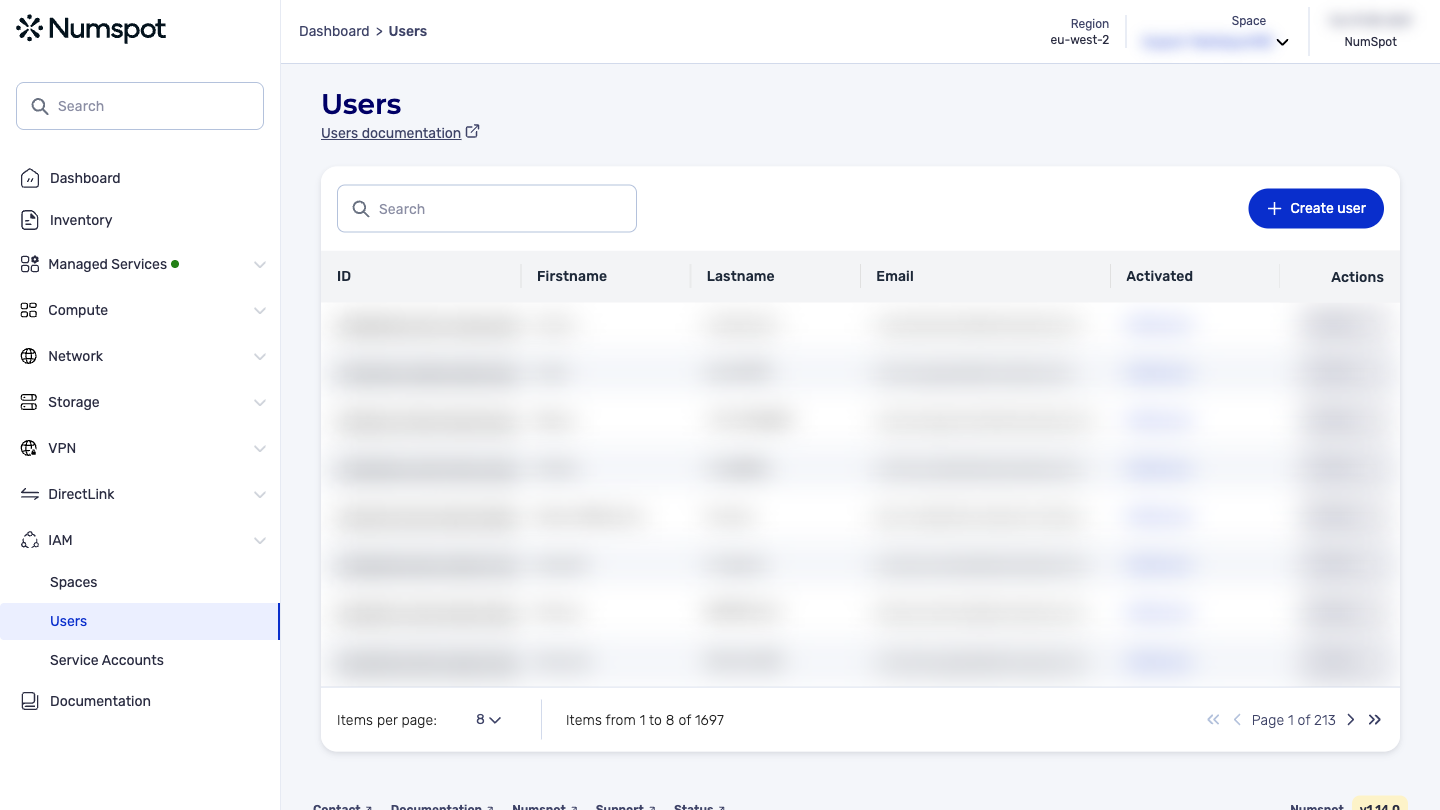
On the details page of a user, you can update their first name, last name and email address.
-
You can also deactivate this user to block their next login attempts.
-
As during their first login, you can also reset their password and their TOTP (Time-based One-Time Password) by sending them a new activation link.
tipYou can update roles or permissions individually.
You can also manage the spaces assigned to the selected user.
Update a user in an organization
Example:
curl 'https://api.{region}.numspot.com/iam/organisations/{organisationId}/users/{userId}' \
  --request PUT \
  --header 'Content-Type: application/json' \
  --data '{
  "email": "john.smith@acme.org",
  "firstname": "",
  "lastname": "",
  "active": true
}'
Response:
{
  "email": "john.smith@acme.org",
  "firstname": "…",
  "lastname": "…",
  "id": "123e4567-e89b-12d3-a456-426614174000",
  "active": true,
  "createdOn": "2018-11-13T20:20:39+00:00",
  "updatedOn": "2018-11-13T20:20:39+00:00"
}
All fields, whether modified or not, must be provided.
See the page on using the API for the implementation.
Update a user in a space
Example:
curl 'https://api.{region}.numspot.com/iam/spaces/{spaceId}/users/{userId}' \
  --request PUT \
  --header 'Content-Type: application/json' \
  --data '{
  "email": "john.smith@acme.org",
  "firstname": "",
  "lastname": "",
  "active": true
}'
Response:
{
  "email": "john.smith@acme.org",
  "firstname": "…",
  "lastname": "…",
  "id": "123e4567-e89b-12d3-a456-426614174000",
  "active": true,
  "createdOn": "2018-11-13T20:20:39+00:00",
  "updatedOn": "2018-11-13T20:20:39+00:00"
}
All fields, whether modified or not, must be provided.
See the page on using the API for the implementation.
The Terraform documentation is available on the Numspot registry ↗.