Create a space within an organization
An organization can create as many tenants (entities) of the Space type as it wishes. A space lets you isolate resources and users/service accounts. A user or service account can belong to several spaces of the organization and can have different permissions for each space. For example: an administrator on one space can be a read or write user on certain resources on others.
A space has the following properties:
- a name;
- a description.
Permissions
This action requires the following IAM (Identity and Access Management) permissions:
- iam.role.create
- Console
- API
- Terraform
-
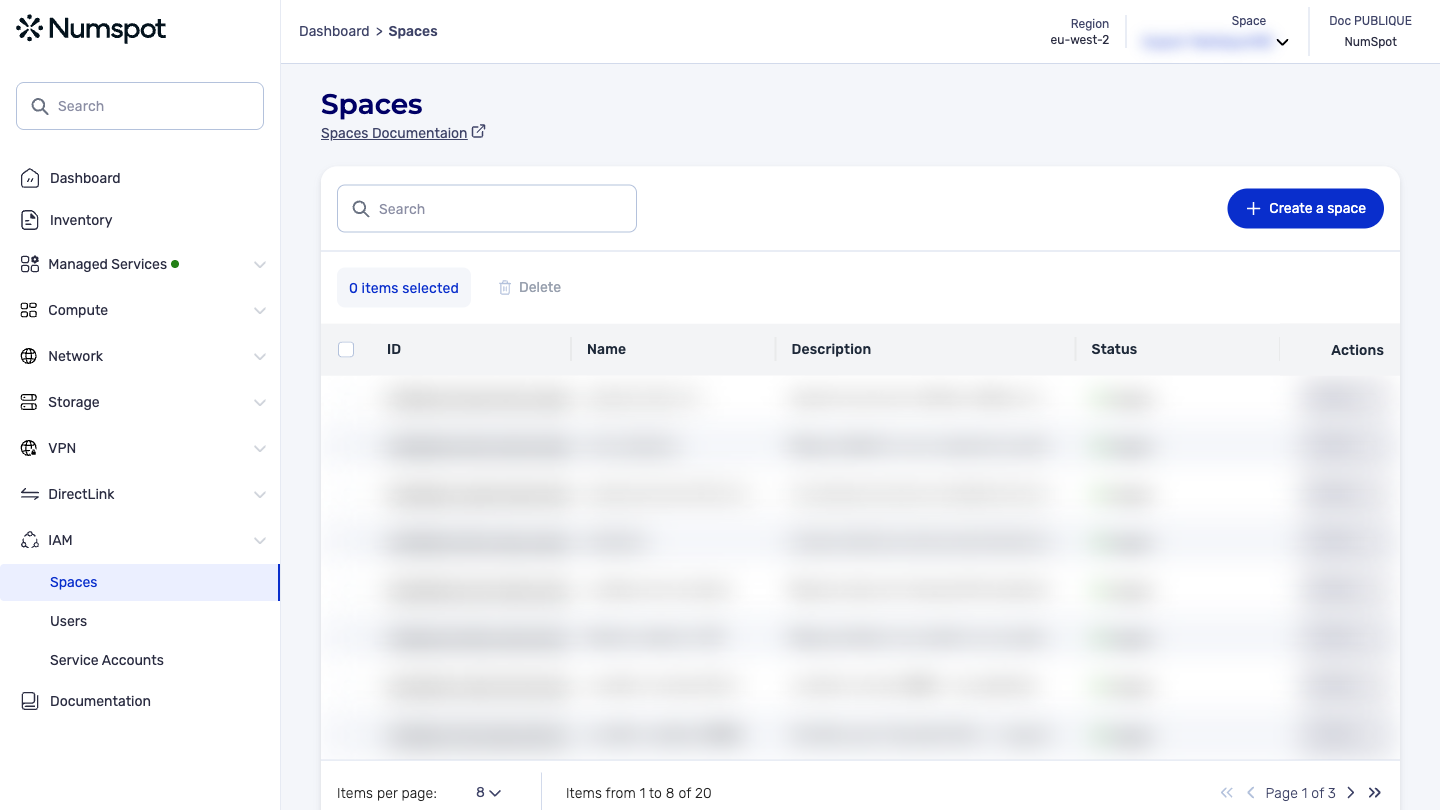
In the Spaces menu, click the Create a space button.
A new window appears. -
In the "Space name" and "Space description" fields, type the name and description of the new space to create.
-
Click the Create the space button. Back on the list of Spaces, a green pop-up window confirms that the new space has been created.
A space can take several seconds to be created.
As a result, it may not appear immediately in the list of spaces.
Example:
curl 'https://api.{region}.numspot.com/organisations/{organisationId}/spaces' \
  --request POST \
  --header 'Content-Type: application/json' \
  --data '{
  "name": "",
  "description": ""
}'
Response:
{
  "name": "…",
  "description": "…",
  "id": "123e4567-e89b-12d3-a456-426614174000",
  "organisationId": "123e4567-e89b-12d3-a456-426614174000",
  "status": "QUEUED",
  "createdOn": "2025-12-16T15:38:31.485Z",
  "updatedOn": "2025-12-16T15:38:31.485Z"
}
See the page on using the API for the implementation.
The Terraform documentation is available on the Numspot registry ↗.