Delete a space
Delete a space you no longer need. This operation is irreversible.
Permissions
This action requires the following IAM (Identity and Access Management) permissions:
- iam.role.delete
Deleting a space is irreversible. This action must be carried out with caution. The space will no longer be accessible after deletion.
To delete a space, make sure that all resources created in your space have been deleted. The existence of resources prevents the space from being deleted. They must first be deleted by the users to ensure that they are no longer billed.
If you need information about this operation, contact support at support@numspot.com or via https://support.numspot.com, providing the identifier of your organization as well as the identifier of the space to delete.
- Console
- API
- Terraform
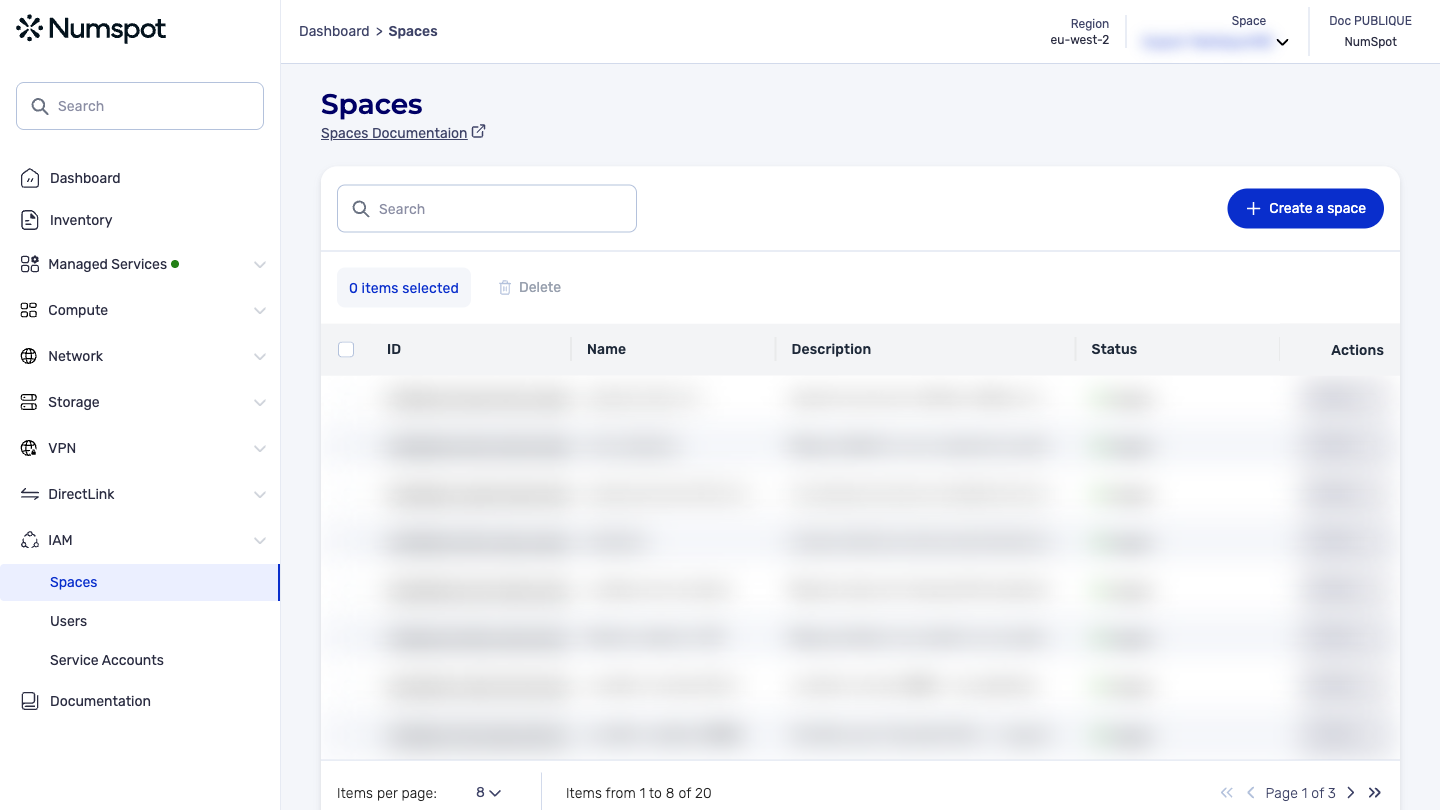
- In the Spaces menu, click the space to delete.
- Click the Delete the space button.
- A confirmation window appears. Click Confirm to proceed with the deletion.
A space can take several seconds to be deleted. Therefore, it may not appear immediately in the list of spaces.
Example:
curl 'https://api.{region}.numspot.com/organisations/{organisationId}/spaces/{spaceId}' \
  --request DELETE
See the page on using the API for implementation details.
The Terraform documentation is available on the Numspot registry ↗.