List the spaces assigned to a service account
Permissions
info
This action requires the following IAM (Identity and Access Management) permissions:
- iam.serviceAccount.get
- Console
- API
- Terraform
-
Log in to the Numspot console
-
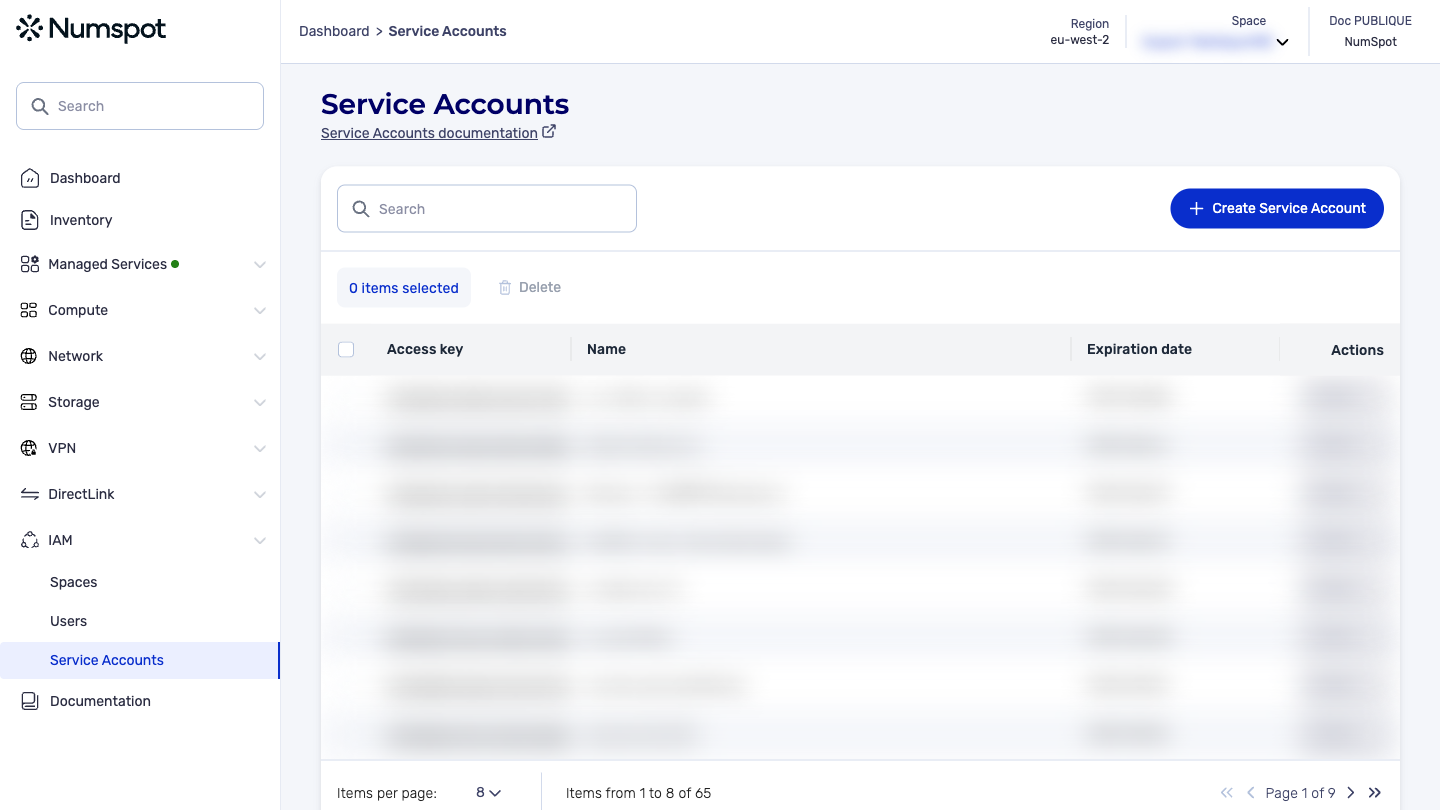
From the left-hand side menu, click IAM → Service accounts
-
You are redirected to the list of Service accounts
In the Service accounts table, click the identifier of the service account whose assigned spaces you want to view. You are then redirected to the details page of the service account.
- On the details page of the service account, you will find the list of spaces assigned to the service account as well as the roles and permissions associated with each of the spaces.
Example for a service account
export REGION="myregion"
curl -X 'GET' \
  http://api.$REGION.numspot.cloud/iam/organisations/{organisationId}/serviceAccounts/{serviceAccountId}/spaces?page%5Bsize%5D=20&page%5BnextToken%5D=string \
  -H 'accept: application/json'
Response
{
  "items": [
    {
      "id": "3fa85f64-5717-4562-b3fc-2c963f66afa6"
    }
  ]
}
info
See the page on using the API for the implementation.
The Terraform documentation is available on the Numspot registry ↗.