View the access rights of an identity
This operation can be carried out at the organization level or at the space level.
Permissions
This action requires the following IAM (Identity and Access Management) permissions:
- iam.permission.get
- Console
- API
-
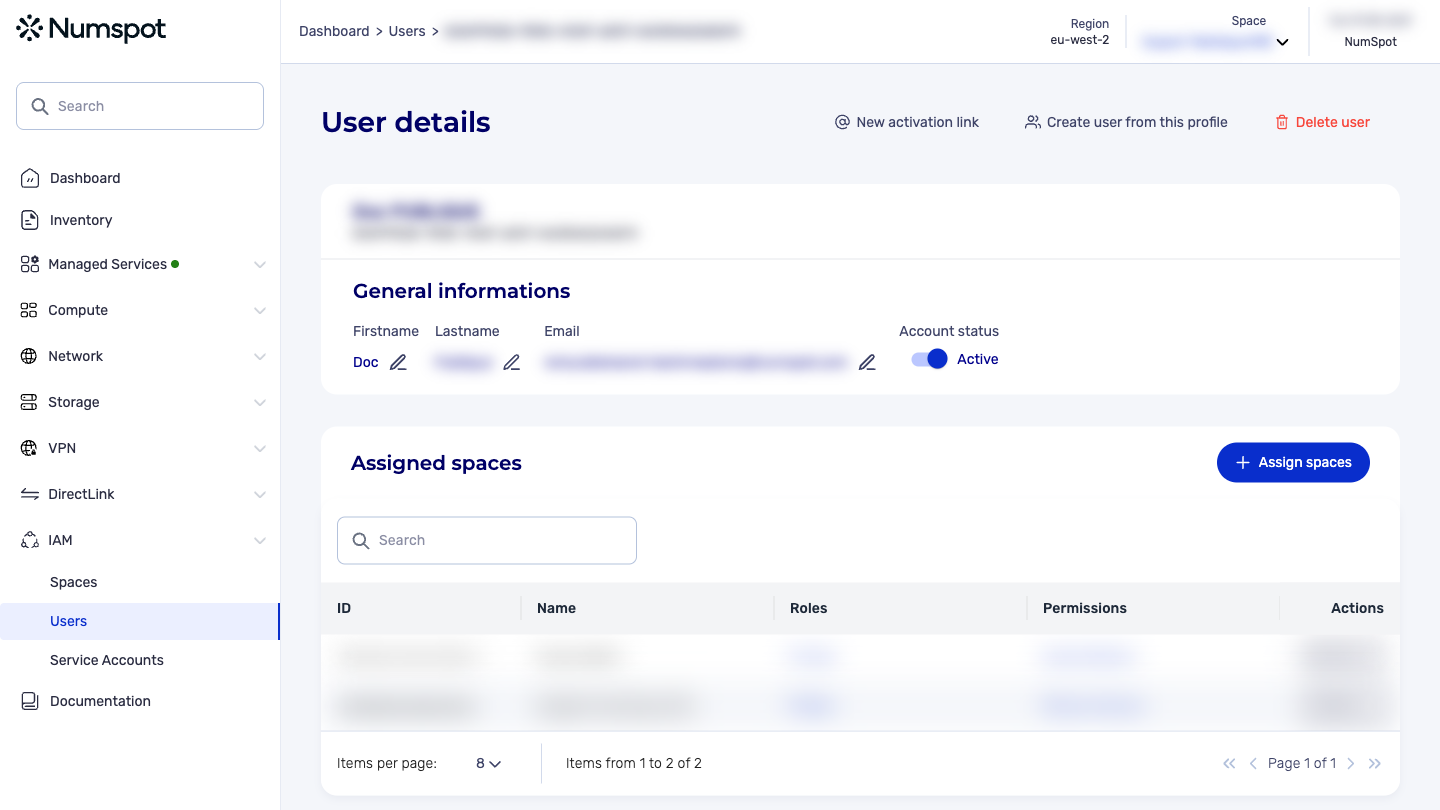
On the detail page of a user account, you can view the list of spaces assigned to a user.
-
By clicking X roles, you can view the list of roles assigned to this user, on the space associated with them.
-
By clicking X permissions, you can view the list of permissions assigned to this user, on the space associated with them.
View the access rights of a service account
-
On the detail page of a service account you can view the list of spaces associated with the service account.
-
By clicking the X roles link, you can view the list of roles assigned to this service account for the space associated with it.
-
By clicking the X permissions link, you can view the list of permissions assigned to this service account for the space associated with it.
Roles and permissions within an organization
Example with a curl:
curl 'https://api.{region}.numspot.com/iam/organisations/{organisationId}/iampolicy/{subjectType}/{subjectId}'
Response:
{
  "roles": [
    "123e4567-e89b-12d3-a456-426614174000"
  ],
  "permissions": [
    "123e4567-e89b-12d3-a456-426614174000"
  ]
}
See the page on API usage for the implementation.
Roles and permissions within a space
Example with a curl:
curl 'https://api.{region}.numspot.com/iam/spaces/{spaceId}/iampolicy/{subjectType}/{subjectId}'
Response:
{
  "roles": [
    "123e4567-e89b-12d3-a456-426614174000"
  ],
  "permissions": [
    "123e4567-e89b-12d3-a456-426614174000"
  ]
}
See the page on API usage for the implementation.