List images
You can obtain information about the images you can use to launch VM (Virtual Machine) either through the Numspot console or through the API (Application Programming Interface). This information can help you choose the image best suited to your needs to create your VM.
The list of images returns the official images and the private images of the space. You can filter the list by image type using the imageType parameter:
official: returns only the official Numspot images (open source Linux distributions)private: returns only the private images of the space
Permissions
This action requires the following IAM (Identity and Access Management) permissions:
- compute.image.get
- Console
- API
- Terraform
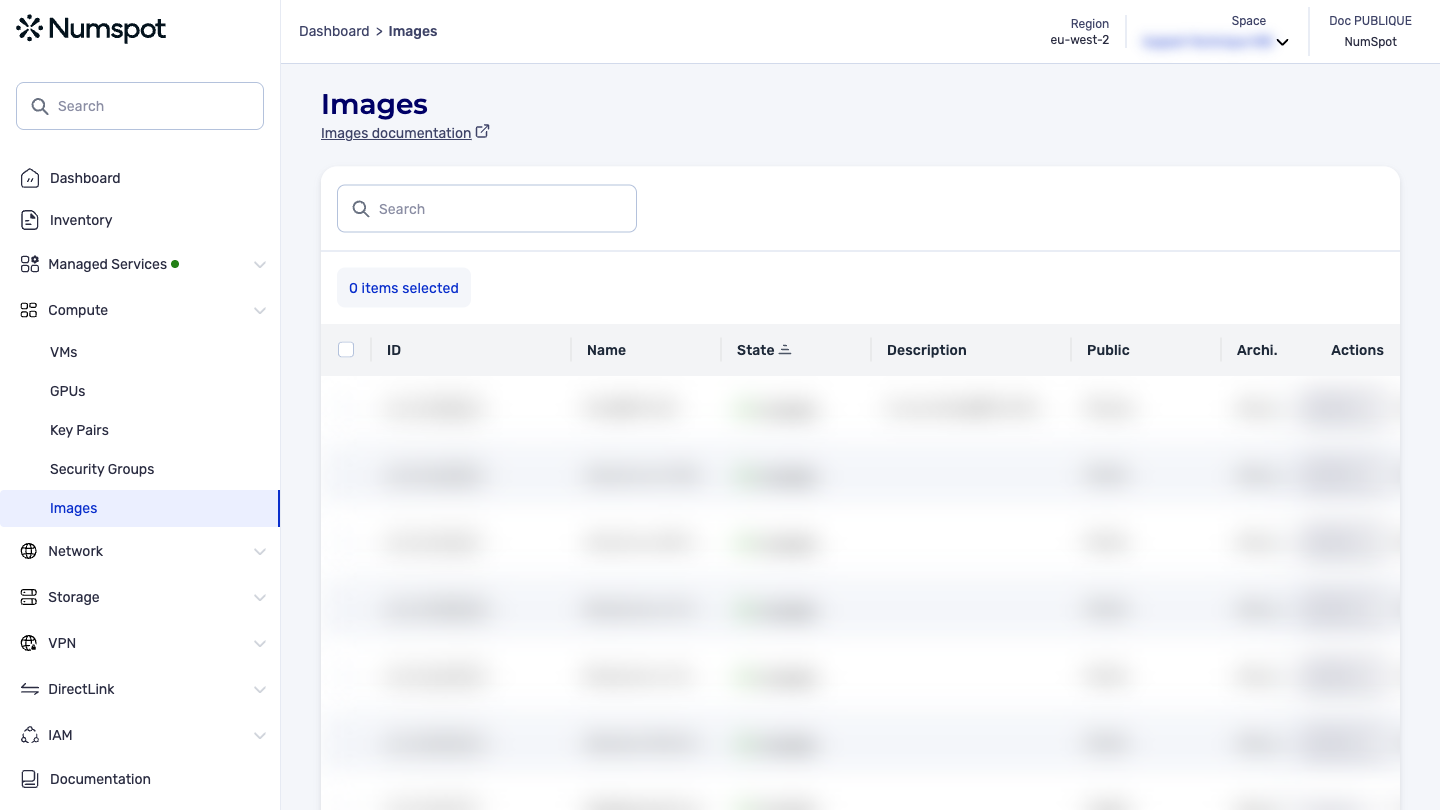
From the left-hand side menu, click Compute → Images to access the list of images.
You thus access the list of images.
The GET /compute/spaces/{spaceId}/images command lists your images that you can use to create VM.
Example request: List all your images
Obtain information about an image with the API
The GET /compute/spaces/{spaceId}/images/{id} command retrieves the information of an image.
The Terraform documentation is available on the Numspot registry ↗.