Connecting to the Numspot console
1. Prerequisites
To connect, make sure that you have the following:
- An active Numspot account.
- Your previously configured TOTP (Time-based One-Time Password) application.
- A modern, up-to-date web browser (Chrome, Firefox, Edge, Safari).
- The console URL corresponding to the region of your Cloud infrastructure.
- For the standard region: https://auth.eu-west-2.numspot.com/login
- For the SNC region: https://auth.cloudgouv-eu-west-1.numspot.com/login
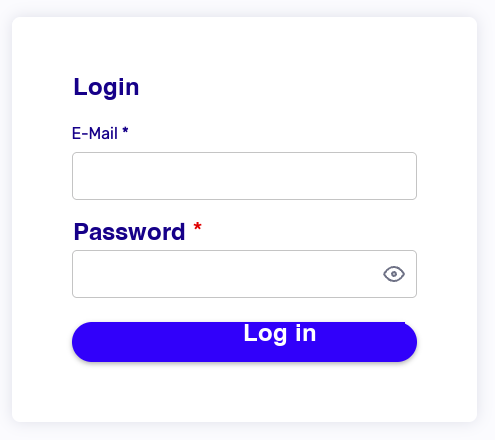
2. Username and password
Enter your username and password.
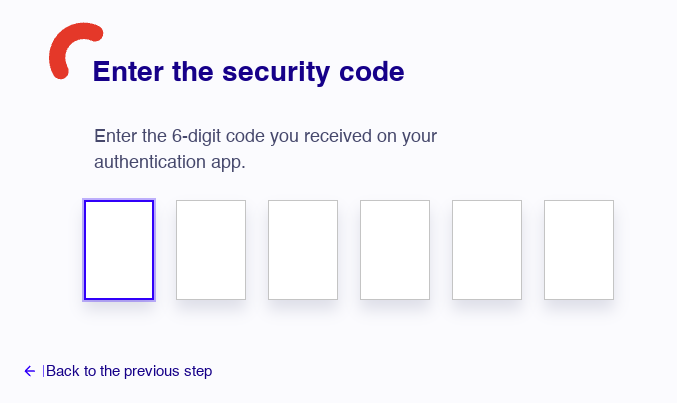
3. TOTP validation
Enter the 6-digit code displayed in your authentication (TOTP) application.
4. Redirection to the console
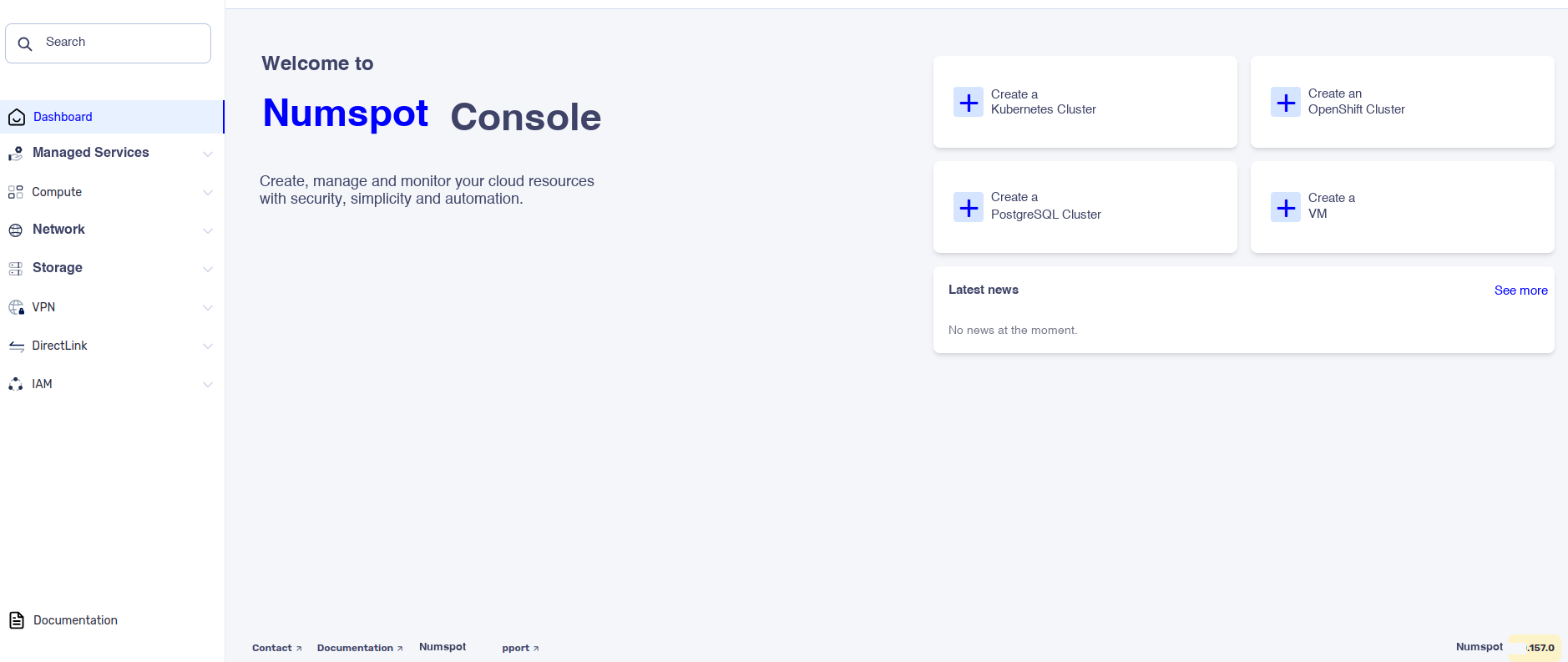
You are then redirected to the Numspot console home page.