View DLP decision logs
Reviewed on · View on GitHub
View decision logs to track evaluations performed by the DLP service. Each evaluation produces a log containing the decision rendered, the DLP rules triggered and the fields modified.
Permissions
info
This action requires the following DLP (Data Loss Prevention) role:
- viewer
- Console
- API
Console
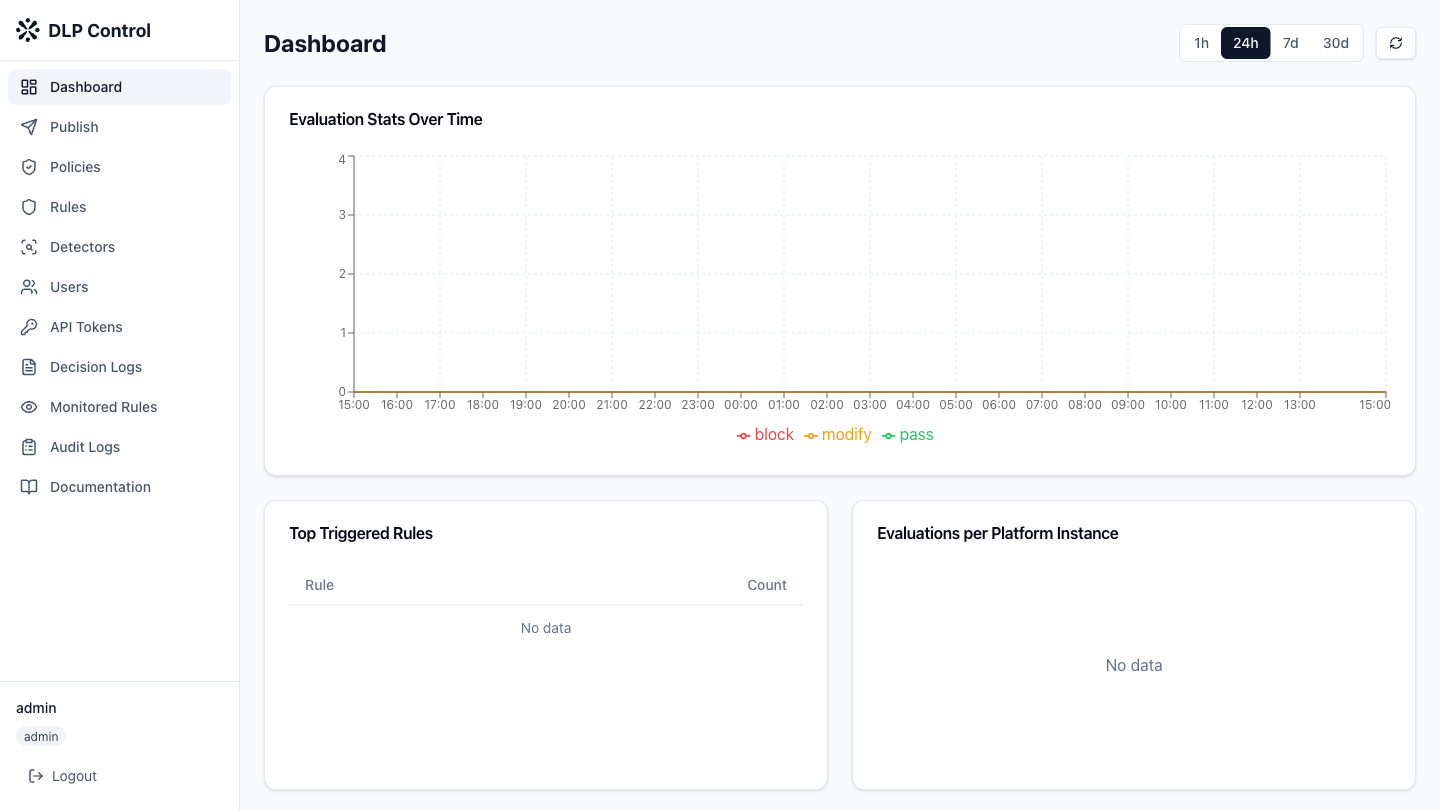
- In the DLP console, click Decision Logs in the sidebar.
Filtering logs
Use the available filters to refine the search:
- Platform instance: filter by platform instance;
- Decision: filter by decision type —
pass,blockormodify; - Time range: filter by time period.
Log details
Click a log to display its details:
- the request identifier;
- the consuming platform;
- the decision rendered;
- the rules triggered;
- the fields modified;
- the HTTP status code;
- the processing latency.
The GET /api/v1/logs/decisions request searches decision logs.
Query parameters
| Parameter | Description |
|---|---|
platform_instance | Filter by platform instance |
decision | Filter by decision: pass, block or modify |
time_start | Start date of the period (ISO 8601) |
time_end | End date of the period (ISO 8601) |
Response example
{
  "logs": [
    {
      "id": "log-001",
      "timestamp": "2026-08-27T14:30:00Z",
      "platform_instance": "mistral-prod-eu",
      "request_id": "req-abc123",
      "decision": "block",
      "rule_ids": ["rule-550e8400"],
      "triggered_by": [
        {
          "rule_id": "rule-550e8400",
          "detector": "@preset:aws_access_key_id",
          "field": "tool_arguments"
        }
      ],
      "modified_fields": [],
      "endpoint": "/v1/evaluate",
      "status_code": 200,
      "latency_ms": 12
    }
  ],
  "total": 1
}