Delete a DLP user
Reviewed on · View on GitHub
Delete a user from the DLP service. The deleted user immediately loses access to the DLP console.
Permissions
info
This action requires the following DLP (Data Loss Prevention) role:
- admin
warning
The internal numspot account cannot be deleted. The last admin account cannot be deleted — make sure at least one admin remains after deletion.
- Console
- API
Console
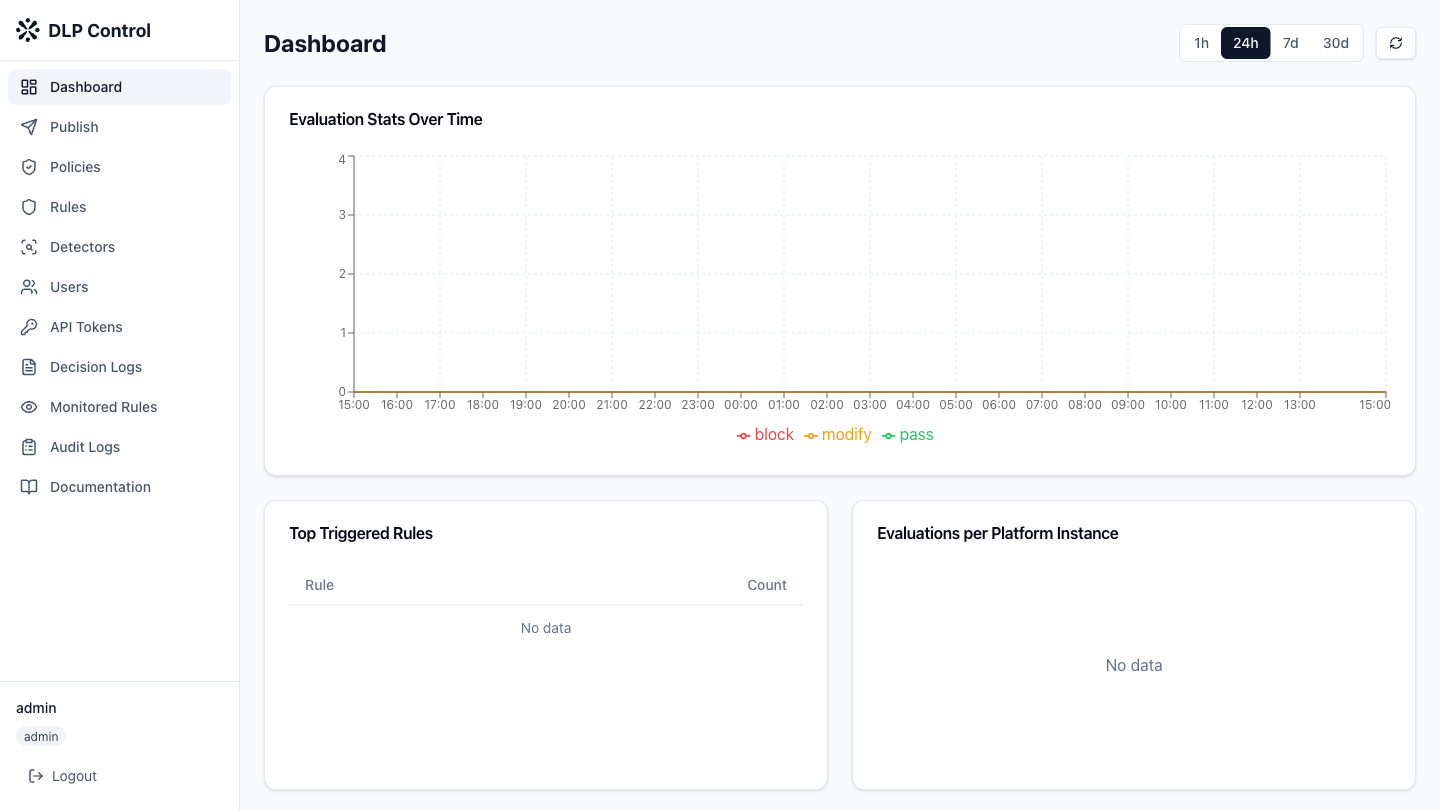
- In the DLP console, click Users in the sidebar.
- Click the delete icon (trash) on the row of the user to delete.
- Confirm the deletion in the dialog box.
Restrictions
- The internal numspot account cannot be deleted;
- The last admin account cannot be deleted. If you need to delete the last admin, assign the admin role to another user first.