Delete a user
Reviewed on · View on GitHub
Deleting a user is a high-impact, irreversible administration operation.
warning
This action is irreversible.
Permissions
info
This action requires the following IAM (Identity and Access Management) permissions:
- iam.user.delete
- Console
- API
- Terraform
Console
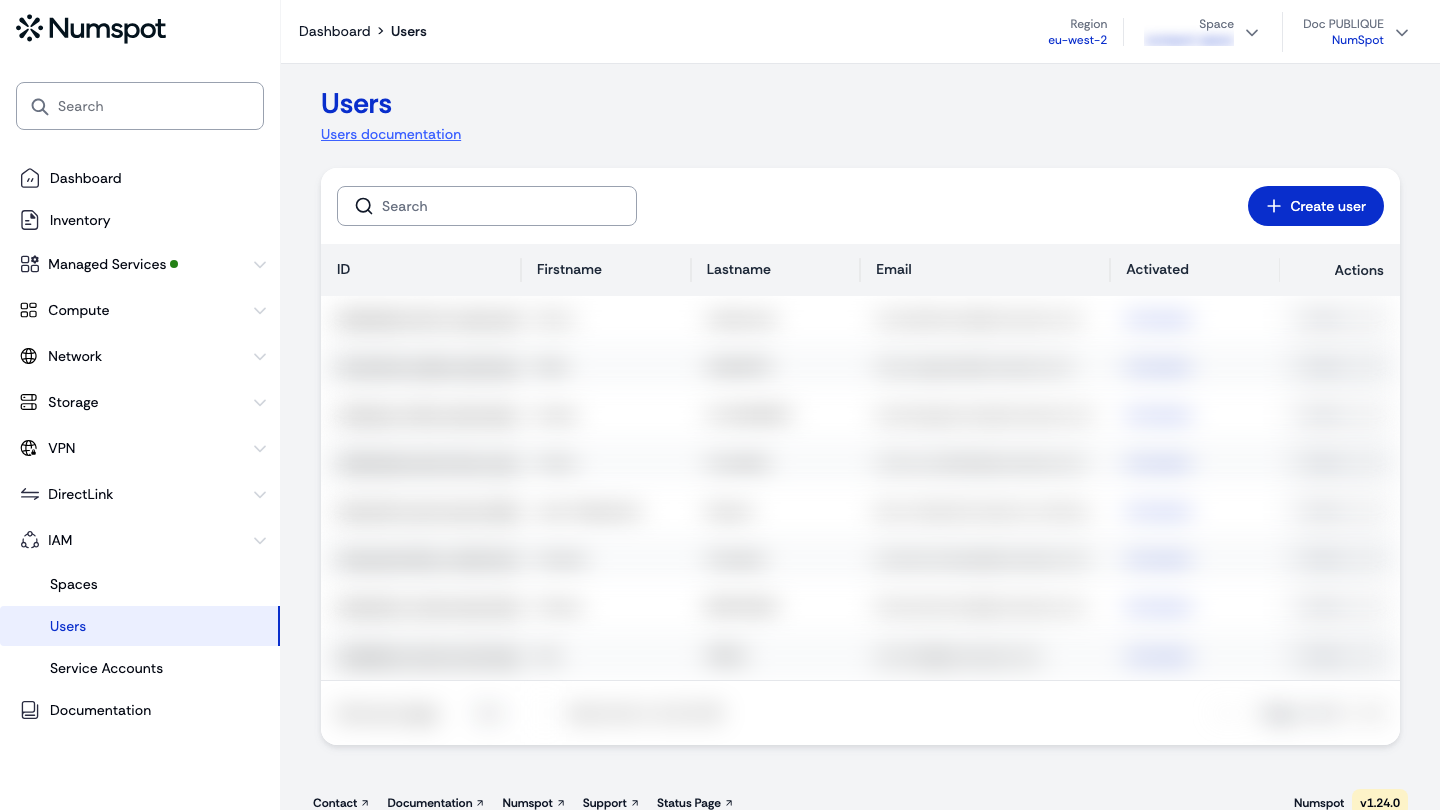
- In the users table, click the Actions button of the user to delete, then Delete. The "Delete user" dialog appears.
- In the "Strong confirmation" field, enter the first name and last name of the user to delete.
- Click Delete.
You can also delete a user from their "User details" page, using the Delete user button at the top right.
warning
Deleting a user from the organisation automatically deletes their API keys. Policies directly associated with them are left orphaned.
API
Delete a user in an organisation
User deletion API documentation
Example
curl 'https://api.{region}.numspot.com/iam/organisations/{organisationId}/users/{userId}' \
  --request DELETE
info
See the API usage page for details.
Terraform
The Terraform documentation is available on the Numspot registry ↗.